
概要
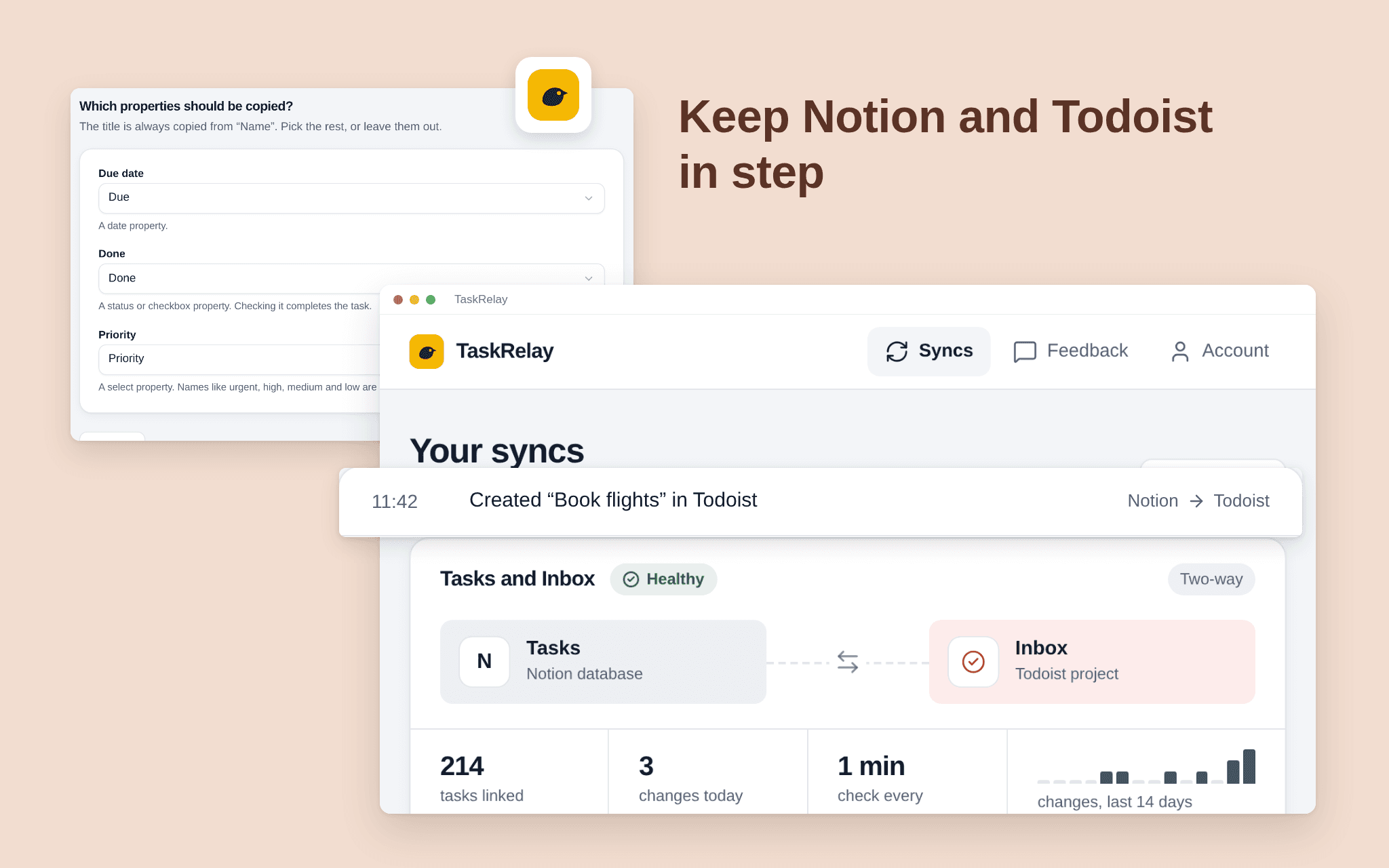
TaskRelay keeps a Notion database and a Todoist project in step. Add or edit a task on either side and it shows up on the other within a couple of minutes. Pick one Notion database and one Todoist project; TaskRelay only touches those two. Choose two-way or Notion first, and which fields travel, such as title and due date. See what the first sync will do before it runs. A dashboard shows every sync's health, the last run and what changed. Free while in beta.
機能
- コンテンツを読み取る、挿入、更新このコネクトと共有されているページ、データベース、ブロックを読み取る、挿入、更新できます。
- ワークスペースユーザーを表示するワークスペースメンバーとゲストに関する基本的なプロフィール情報(メールアドレスなど)を読み取ります。
使い方
1. Open the install link and sign in with Notion. 2. Select the pages or databases TaskRelay may use; it only sees what you share. 3. Connect Todoist. 4. Choose the Notion database and the Todoist project, the fields and the direction. 5. Check the preview and start the sync.