
QilinChat
概要
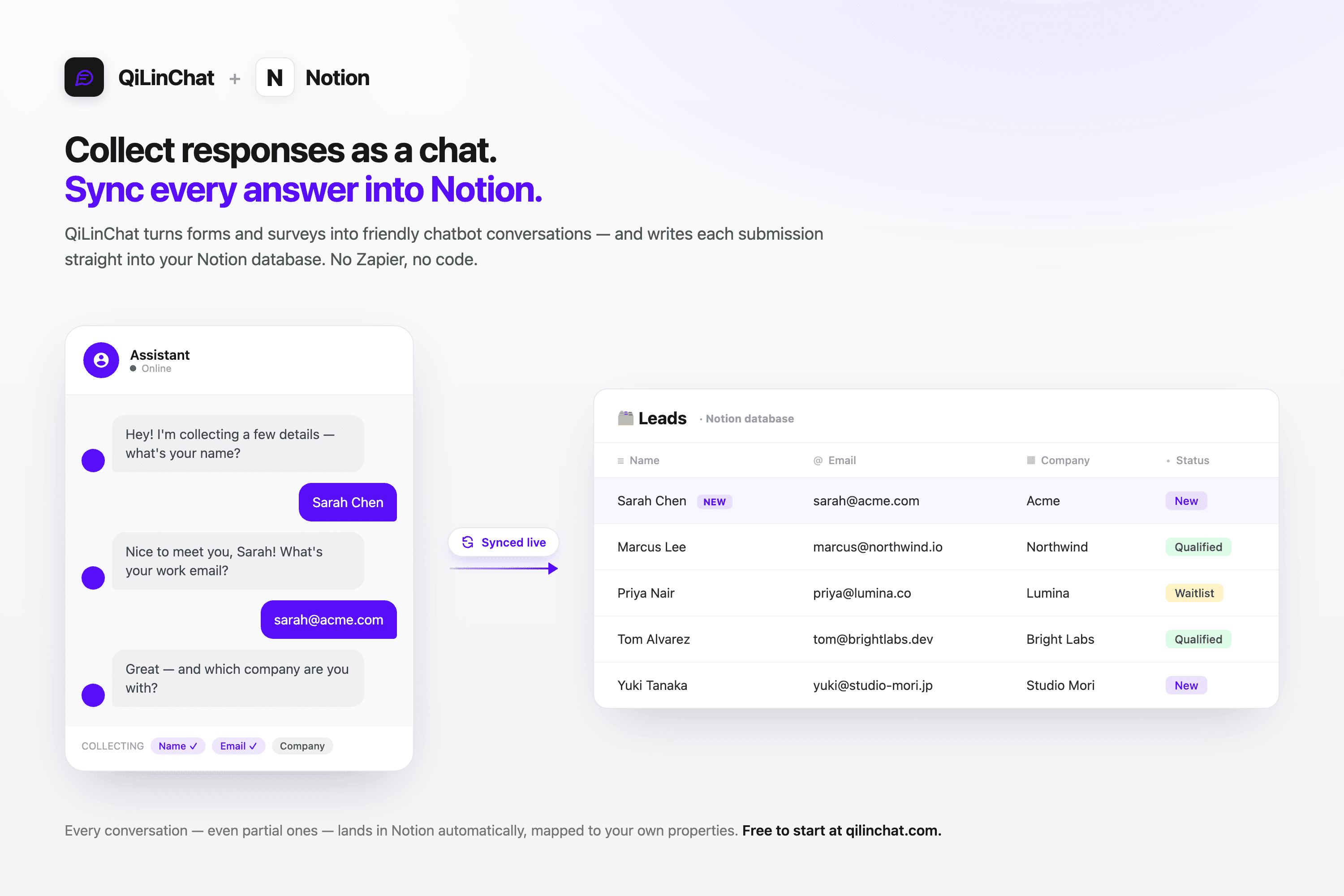
QiLinChat is a no-code chatbot builder that turns your forms and surveys into friendly, conversational chatbots — and syncs every response straight into your Notion database.
Instead of a static form, your visitors answer one question at a time in a chat that feels human. The moment they finish, QiLinChat creates a new page in the Notion database you choose, with each answer mapped to the right property. No Zapier, no Make, no code.
Connect Notion in one click from any chatbot's Integration tab, pick the target database, and map your fields. From then on, every submission — even partial ones — lands in Notion automatically, ready for your team to filter, sort, and act on.
Key features:
• One-click Notion connection — authorize once, reuse across all your chatbots
• Field mapping — send each answer to the right Notion property
• Real-time sync — responses appear in Notion the moment they're collected
• Partial responses captured, not just completed ones
• Works with both fixed-flow and AI-powered chatbots
• Embed anywhere with a single line of code
Perfect for lead capture, waitlists, surveys, feedback, intake forms, and onboarding — anywhere you want conversational data collection flowing straight into Notion.
Get started free at qilinchat.com — no credit card required.
機能
- コンテンツを読み取る、挿入、更新このコネクトと共有されているページ、データベース、ブロックを読み取る、挿入、更新できます。
- ワークスペースユーザーを表示するワークスペースメンバーとゲストに関する基本的なプロフィール情報(メールアドレスなど)を読み取ります。
使い方
1. Create a free account at qilinchat.com.
2. Build a chatbot on the visual canvas — add your questions, logic, and (optionally) AI steps. No code required.
3. Open the chatbot's Integration tab and click "Connect Notion."
4. Authorize QiLinChat to access the Notion pages you choose.
5. Select the Notion database where responses should be saved, then map each chatbot field to a Notion property.
6. Copy the one-line embed snippet and add it to your website (or share the hosted link).
7. Done — every response your chatbot collects now syncs into your Notion database automatically, including partial submissions.
Tip: You can connect Notion to as many chatbots as you like. Notion sync is available on every plan, including Free.