
概要
Qase is the test management platform where manual runs, automation results and AI-generated test cases live in one place. Connect Notion, and the requirement pages your team already writes feed your tests directly: link a page to its Qase test cases or defects, or open it in AIDEN, Qase's AI Test Case Designer. AIDEN can generate test cases from the spec, or import the content for you to draft from. Either way, no copy-pasting.
機能
- コンテンツを読み取る、挿入、更新このコネクトと共有されているページ、データベース、ブロックを読み取る、挿入、更新できます。
- ワークスペースユーザーを表示するワークスペースメンバーとゲストに関する基本的なプロフィール詳細を読み取ります。
使い方
- In Qase, open Apps → Notion and authorize via OAuth.
- Browse your Notion pages and databases from inside Qase. Link them to test cases or defects.
- Open a Notion page in AIDEN's Test Case Designer. Generate cases from the spec, or draft your own from the imported content.
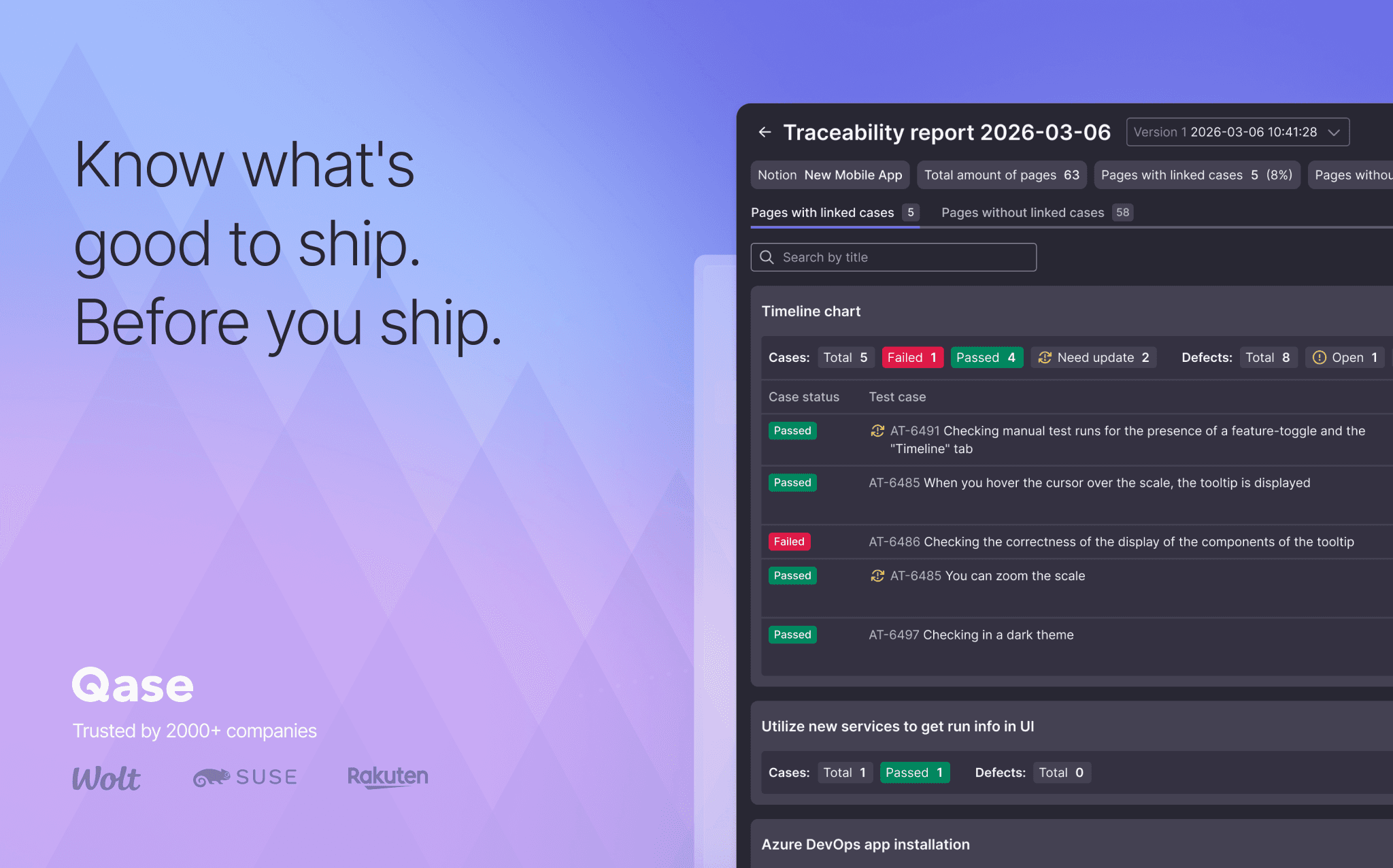
- Open the Requirement Traceability Report to see which Notion pages still need coverage.