概要
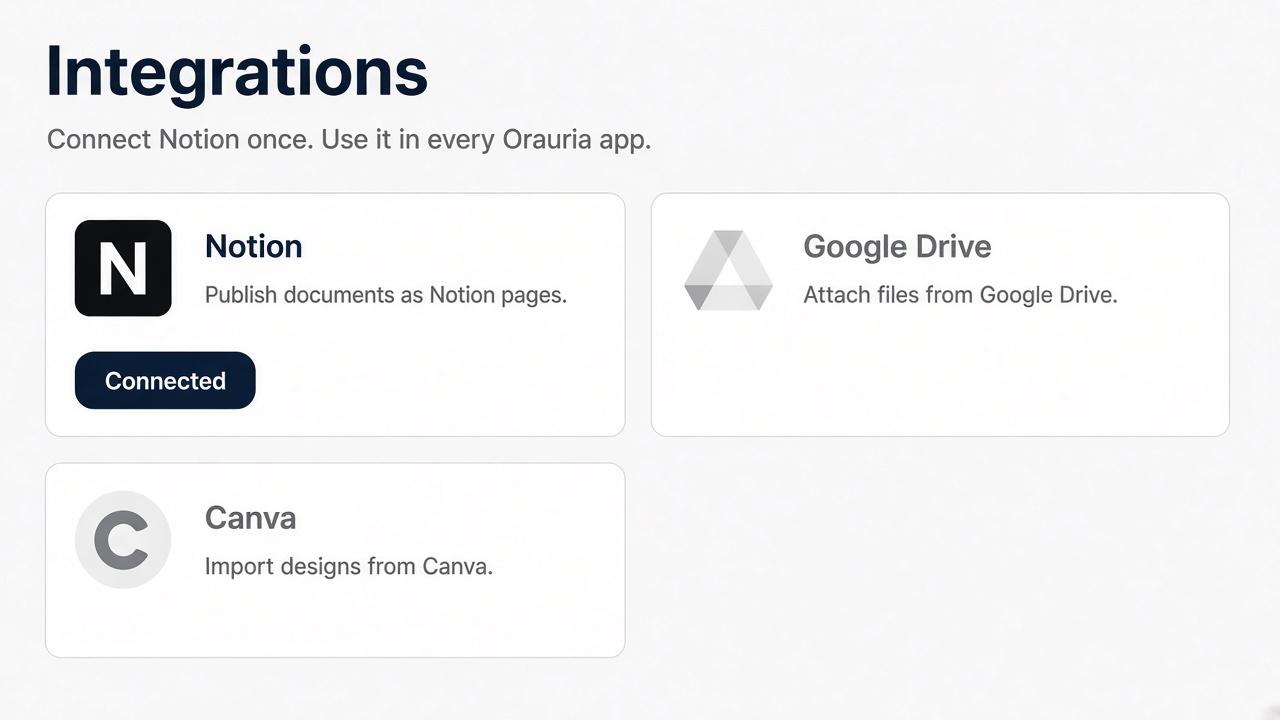
Orauria AI connects your Notion workspace so you can publish documents you create in Orauria into Notion pages you select. You approve the workspace and pages on Notion’s own screen. Orauria keeps the connection on your Orauria account.
機能
- コンテンツを読み取る、挿入、更新このコネクトと共有されているページ、データベース、ブロックを読み取る、挿入、更新できます。
- コメントを読み取る、追加アクセスできるページとブロックにコメントを読み取る、追加ことができます。
- ワークスペースユーザーを表示するワークスペースメンバーとゲストに関する基本的なプロフィール情報(メールアドレスなど)を読み取ります。
使い方
1. Sign in at https://orauria.com.
2. Open Account, then Integrations.
3. Select Connect on Notion.
4. Choose your Notion workspace and the pages to share, then allow access.
5. You return to Orauria and Notion shows as connected.
Disconnect any time from Account → Integrations, or remove Orauria AI in Notion Settings → Connections.