概要
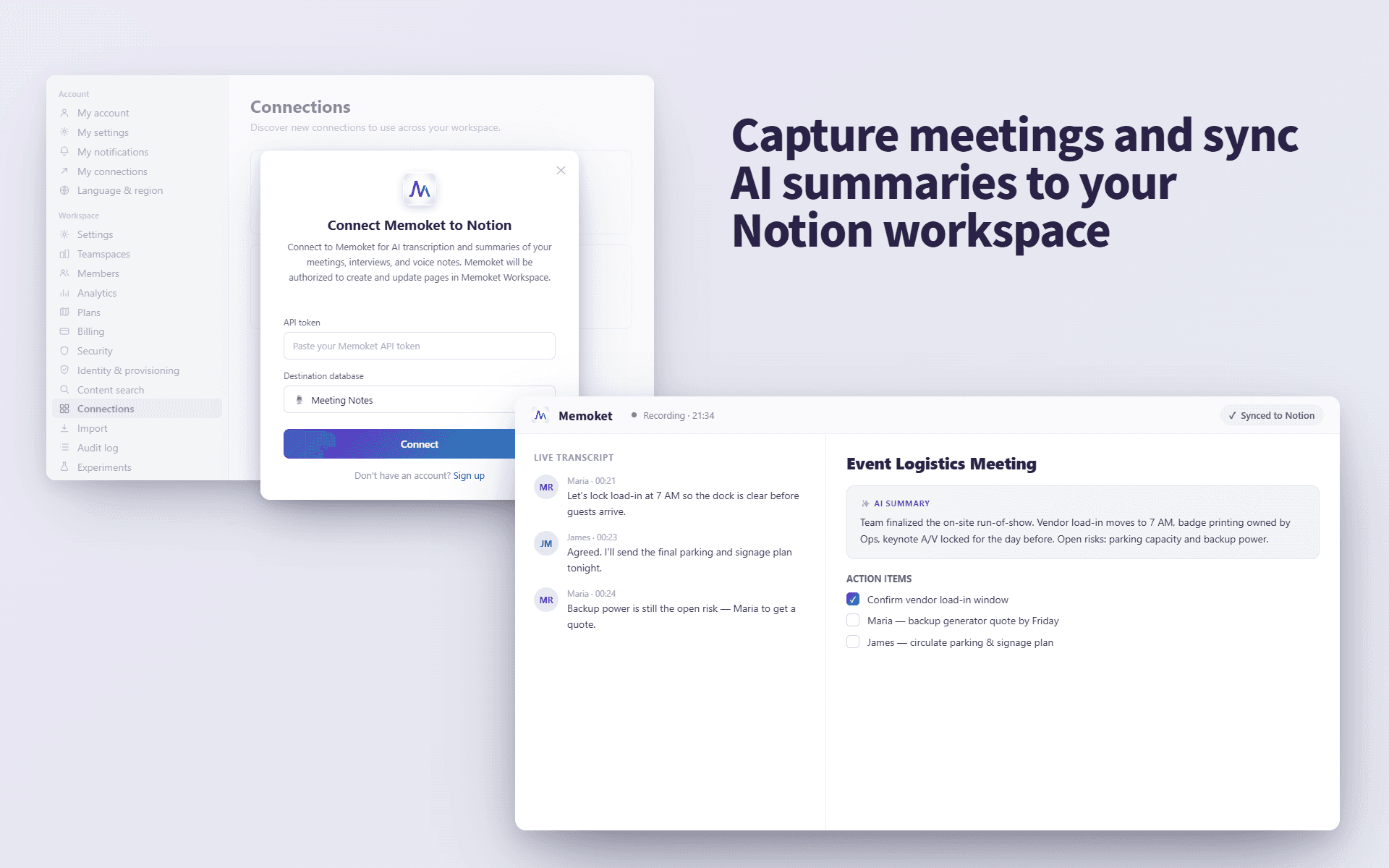
Memoket helps you turn conversations, meetings, interviews, and voice notes into structured transcripts and AI summaries, then send them directly to your Notion pages.
Use Memoket to keep important discussions, research calls, meeting notes, and personal ideas organized in your Notion workspace.
機能
- コンテンツを読み取る、挿入、更新このコネクトと共有されているページ、データベース、ブロックを読み取る、挿入、更新できます。
- ワークスペースユーザーを表示するワークスペースメンバーとゲストに関する基本的なプロフィール情報(メールアドレスなど)を読み取ります。
使い方
Open the Memoket app and go to Settings → Integrations (Connections), then tap "Connect Notion." You'll be redirected to Notion's authorization page, where you choose your workspace and select the specific pages you want Memoket to access. After you click "Allow access," you'll be redirected back to Memoket and the connection is active. From then on, open any recording, choose "Send to Notion," and pick a destination page — Memoket sends the transcript and AI summary to that Notion page.
Note: Memoket can only access the pages you select during authorization. You can review or revoke access anytime in Notion → Settings → Connections.