

概要
Hirify records and transcribes your recruitment interviews, then writes structured interview notes for each candidate.
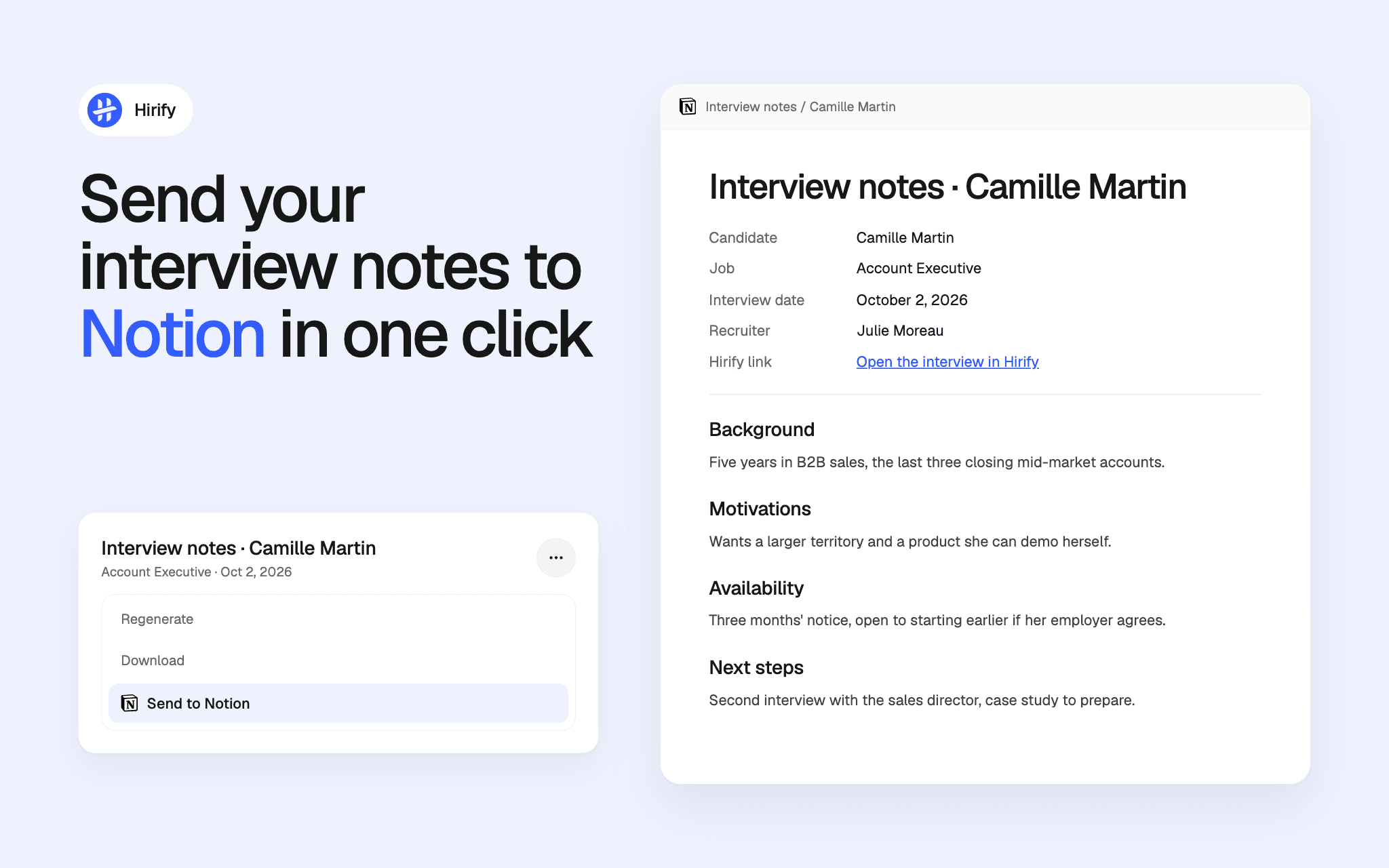
With this connection, a recruiter sends any completed interview note to a Notion database chosen by their organization. Each note becomes a page in that database, with its content and the columns you decide to fill: candidate, job, interview date, recruiter, and a link back to the interview in Hirify.
Sending the same note again updates its existing page instead of creating a duplicate. The connection only writes to the database you share with it, and nothing is read back from Notion into Hirify.
機能
- コンテンツを読み取る、挿入、更新このコネクトと共有されているページ、データベース、ブロックを読み取る、挿入、更新できます。
使い方
1. In Hirify, open Settings > Integrations and click Connect on the Notion row. This step requires an organization admin.
2. In Notion, select the database that will receive your interview notes and allow access.
3. Back in Hirify, choose that database and match each column to the information Hirify fills.
4. Open an interview note, click the "…" menu and select "Send to Notion".
