概要
Pasting into Notion breaks things: tables turn into plain text, code loses its block, nested lists flatten. Clipper Pro turns what you read into real Notion blocks before it lands.
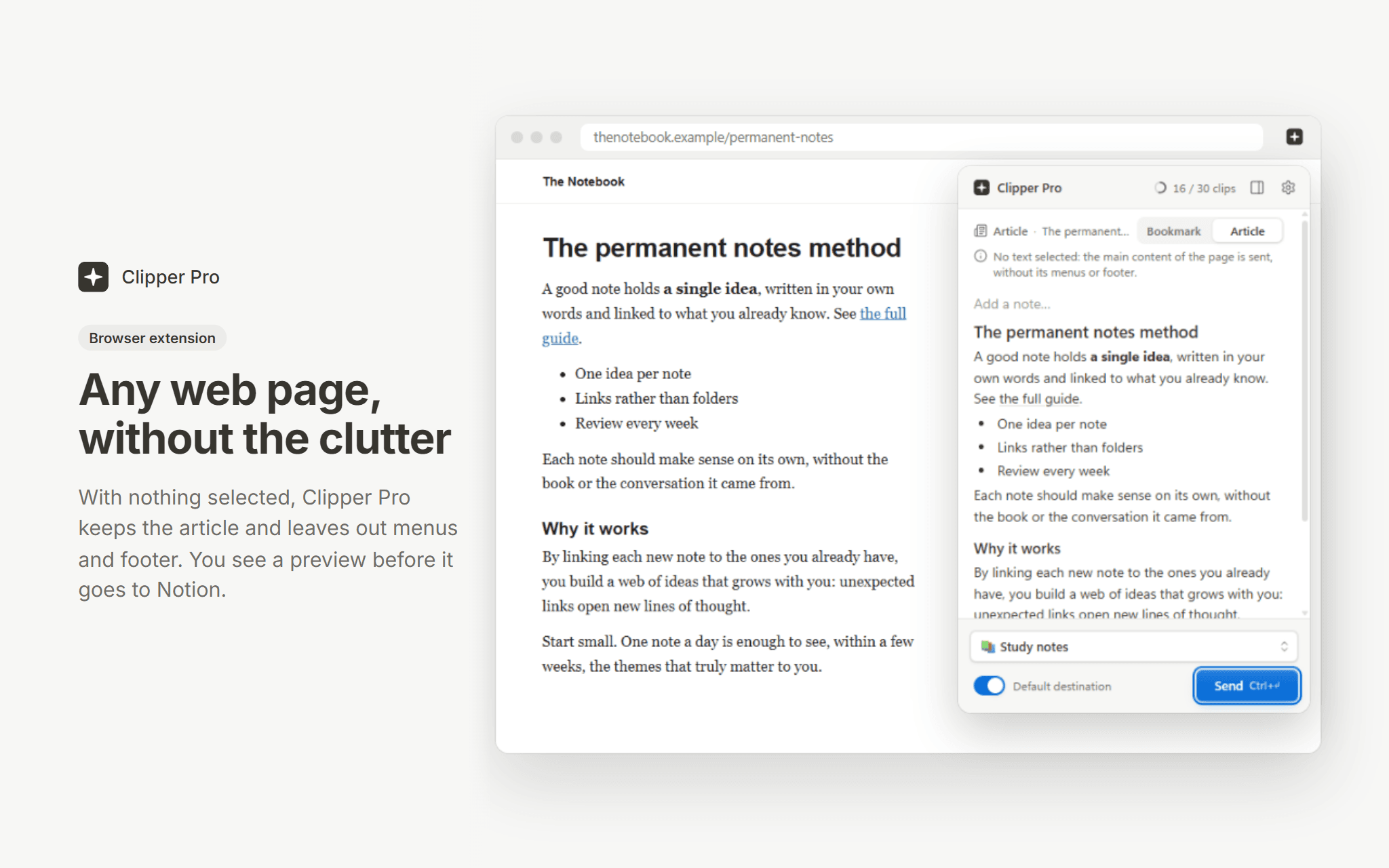
The Chrome and Edge extension sends a whole article without its menus, a selection, an image or a link, with a preview first and a side panel to collect passages from several tabs. The desktop app (Windows, macOS, Linux) does the same for anything you copy, from a Word file, a PDF or an email, with an offline queue.
Answers from ChatGPT, Claude and Gemini arrive whole, and ChatGPT formulas become equation blocks. Pick any page or database of your workspace as the destination, or set a default one.
Free plan: 30 clips a month, no time limit. Premium is unlimited. Clipper Pro is built by an independent developer and is not affiliated with Notion.
機能
- コンテンツを読み取る、挿入、更新このコネクトと共有されているページ、データベース、ブロックを読み取る、挿入、更新できます。
- コメントを読み取る、追加アクセスできるページとブロックにコメントを読み取る、追加ことができます。
- ワークスペースユーザーを表示するワークスペースメンバーとゲストに関する基本的なプロフィール情報(メールアドレスなど)を読み取ります。
使い方
1. Install the Chrome or Edge extension, or the desktop app, from clipperpro.app/download.
2. Sign in and connect your Notion workspace, then choose the pages Clipper Pro may write to.
3. Select something on a web page (or copy it in any app), pick a destination page or database, and send. In the browser, Alt+Shift+K clips the current selection.