
概要
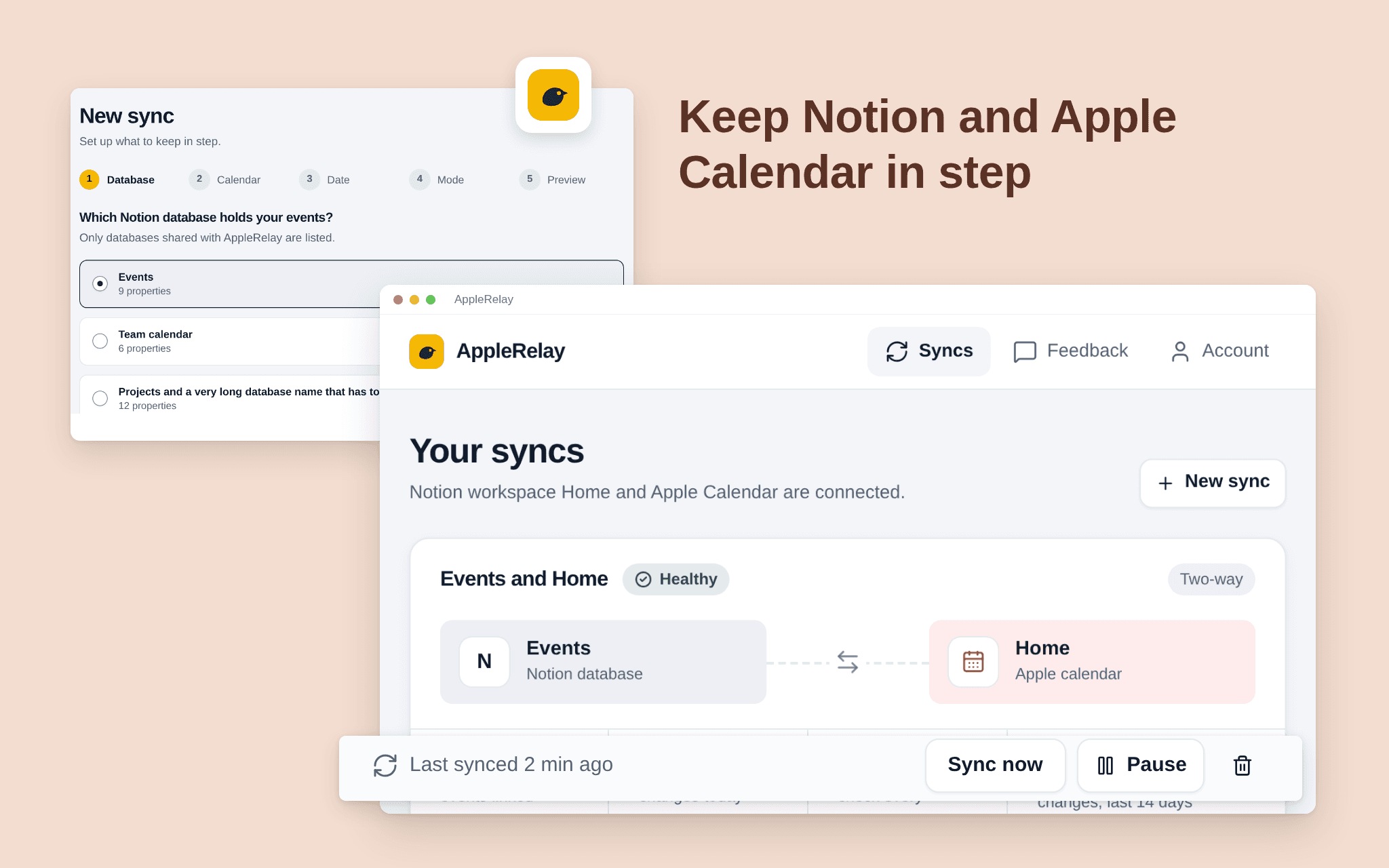
AppleRelay keeps a Notion database and an iCloud calendar in step, both ways or one way. Pick the database, the calendar and the date property; events you add or change in one place appear in the other.
Pick one Notion database and one iCloud calendar; AppleRelay only touches those two.
Choose two-way, Notion first or calendar first.
See what the first sync will do before it runs.
A dashboard shows every sync's health, the last run and what changed.
Calendar events only, not Reminders. Free while in beta.
機能
- コンテンツを読み取る、挿入、更新このコネクトと共有されているページ、データベース、ブロックを読み取る、挿入、更新できます。
- ワークスペースユーザーを表示するワークスペースメンバーとゲストに関する基本的なプロフィール情報(メールアドレスなど)を読み取ります。
使い方
1. Open the install link and sign in with Notion.
2. Select the pages or databases AppleRelay may use (it only sees what you share).
3. Connect your iCloud calendar with an app-specific password from your Apple Account.
4. Choose the Notion database, the calendar, the date property and the direction.
5. Check the preview and start the sync.