概要
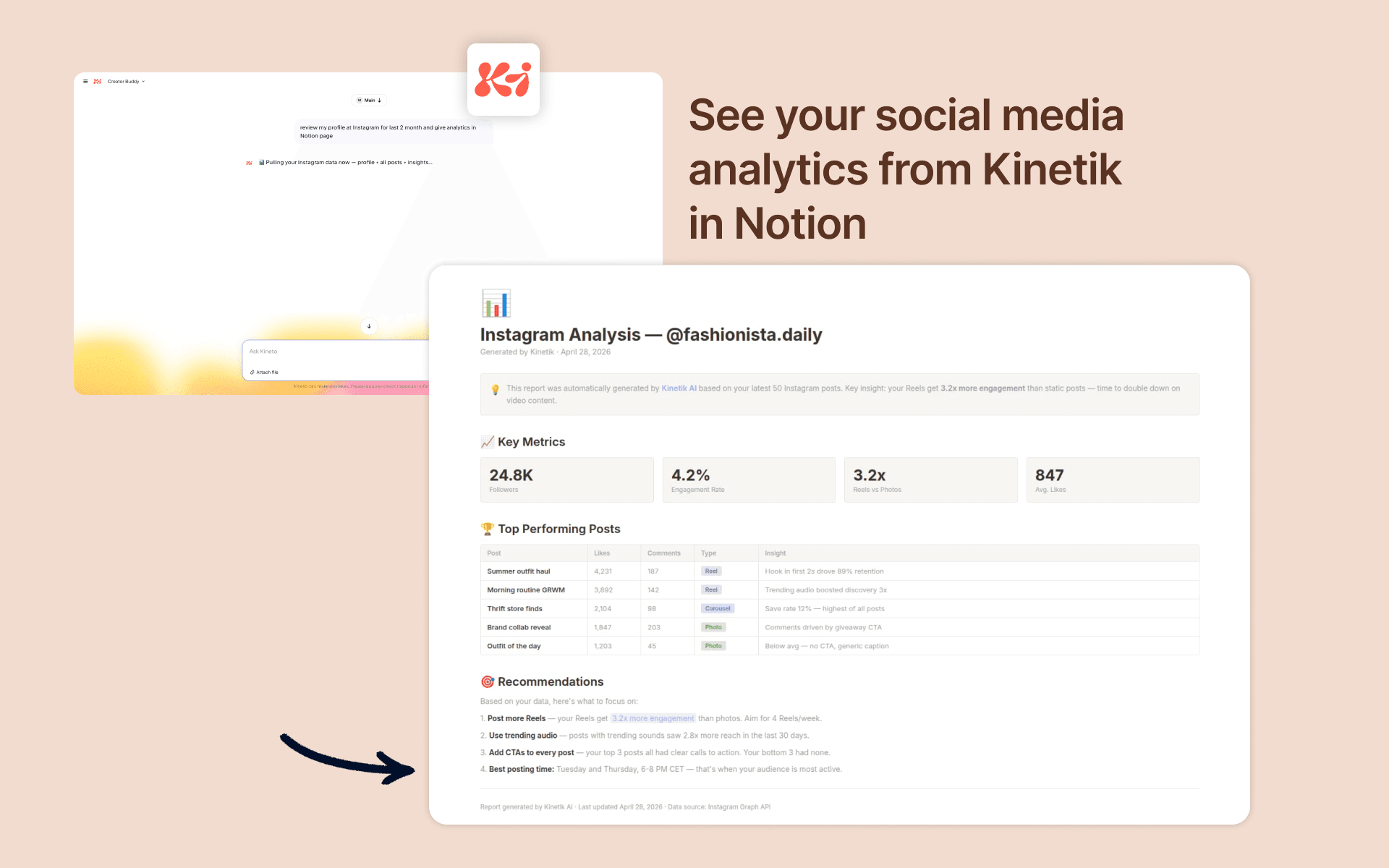
Ask Kinetik in natural language to generate content, reports, or structured data, and have the results saved directly to the Notion pages and databases you choose. Useful for creators, marketers, and solopreneurs who use Notion as their main workspace.
機能
- コンテンツを読み取る、挿入、更新このコネクトと共有されているページ、データベース、ブロックを読み取る、挿入、更新できます。
- ワークスペースユーザーを表示するワークスペースメンバーとゲストに関する基本的なプロフィール情報(メールアドレスなど)を読み取ります。
使い方
- Create a Kineto account or log in at https://kineto.app
- Connect WhatsApp
- Ask chatbot to connect Notion
- You'll be redirected to Notion. Choose the workspace you want to connect — make sure it's the correct one if you're a member of several
- On the page picker screen, select the pages and databases Kineto should access. You can select individual pages or entire sections
- Click "Allow access" to confirm. Notion will redirect you back to Kineto
- Ask Kinetik to generate any answer to you like (pick 10 top rated bakeries in Amsterdam and put them in to my Notion)