 Toup
Toup
Toup
Informazioni
Toup is a personal AI agent. You give it a task in plain language and it
carries the task out, keeping one shared memory across the web app, your
phone, WhatsApp and Telegram.
Connecting Notion lets Toup work with the pages and databases you choose:
• Search your workspace by title, or list what you worked on most recently
• Read a page's properties and its full content
• Query a database with the same filters and sorts you'd use in Notion
• Create a new page — as a child of an existing page, or as a row in a
database, with its column values set
You decide what Toup can reach. During setup Notion asks which pages and
databases to share with the connection, and Toup can only see those.
Toup does not modify or delete your existing pages. It reads what you
share and creates new pages when you ask it to.
Funzionalità
- Leggere, inserire e aggiornare contenutiPuò leggere, inserire e aggiornare pagine, database e blocchi condivisi con questa connessione.
- Leggere e aggiungere commentiPuò leggere e aggiungere commenti sulle pagine e sui blocchi a cui può accedere.
- Visualizza gli utenti dello spazio di lavoroLegge i dettagli di base del profilo dei membri e degli ospiti dello spazio di lavoro, compresi i loro indirizzi email.
Modalità d'uso
1. Create a Toup account at https://toup.ai
2. Open connector from the sidebar, find Notion, and select Connect.
3. Notion will ask which pages and databases to share with the
connection. Pick the ones you want Toup to work with — it can only
see what you share. You can change this later in Notion under
Settings → Connections.
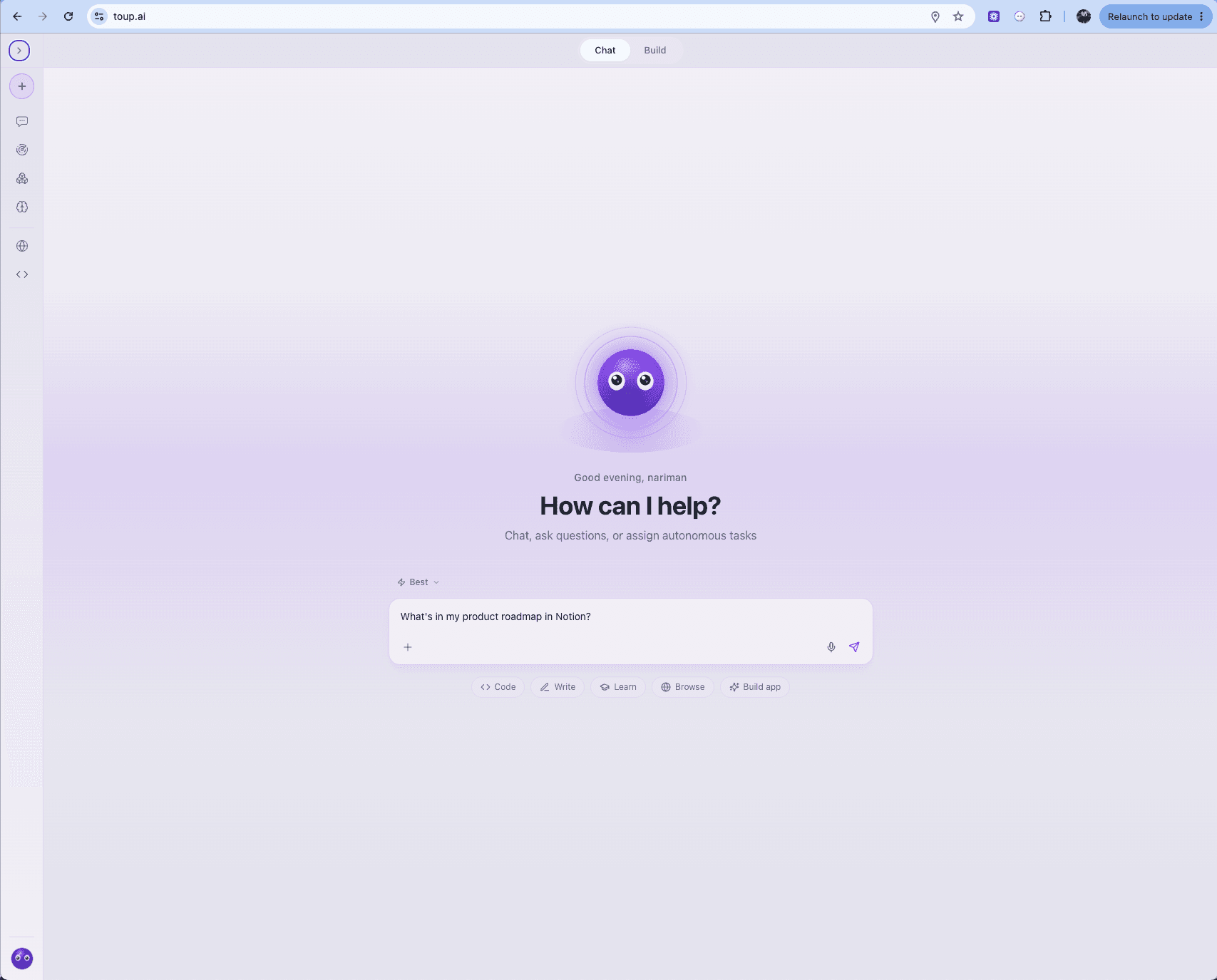
4. Ask Toup for what you need, in plain language:
  "find my product roadmap in Notion"

  "what's in my Reading List database that I haven't started?"

  "add a page to my Meeting Notes called Q3 planning"
5. To make it recurring, save it as a routine — Toup will run it on a
schedule and post the result to your chat:
  "every Monday at 9am, summarise last week's entries in my

   Notion journal"
Dettagli

- Produttività
- Collaborazione
- Automazioni