
Informazioni
The Tines integration for Notion allows you to seamlessly automate your security and IT operations, using and updating Notion as the source of truth. Collaborate, track cases, and involve humans-in-the-loop in Notion, while your workflows run automatically in the background in Tines.
Funzionalità
- Leggere, inserire e aggiornare contenutiPuò leggere, inserire e aggiornare pagine, database e blocchi condivisi con questa connessione.
- Leggere e aggiungere commentiPuò leggere e aggiungere commenti sulle pagine e sui blocchi a cui può accedere.
- Visualizza gli utenti dello spazio di lavoroLegge i dettagli di base del profilo dei membri e degli ospiti dello spazio di lavoro, compresi i loro indirizzi email.
Modalità d'uso
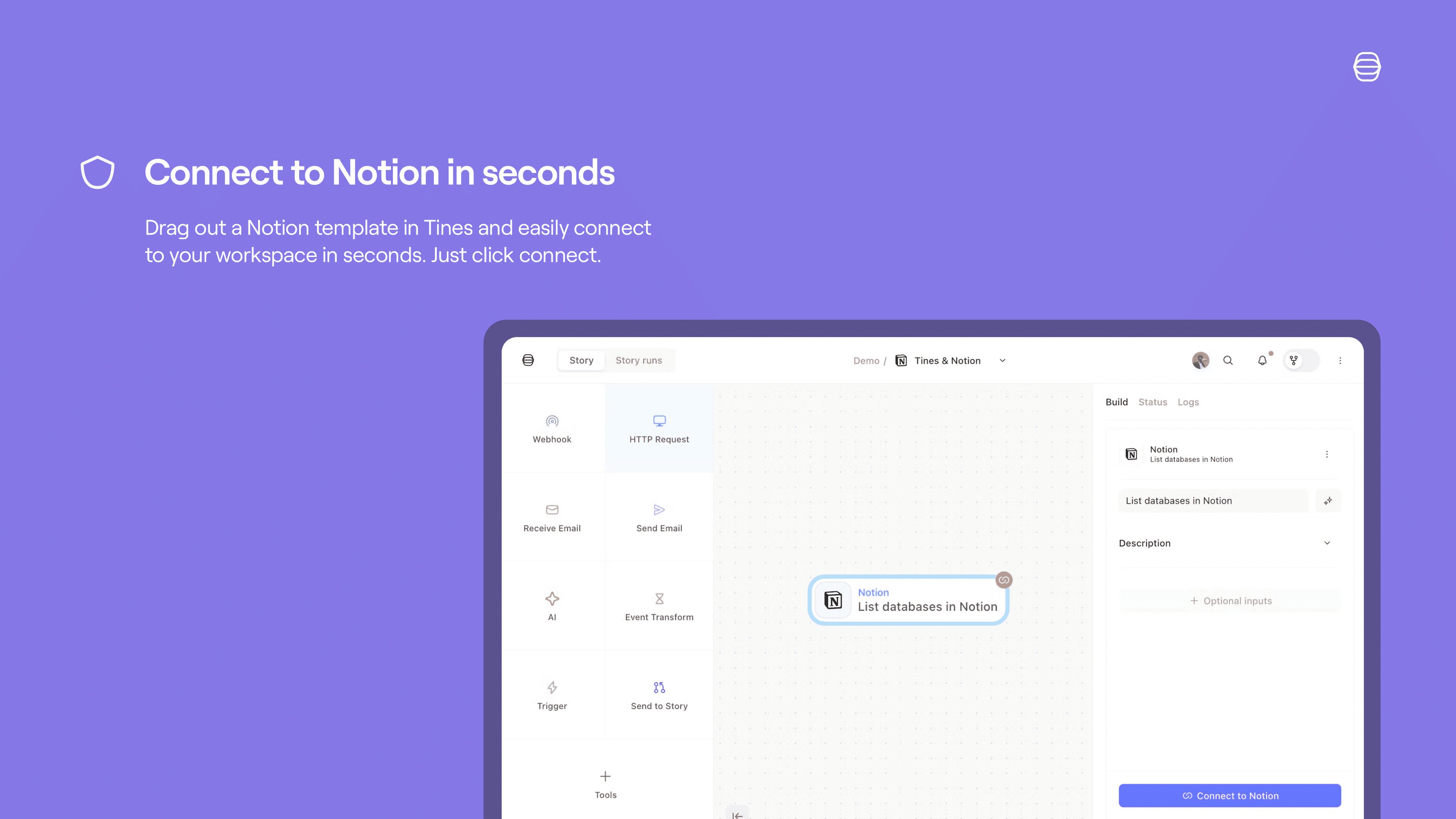
Set up a Tines connect flow for Notion:
Credentials home: select
+ New credentialand choose the product you'd like to connect to Tines.Storyboard:
Story overview pane:
Select
+in the credentials section and chooseNotionSelect
Connectby the product name and chooseCreate credentialorNew connection.Select
Replaceafter hovering over the product name and chooseCreate credential.
Product template: if you select a template for a product that has a connect flow, a connect button will appear. Select
Connectand thenNew connectionto start the connect flow for that product.
See more info here.
Dettagli
- Sicurezza e conformità