
Informazioni
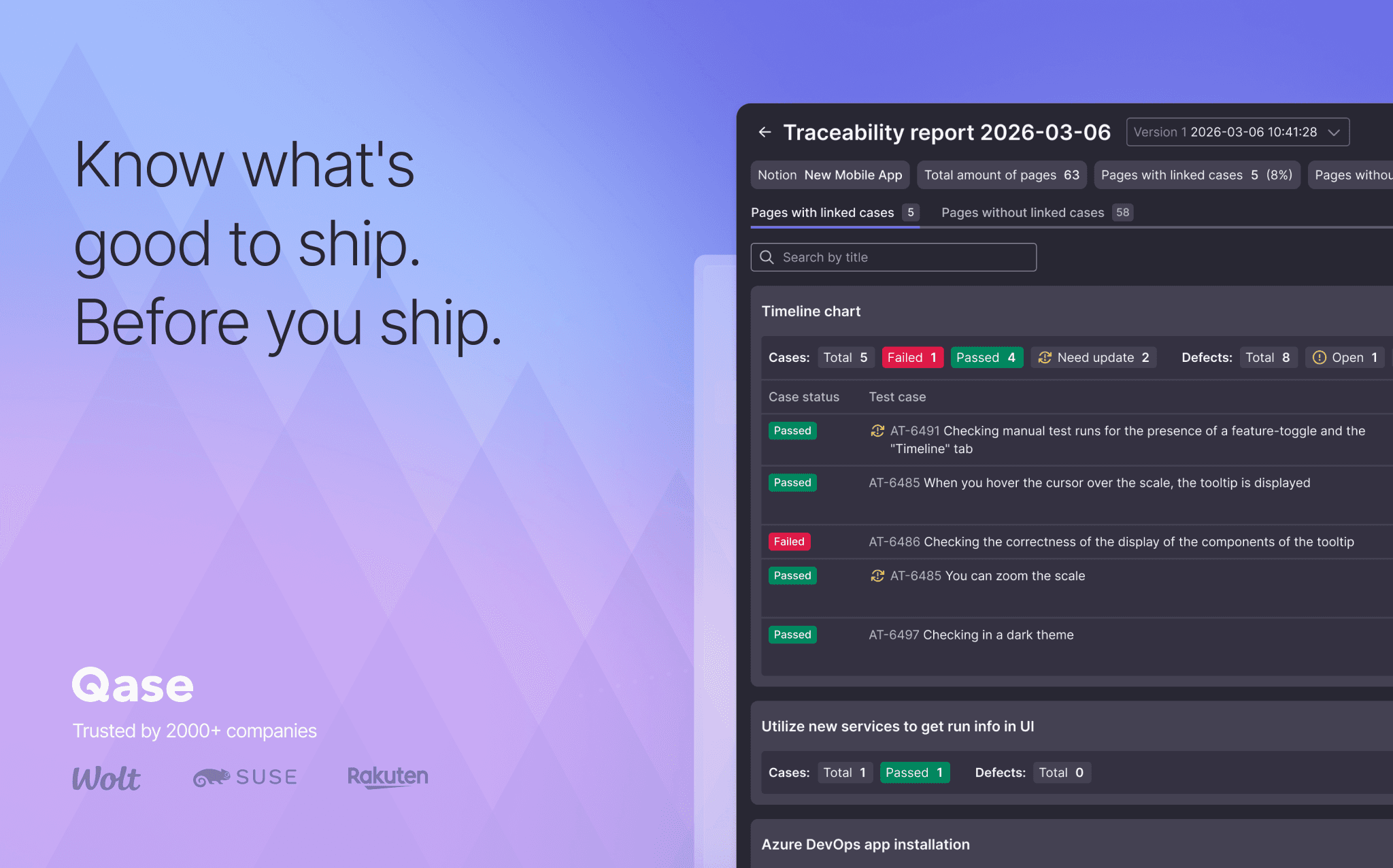
Qase is the test management platform where manual runs, automation results and AI-generated test cases live in one place. Connect Notion, and the requirement pages your team already writes feed your tests directly: link a page to its Qase test cases or defects, or open it in AIDEN, Qase's AI Test Case Designer. AIDEN can generate test cases from the spec, or import the content for you to draft from. Either way, no copy-pasting.
Funzionalità
- Leggere, inserire e aggiornare contenutiPuò leggere, inserire e aggiornare pagine, database e blocchi condivisi con questa connessione.
- Visualizza gli utenti dello spazio di lavoroLegge i dettagli di base del profilo dei membri e degli ospiti dello spazio di lavoro.
Modalità d'uso
- In Qase, open Apps → Notion and authorize via OAuth.
- Browse your Notion pages and databases from inside Qase. Link them to test cases or defects.
- Open a Notion page in AIDEN's Test Case Designer. Generate cases from the spec, or draft your own from the imported content.
- Open the Requirement Traceability Report to see which Notion pages still need coverage.
Dettagli
Categoria
- Ingegneria
- Automazioni
- Produttività
Link per gli sviluppatori