

Informazioni
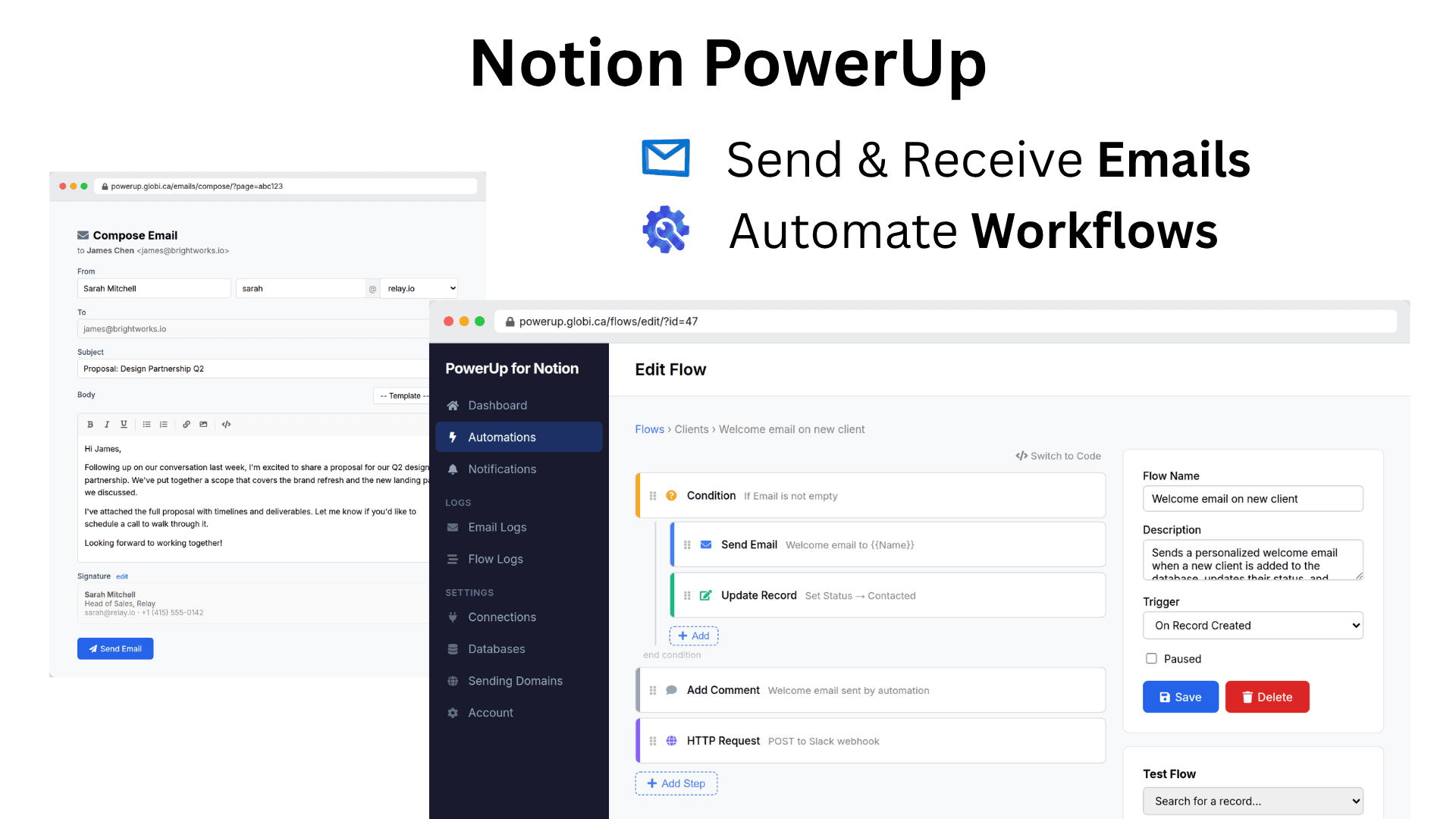
PowerUp adds email and workflow automation to your Notion databases. Send and receive email directly from database records, with replies automatically routed back and stored as sub-pages. Track opens, clicks, and bounces. Send from your own domain with full authentication.
Build automations that trigger instantly when records change — no polling delays. Use the visual drag-and-drop builder, write code, or describe what you want in plain English and let the AI assistant build it. Query databases, update records, send email, call external APIs, and more. Schedule recurring flows or accept webhooks from external services.
Everything stays in Notion. Emails are stored as pages, automations read and write your databases directly, and your whole team shares the same context. Disconnect anytime and your data stays in your workspace.
Funzionalità
- Leggere, inserire e aggiornare contenutiPuò leggere, inserire e aggiornare pagine, database e blocchi condivisi con questa connessione.
- Aggiungere commentiPuò aggiungere commenti sulle pagine e sui blocchi a cui può accedere.
- Visualizza gli utenti dello spazio di lavoroLegge i dettagli di base del profilo dei membri e degli ospiti dello spazio di lavoro, compresi i loro indirizzi email.
Modalità d'uso
-
Install PowerUp from the Notion Marketplace and connect your workspace. PowerUp uses your Notion identity — no extra account or password needed.
-
Add your databases. Pick which databases you want to use with email or automations, and map the email and name properties.
-
Start sending email or building flows. Compose email directly from any record, or create your first automation using the visual builder, code editor, or AI assistant.
Dettagli

- Automazioni
- Comunicazione