 Xor

GTM ToolBox
Informazioni
GTM ToolBox is an AI go-to-market workspace for founders and agencies. It warms up mailboxes, drafts social posts, runs outreach and writes long-form blog articles for every product you launch.
The Notion connection lets you use Notion as your blog. GTM ToolBox drafts articles in your brand voice, built around your product's value props and SEO, and publishes them as pages in the Notion page or database you choose.
What you can do
- Pick a Notion page or database as the publishing destination for each product
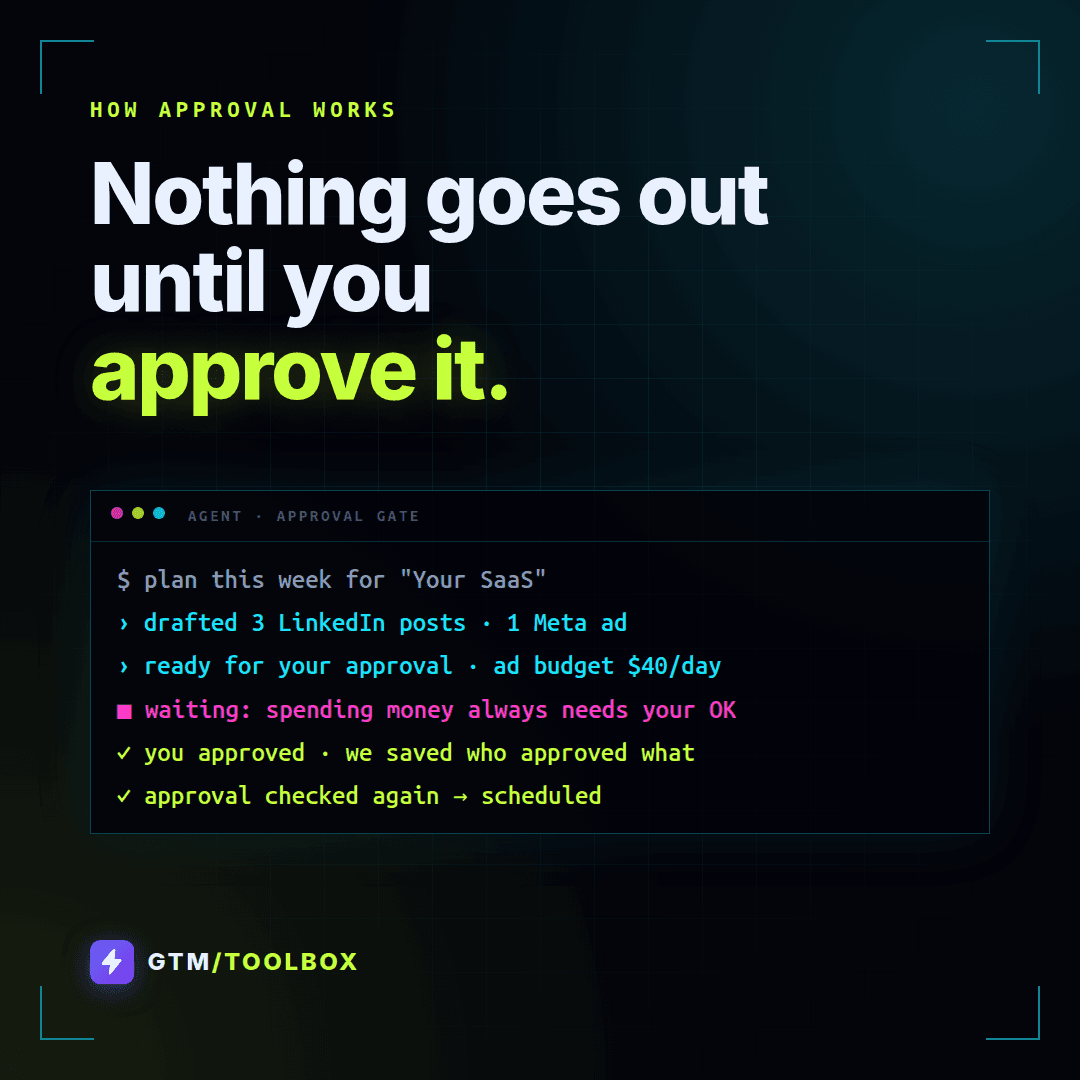
- Review the exact article before it goes out. Nothing is published until you approve it
- Publish approved articles to Notion as new pages, with headings, lists and images
- Plan articles on the same content calendar as your social posts and campaigns
Your data
GTM ToolBox only accesses the Notion pages and databases you share with it, and only creates pages there after your approval. You can disconnect at any time from Settings in GTM ToolBox or from your Notion connections.
Funzionalità
- Leggere, inserire e aggiornare contenutiPuò leggere, inserire e aggiornare pagine, database e blocchi condivisi con questa connessione.
- Visualizza gli utenti dello spazio di lavoroLegge i dettagli di base del profilo dei membri e degli ospiti dello spazio di lavoro, compresi i loro indirizzi email.
Modalità d'uso
- Sign in at gtm.torjman.ai with Google or your email and start the 7-day free trial.
- Add a product and paste its website. GTM ToolBox builds a brand kit and personas from it.
- Go to Channels and click Connect next to Notion.
- In the Notion window, choose the pages or databases GTM ToolBox can publish to, then click Allow access.
- Back in GTM ToolBox, pick the Notion page or database to use as this product's blog.
- Open Blog, generate an article, review it and click Approve. It is published to Notion as a new page.
To disconnect, remove Notion from Channels in GTM ToolBox, or remove GTM ToolBox from Settings > Connections in Notion.
Dettagli

- Marketing
- Vendite
- Automazioni