
feedback.tools
Informazioni
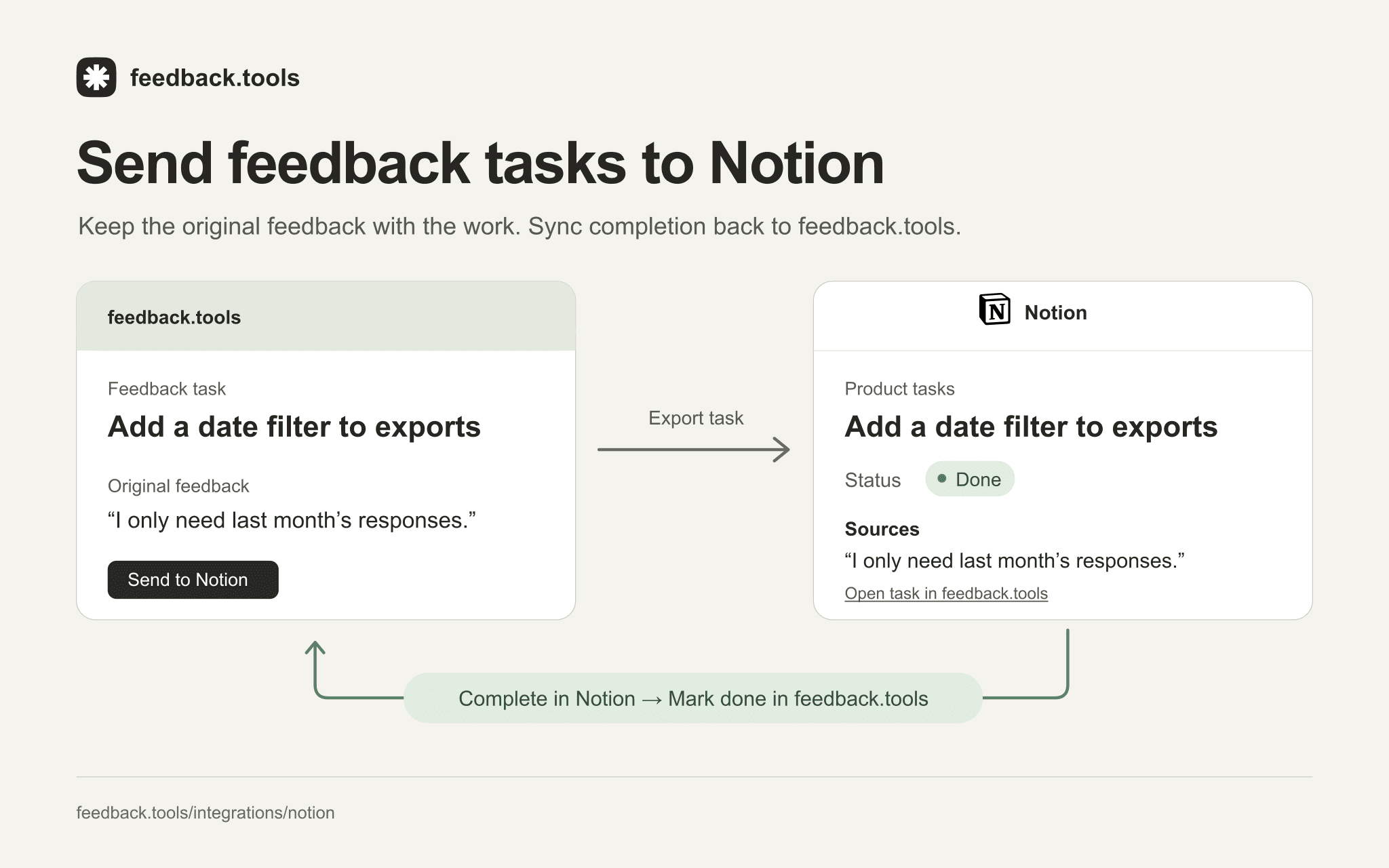
Send a task from feedback.tools to your team's Notion database. Each page includes the task description, the original customer feedback, and a link back to the task. Open the Notion page directly from feedback.tools. When your team marks the page complete in Notion, feedback.tools marks the linked task as done.
Funzionalità
- Leggere, inserire e aggiornare contenutiPuò leggere, inserire e aggiornare pagine, database e blocchi condivisi con questa connessione.
- Visualizza gli utenti dello spazio di lavoroLegge i dettagli di base del profilo dei membri e degli ospiti dello spazio di lavoro, compresi i loro indirizzi email.
Modalità d'uso
1. In feedback.tools, open a survey. Go to Settings → Integrations → Add integration and choose Notion.
2. In Notion, grant access to your task database or its parent page. The database needs a Status property.
3. Back in feedback.tools, choose the database, check which statuses count as complete, and select Save database.
4. Open a feedback task and select Send to Notion. Mark the resulting page complete in Notion to update the linked task.
Dettagli
- Esperienza del cliente