 DocsAutomator
DocsAutomator
Informazioni
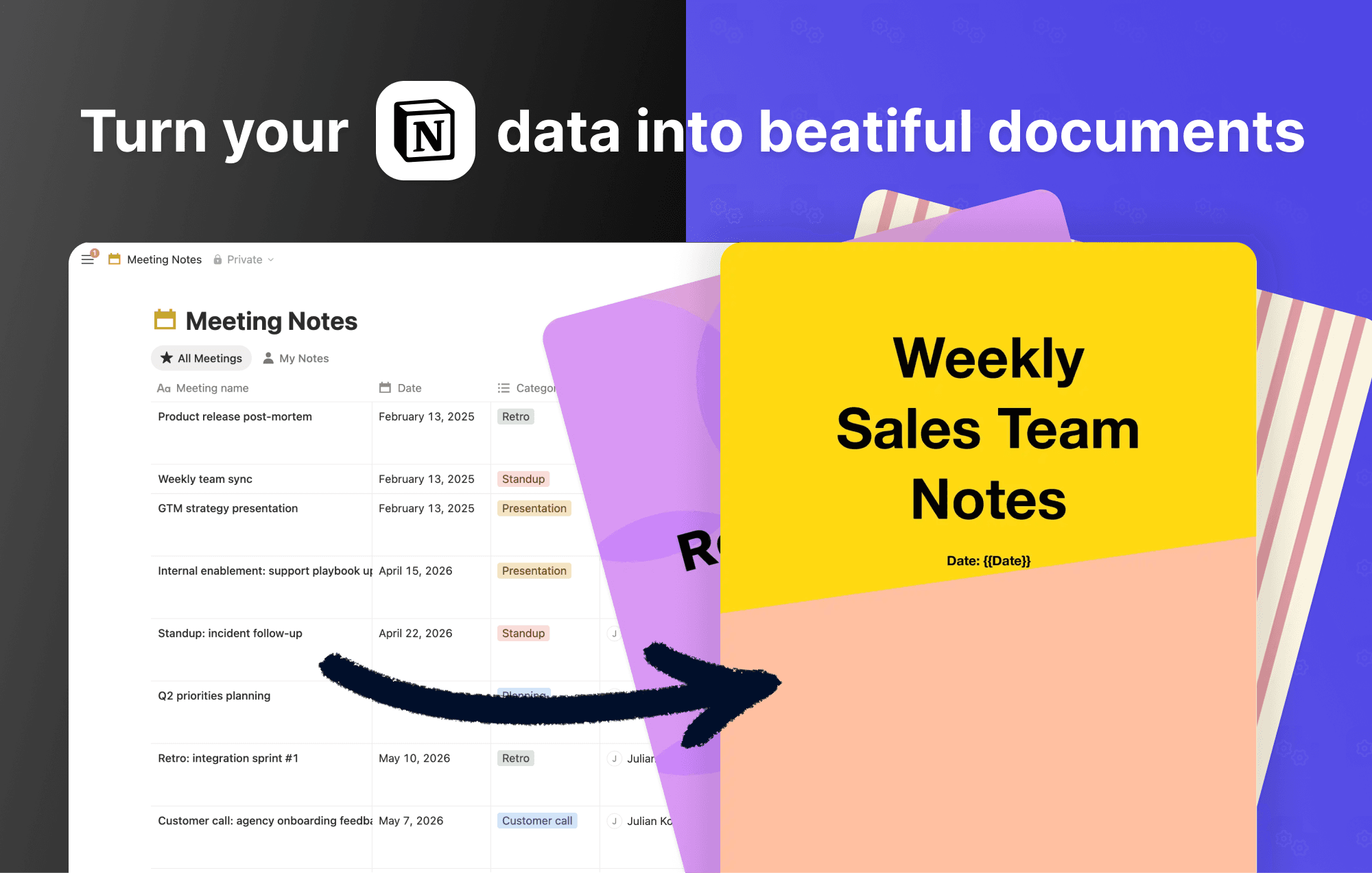
Connect a Notion database to DocsAutomator and generate PDFs or Google Docs from any page. Design a template in Google Docs, map your Notion properties to placeholders, and DocsAutomator fills in the content whenever a page is created or updated.
Page body content is supported as a first-class field. Notion blocks are rendered as Markdown, so long-form notes carry over with their headings, lists, links, and tables intact.
What you can build:
- Contracts, proposals, and statements of work driven by a Notion CRM
- Invoices and receipts from a Notion finance database
- Reports, certificates, and onboarding packets from project trackers
- Repeating line items (up to 3 levels of nesting) from related databases
Output options include saving to Google Drive, emailing a recipient stored in Notion, posting the file back to Notion, or forwarding via webhook. You can also collect legally binding e-signatures on the generated PDF without leaving DocsAutomator.
Authenticate with OAuth, pick a database, map your fields, and you're live in a few minutes.
Funzionalità
- Leggere, inserire e aggiornare contenutiPuò leggere, inserire e aggiornare pagine, database e blocchi condivisi con questa connessione.
- Visualizza gli utenti dello spazio di lavoroLegge i dettagli di base del profilo dei membri e degli ospiti dello spazio di lavoro, compresi i loro indirizzi email.
Modalità d'uso
-
Sign up for a free DocsAutomator account at docsautomator.co and create a new automation.
-
Choose Notion as your data source, connect your workspace, and select the database you want to generate documents from.
-
Design your Google Docs template with placeholders like {{name}}, {{date}}, or {{line_items_1}}{{item_name}} for repeating rows. The full Notion page body is available as a field too, so long-form notes carry over as Markdown with headings, lists, and tables intact.
-
Map your Notion properties (and the page body) to the placeholders in your template. DocsAutomator auto-detects matching names, and you can adjust any mapping manually.
-
Pick how documents should be created:
- Auto-generate: choose a Notion property (status, select, multi-select, or checkbox) and a trigger value. DocsAutomator generates a document automatically whenever a record reaches that value.
- Manual button: add a Notion Button property that sends a webhook to DocsAutomator. Click the button on any row to generate on demand.
-
Configure output: save Google Docs or PDFs to a Drive folder, email them as attachments, or post results to a webhook.
-
(Optional) Add e-signature fields, conditional sections, or dynamic images for more advanced documents.
Dettagli

- Marketing
- Automazioni
- Produttività