 Firnity
NotiCord for Discord
Informazioni
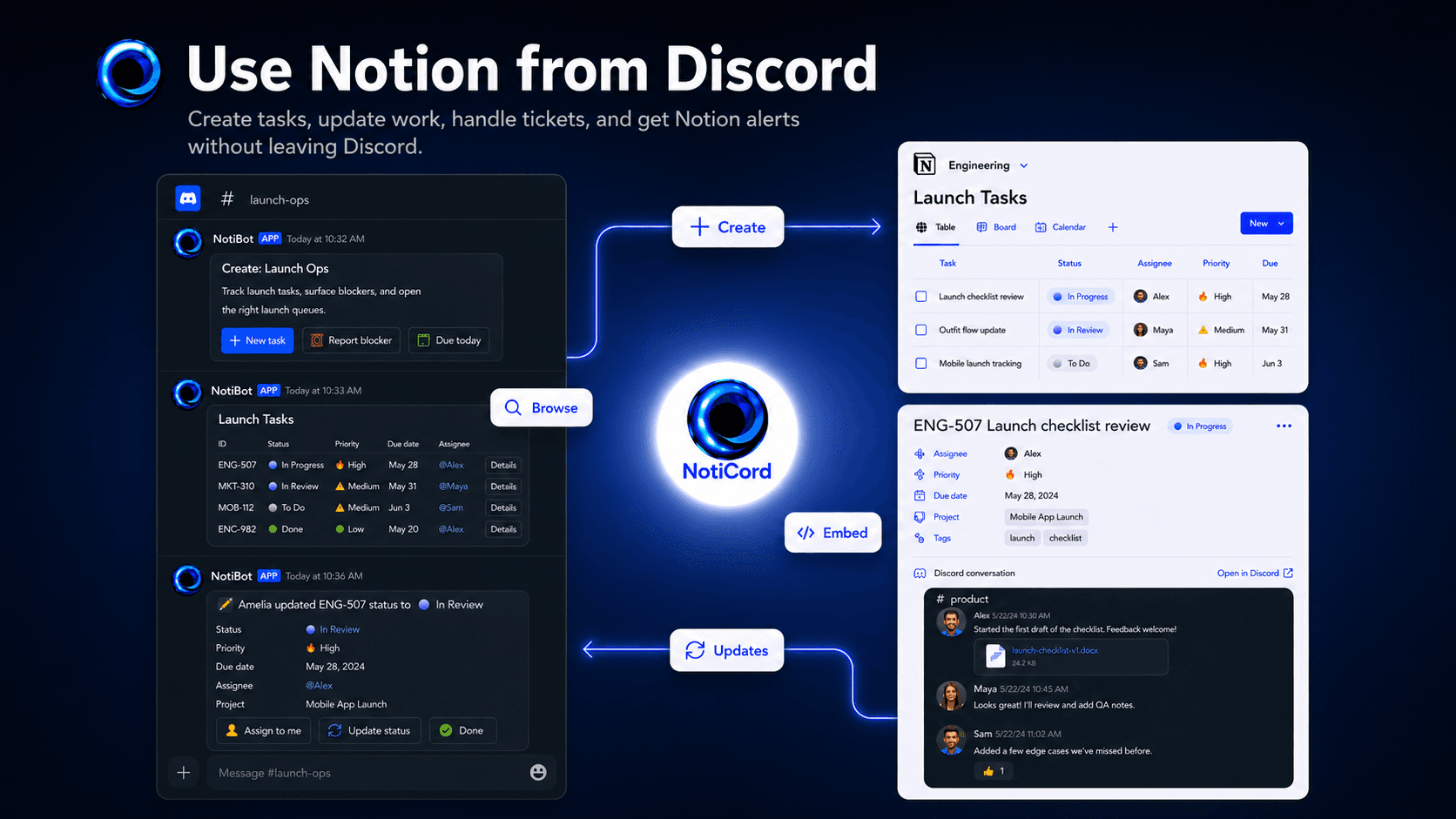
Bring Notion into your Discord server. Send page and database updates to the right channels, create tasks, tickets, docs, and requests from slash commands or panels, search Notion pages with /find, and update records with quick-action buttons. Embed read-only Discord channels in Notion pages and link accounts for synced @mentions.
Funzionalità
- Leggere, inserire e aggiornare contenutiPuò leggere, inserire e aggiornare pagine, database e blocchi condivisi con questa connessione.
- Leggere e aggiungere commentiPuò leggere e aggiungere commenti sulle pagine e sui blocchi a cui può accedere.
- Visualizza gli utenti dello spazio di lavoroLegge i dettagli di base del profilo dei membri e degli ospiti dello spazio di lavoro, compresi i loro indirizzi email.
Modalità d'uso
1. Click "Login with Discord" at https://app.noticord.com
2. Authorize Discord and add the bot to your server
3. Connect your Notion workspace and select databases to share
4. Create a notification rule:
- Choose a Notion database and Discord channel
- Select events to track (Page Created, Page Updated)
5. Test it! Create a page in Notion and see it appear in Discord.
Full documentation: https://noticord.com/docs
Dettagli
Creato da

Categoria
- Produttività
- Collaborazione
- Comunicazione
Link per gli sviluppatori