 DadaPlanners

DadaPlanners
Informazioni
Turn your Notion databases into live dashboards — charts, timers, and trackers that stay in sync.
DadaPlanners adds a set of embeddable widgets that read directly from your Notion databases and render as clean, auto-updating panels inside any Notion page.
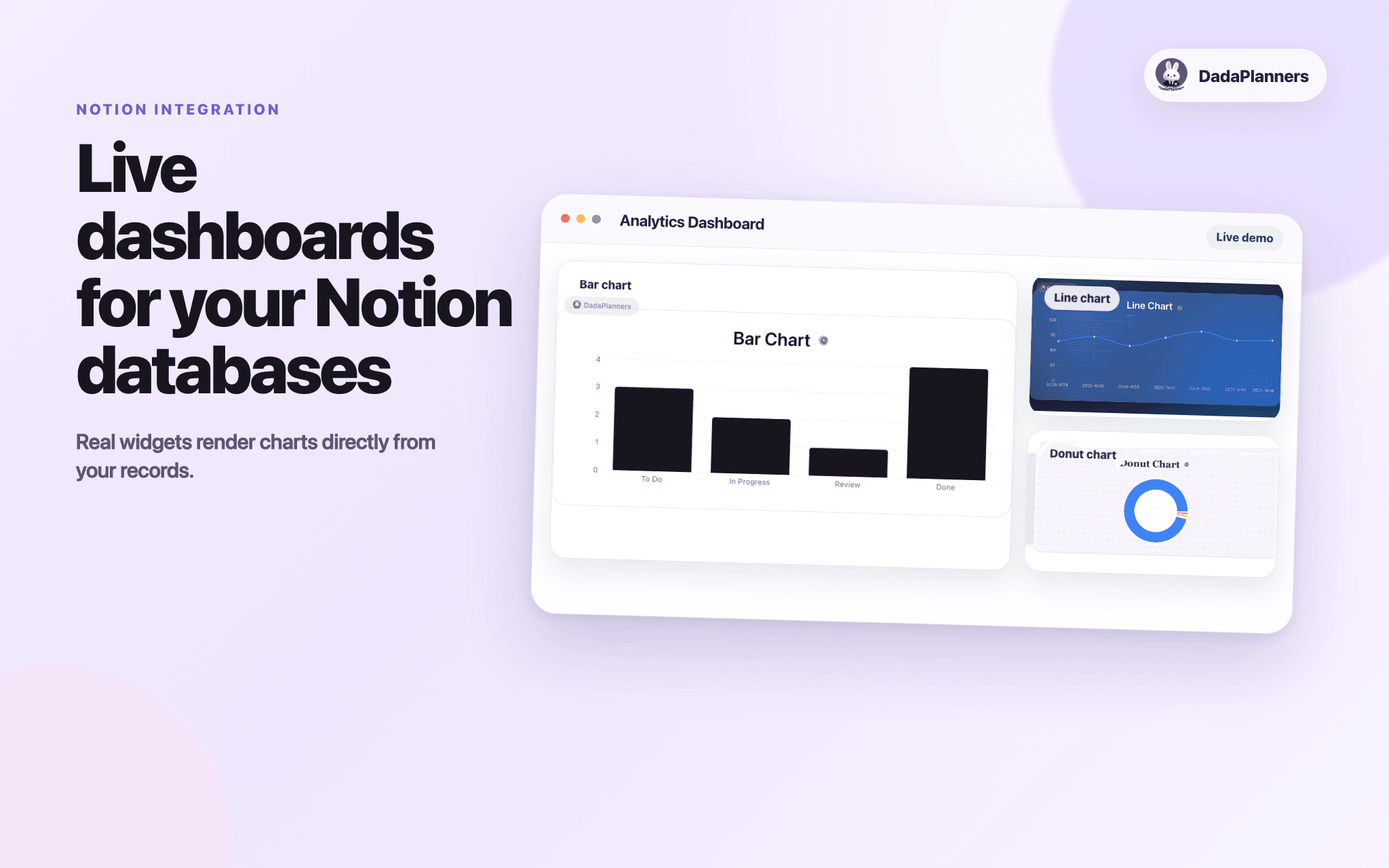
Data charts without the paywall math. Five chart widgets cover the essentials: vertical bars, horizontal bars, line charts, donut charts, and big-number cards. Point a chart at any database, pick your X and Y fields, group by a property to compare segments as stacked bars, and click any group to drill into the underlying records. If you know Notion's native charts, you'll feel at home — these are built to match that workflow.
Connect in one click. Sign in with Notion (OAuth) and check the databases you want to use — that's the whole setup. No integration tokens to create, copy, or paste. Re-authorize anytime from your dashboard when you add new databases.
Made to fit your pages. Six visual themes (glass, paper, minimal, neon, neumorphism, Chinese-style) let widgets blend into any workspace aesthetic, and compact/expanded modes adapt to narrow columns or full-width sections.
Beyond charts. A focus timer that persists your state across reloads, plus a family of habit, reading, and review trackers that write check-ins back to your databases — so your Notion tables stay the single source of truth.
Free widgets are available to try before you subscribe. Your Notion content stays in your workspace — we access only the databases you explicitly authorize: reading them to render your widgets, and writing back only the check-ins you record yourself. Optional AI features send the minimum necessary data to our AI provider for processing, as described in our Privacy Policy.
Funzionalità
- Leggere, inserire e aggiornare contenutiPuò leggere, inserire e aggiornare pagine, database e blocchi condivisi con questa connessione.
- Visualizza gli utenti dello spazio di lavoroLegge i dettagli di base del profilo dei membri e degli ospiti dello spazio di lavoro, compresi i loro indirizzi email.
Modalità d'uso
Getting started takes about two minutes:
1. Click Connect and authorize with Notion. Check the databases you want to use — you can re-authorize anytime to add more.
2. On dadaplanners.com, pick a widget (charts, focus timer, mood / habit / finance / workout trackers...), choose your database, and match the fields. A live preview renders instantly.
3. Copy the embed link and paste it into any Notion page as an Embed block. Done — the widget now reads and writes your database in real time.
Prefer a head start? Duplicate one of our free templates (Mood Calendar, Focus Today, Finance Calendar, Workout Dashboard, Health Dashboard) — the matching database structure comes with it.
Need help? Email [email protected] and we'll get you set up.
Dettagli

- Produttività