

Informazioni
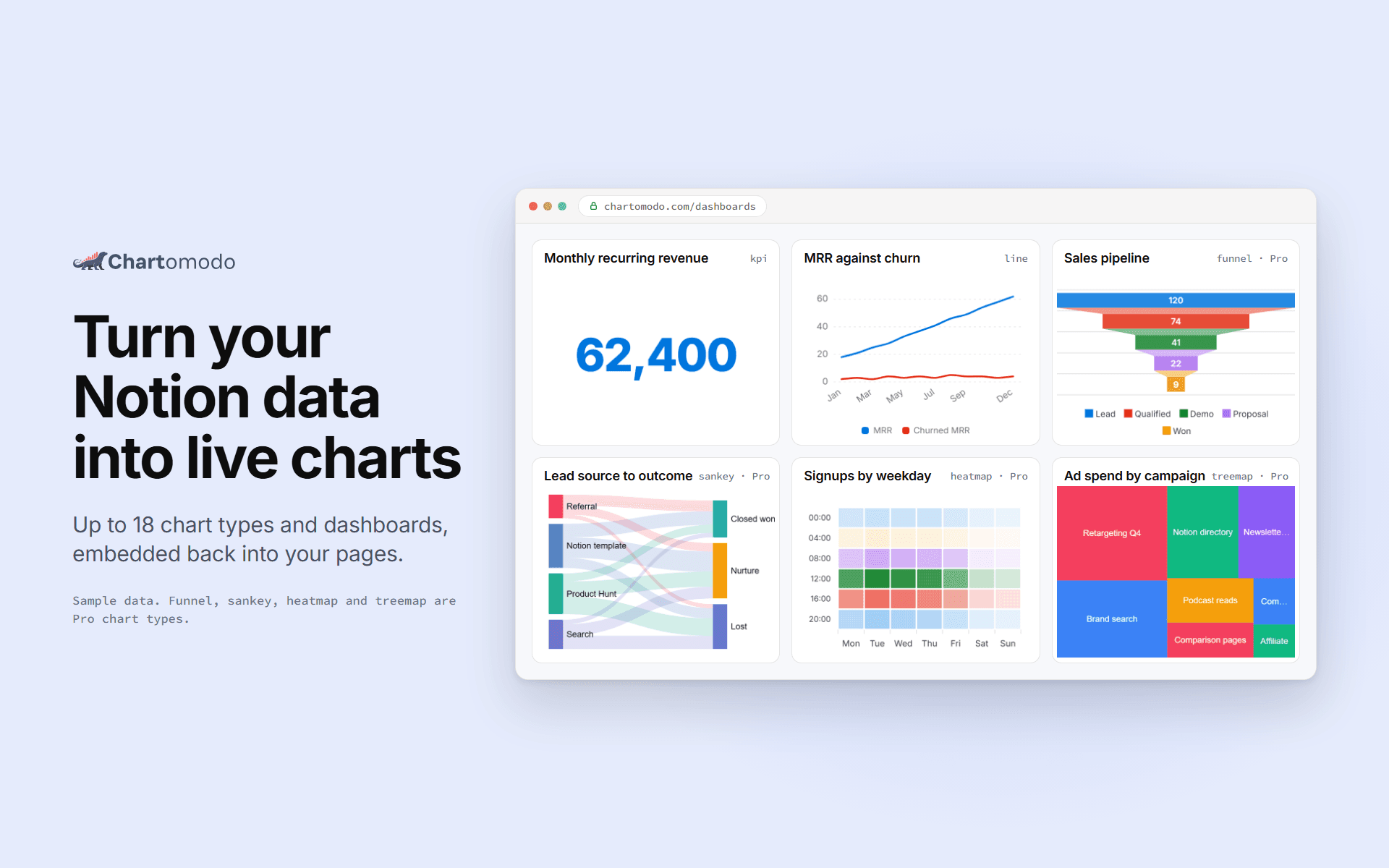
ChartOmodo turns a Notion database into a live chart or dashboard. Connect your
workspace, pick a database, choose from up to 18 chart types, and embed it
back into any Notion page with /embed. Charts refresh on their own as rows change
(every 5 minutes on Free, faster on paid plans), and you can
connect more than one workspace. ChartOmodo only reads the databases you share with it.
Funzionalità
- Leggere contenutiPuò leggere pagine, database e blocchi condivisi con questa connessione.
- Visualizza gli utenti dello spazio di lavoroLegge i dettagli di base del profilo dei membri e degli ospiti dello spazio di lavoro, compresi i loro indirizzi email.
Modalità d'uso
1. Sign up at chartomodo.com.
2. Click Connect Notion and pick the pages or databases to share.
3. Build a chart from a database in the builder.
4. Copy the chart's embed link.
5. In Notion, type /embed and paste the link.
Dettagli
Creato da

Categoria
- Analisi dei dati
- Produttività
Link per gli sviluppatori