 Notion
Artemis
Informazioni
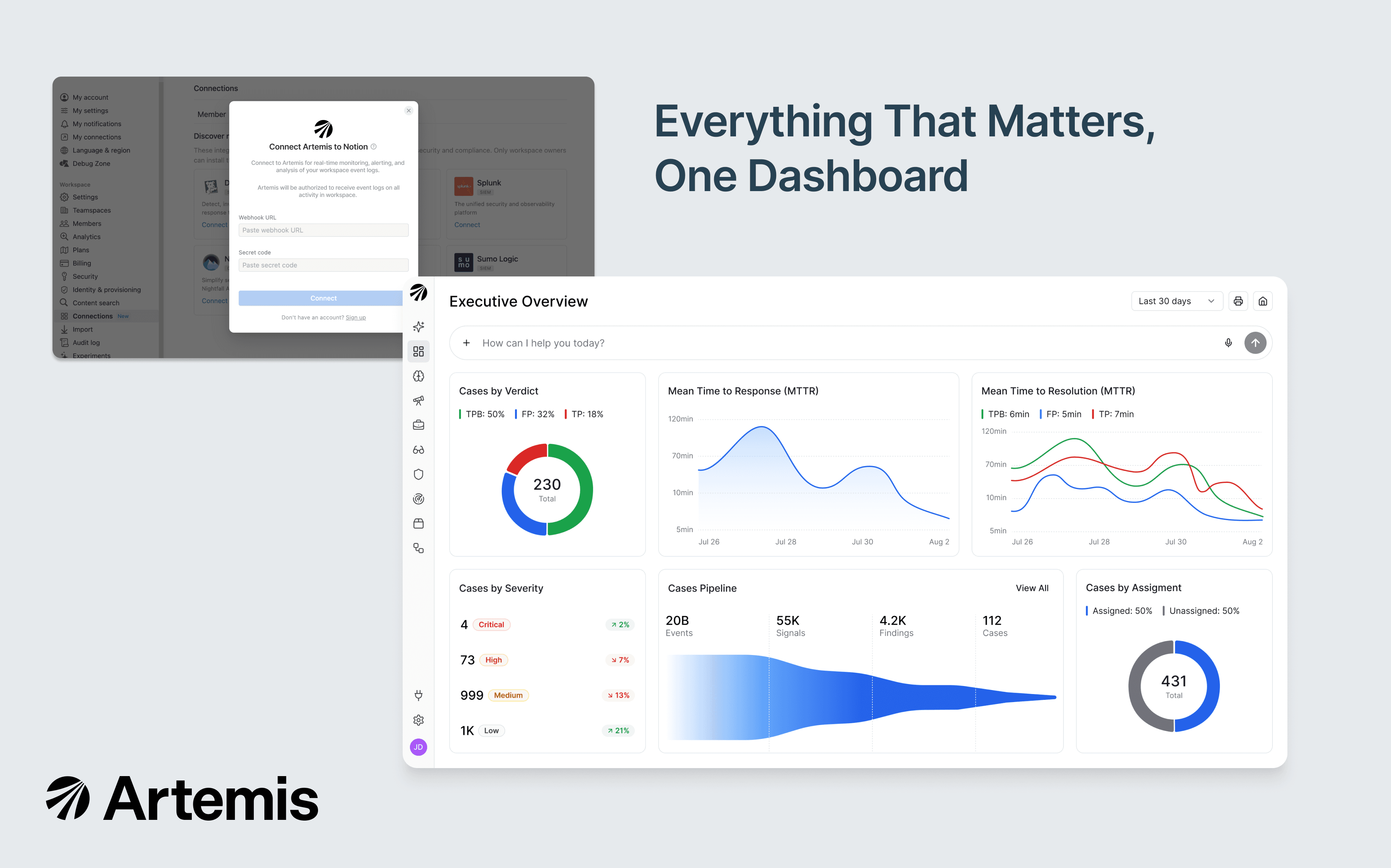
Artemis is an AI-native SIEM purpose-built for AI-speed attacks. This integration forwards your Notion audit logs to Artemis in real time, where adaptive detections (tuned automatically to your environment) flag unusual login activity, data exfiltration, permission changes, integration lifecycle events, and more. When Artemis surfaces a potential threat, agentic investigation correlates the Notion event with identity, cloud, endpoint, and SaaS context to deliver a complete attack story your security team can act on in minutes, not hours.
Funzionalità
- Riceve aggiornamenti sugli eventi dello spazio di lavoroRiceve notifiche in tempo reale quando le pagine a cui si è iscritto, i permessi o le impostazioni dello spazio di lavoro vengono modificati.
Modalità d'uso
Only Notion Workspace Owners can install this integration as part of the Notion Enterprise plan.
Log in to your Artemis portal and open Connectors → Add a Connector → Notion Audit Logs.
Artemis displays a webhook URL and a workspace token.
In Notion, as a Workspace Owner: Settings → Connections → Workspace tab → Artemis → Connect.
Paste the Webhook URL and Token from your Artemis portal into Notion's Connect modal.
Wait or trigger any activity in your Notion workspace (create or edit a new page) to deliver the first event.
In your Artemis portal, click Connect and Validate — the connector flips to Enabled once the first event lands. Adaptive detections begin running automatically.
See the full setup guide in Artemis documentation.
Dettagli

- Sicurezza e conformità