Yang Baru

Ikuti terus rilisan, peningkatan, dan perbaikan terbaru.

Ikuti @NotionHQ

Start building with the API 👷🏻‍♀️👷🏾‍♂️

Notion's API is now in public beta!

Every business and person should be able to tailor software to their own needs. This public beta is the first step towards a whole new set of building blocks to make that vision a reality. Here's what you need to know:

  • Use the API to connect other software and services to Notion databases, pages, blocks & more

  • This public beta is just the beginning — we'll continue adding new features and making changes based on your feedback

  • Learn how to add and manage integrations in this guide from our Help Center, and check us out on Product Hunt!

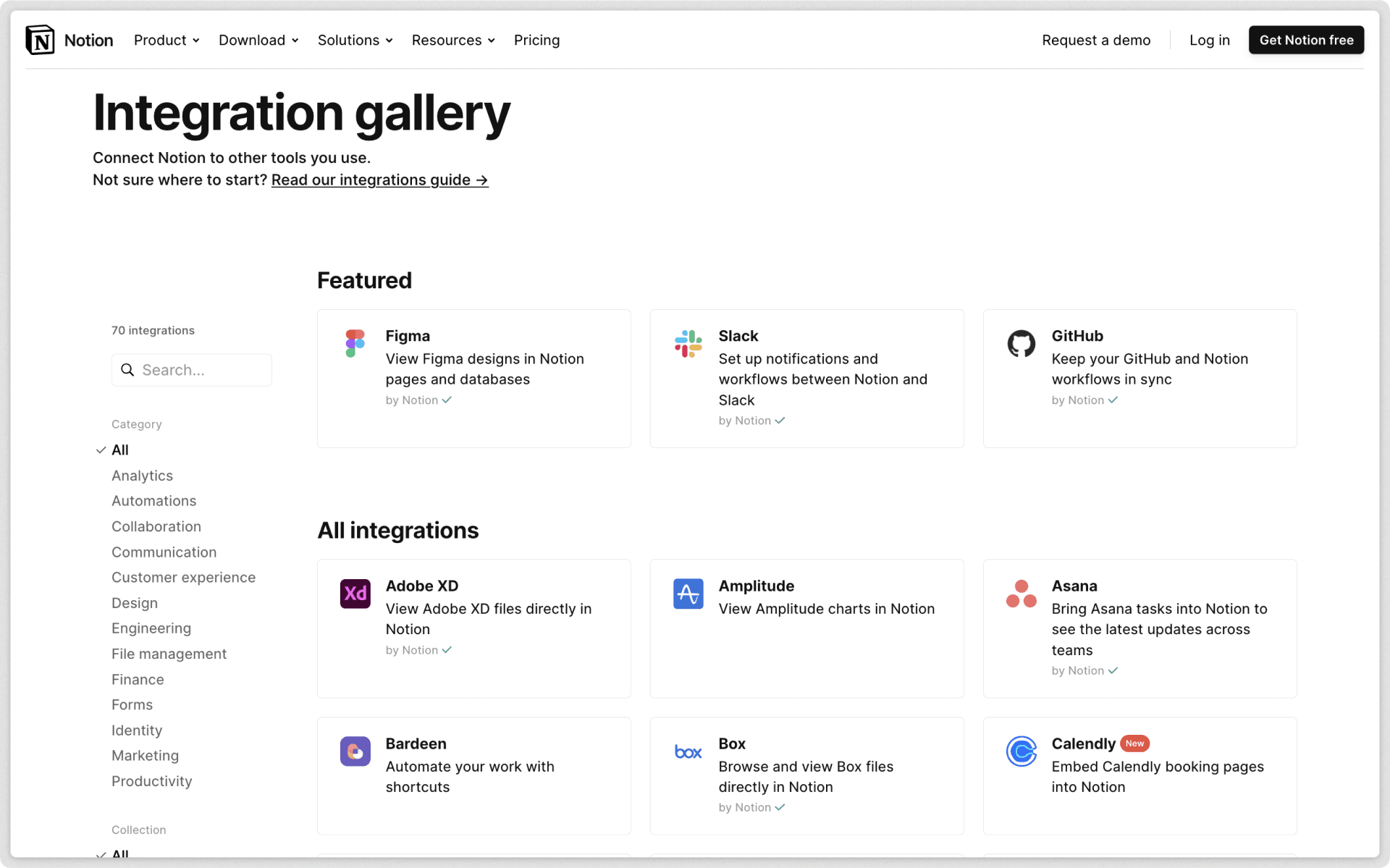
Zapier integration

Create automated workflows that will make Notion your team’s information hub. Zapier already supports 3,000+ apps like Slack, Jira, Salesforce, and more.

Here are just a few examples of Zapier workflows you can build right away, without writing a single line of code:

  • Add new Google Calendar events as rows to a Notion database

  • Centralize new Salesforce leads, Facebook advertising metrics, or Google Analytics in Notion with no need for manual copy/paste

  • Send emails to team members when new tasks are added to a Notion database

Typeform integration

Share beautifully designed forms to collect data at scale, with responses that populate a Notion database! Match your database's properties to questions from your Typeform, then watch the answers update in real-time.

Automate.io integration

Automate.io is the world’s easiest workflow automation and integration platform. With their native integration, you can build powerful workflows between Notion and the cloud applications you rely on. 200+ apps are supported, including PayPal, Shopify, Office 365 and more.

Bug Fixes & improvements

  • Toggles are much faster and now open instantly, thanks to preloaded content — no more loading spinners inside toggles!

  • You can now set the language of a code block without leaving your keyboard, by using Ctrl / cmd + / and navigating to the new Set language menu

  • Un-indenting nested bullets and numbered lists with Shift + Tab or the |← button on mobile now feels more natural, by un-nesting the current block from the parent block, and re-nesting the blocks below it into the new hierarchy

  • Duplicating a column in a Table view now retains the width of the duplicated column — no more resizing columns after duplication!

  • **Shift** + **return** / **enter** to create a newline in the math equation composer is now supported in the desktop apps, Chrome, Firefox, Safari, and iPads with an external keyboard

  • Renaming a property on mobile now auto-selects the input contents, so you don't have to backspace through the old property name

  • Fixed a bug that prevented some mobile users from entering text descriptions when using the "Report page" option

  • Fixed a bug that incorrectly labeled the caption of a link to a database as "Untitled Database" when exporting a page

  • Fixed a bug that prevented keyboard shortcuts from working properly in peek view for some users

Safari web clipper ✂️

Clip webpages to Notion from Safari 🧭

Stash the things you discover online with the Notion Web Clipper extension, now available in Safari. It automatically copies all the text & media from most webpages into any Notion page or database of your choosing!

  • Clip pages from Wikipedia to centralize your research efforts

  • Save news articles and blog posts of interest for later reading

  • Create a "resonance calendar" of the online discoveries that inspire you

More powerful math equations 🧮

We updated to the latest version of $\KaTeX$, making Notion even more powerful for students, researchers and mathematicians collaborating remotely. Many new environments, syntaxes and macros are supported, including:

  • Matrices

  • Commutative diagrams

  • Bra-ket notation & much more

Report page option 🚩

Now anyone viewing a public Notion page on the web has the ability to report offensive, inappropriate, or prohibited content. These reports go to our customer experience team so we can investigate based on our Content & Use Policy.

Bug Fixes & improvements

  • Updated the $\KaTeX$ version from 0.11.0 to 0.13.2

  • Fixed a bug that caused the "presence" avatars to appear inconsistently in the desktop apps

  • Fixed a bug that prevented the Include subpages toggle from responding on iOS devices while exporting

  • Fixed a bug that prevented notion.so links from opening correctly on Android devices

Notion is faster and more reliable 🐇

Pages load 50% faster 🥕

Accessing your content and navigating around your workspace just got a lot snappier. Page load and navigation speeds are now 50% faster, thanks to a long list of under-the-hood upgrades.

See what our performance engineers have been up to and what's coming next on the Notion Blog:

Upgrade with Apple Pay & Google Pay 💳

Now there's even more options for managing your Notion subscription — we've added Apple Pay and Google Pay capabilities alongside the credit card, debit card, and ACH wire transfer options.

  • Apple Pay will appear as a payment option in Safari for supported devices with Touch ID, if your card has been added and is active

  • Google Pay will appear as a payment option in Chrome, if your card has been added and is active

Bug Fixes & improvements

  • Your workspace is now more reliable after April 16, 2021's scheduled maintenance — we upgraded from a single database instance to a sharded deployment, which means Notion is now capable of serving 3x as much traffic as before

  • Typing lag has decreased by 20%, resulting in a smoother typing experience (especially on large pages)

  • Improved the reliability of page presence avatars

  • Improved the speed of displaying page history versions with a lot of content

  • Improved the upgrade experience by only displaying subscriptions users are eligible for

  • Fixed a bug that prevented some users from duplicating public templates on mobile

  • Fixed a bug that prevented some users from seeing deleted pages in trash

  • Fixed a bug that prevented some users from receiving notifications from reminders

  • Fixed a bug that prevented some enterprise users from importing large HTML files

  • Fixed a bug that prevented users from upgrading to a Personal Pro Plan through the iOS app

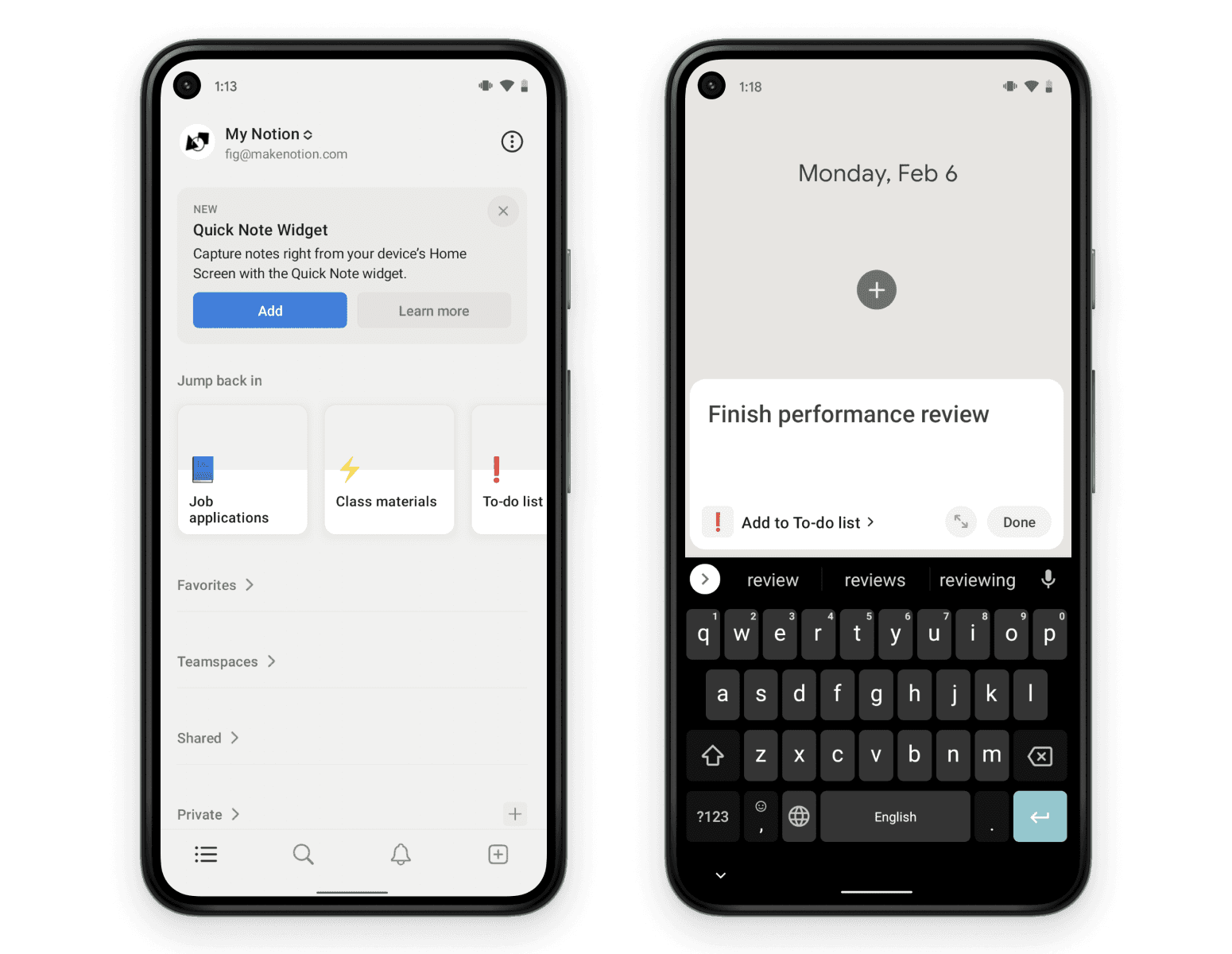
Android widget 📱

Widgets & shortcuts for Android 🤖

Customize your Android home screen with instant shortcuts to the Notion dashboards, notes, and workflows you need. There's three customizable widgets to choose from, as well as handy shortcuts when you tap and hold the app icon:

  • Add one page as a widget for easy access, complete with icon and cover image

  • Pin a few of your FAVORITES or RECENTS to your home screen, then scroll or resize the widget to see more

  • Tap and hold the Notion app icon to instantly create a new page when you're on the go, or create a small shortcut to a specific page

To add a Notion widget to your Android device, just long press on any blank space on your home screen, and tap Widgets. Then, scroll to find Notion in the list, pick a style, then tap and hold to drop onto your home screen!

Bug Fixes & improvements

  • You can now upgrade from a free Personal Plan → Personal Pro Plan from the iOS app

  • Clicking on commented text within a block will now open the comment menu and keep the cursor on the text instead of focusing the comment input

  • Fixed a bug that caused the Mac App to display a white screen after an OS update completed

  • Fixed a bug that caused the Windows App file to disappear after an OS update completed

  • Fixed a bug that prevented the multi-account login feature from working in the Android app

Organize your shared pages 🧹

Organize your shred pages 🧹

Notion's left-hand sidebar is the front door to your digital office, storing all your team's wiki pages, notes & tasks. Now it's much easier to keep your sidebar organized! You'll have easy access to the pages you need, without the added clutter of old one-off docs.

As a quick reminder:

  • Pages in the **WORKSPACE** section are visible to your whole team

  • Pages in the **SHARED** section are only visible to specific people on your team

  • Pages in the PRIVATE section are only visible to you

In the new-and-improved SHARED section, you decide which pages stay in your sidebar. Everything else can be searched and sorted, pinned and unpinned in the new View all popover menu 👇

Customize font size in exported PDFs 🔍

When exporting any Notion page as a PDF, there's a new option that helps you increase or decrease the text size as needed. To do this:

  • Click the ••• button at the top right of a page, and select Export

  • Select PDF as your Export format, and select a Page format

  • Enter a number between 11% - 199% depending on how small or large you want the text to be

Bug Fixes & improvements

  • Optimized app.js to reduce visible page refreshes during app use

  • 30% improvement in page load time for most Notion users (compared to beginning of 2021)

  • The SCIM API & SAML SSO now support OneLogin

  • Improved slash command support for Japanese keyboards

  • Improved keyboard accessible buttons & focus rings

  • Fixed a bug that caused a **Please log in** error message while logging in — if you're still experiencing this bug, please close your app, wait at least one minute, and re-open the app

  • Fixed a bug that caused some users to experience frequent logouts

  • Fixed a bug that prevented scrollbars from displaying in dark mode on external monitors

  • Fixed a bug that caused Settings & Members to display settings of the previous workspace when switching between workspaces

  • Fixed a bug that prevented the Rollup menu from responding on the first click

  • Fixed a bug that caused the date/time format and timezone menus in the date picker to be unresponsive

  • Fixed a bug on Android that caused the email & password fields to be hidden under the keyboard until you started typing

  • Fixed a bug that prevented the mobile share sheet from populating URL values in databases

  • Fixed a bug that caused the mobile share sheet to forget the most recently used save destination

  • Fixed a bug that prevented the database load limit menu from appearing if the database was inside a toggle block

  • Fixed a bug that prevented header blocks from inheriting text color from a parent

You'll find reflections on the computing pioneers who brought us here, actionable tactics and templates you can put into practice with your team, and ideas about the future of work.

Stay tuned for much more content, from technical to inspirational. In the meantime, here's two posts to get you started:

Better dark mode settings 🌘

Better dark mode settings 🔦

Before, there was no way to have Notion mirror your system dark mode setting on desktop. And on mobile, Notion could ONLY mirror your system setting — there was no way to turn it on and off manually.

Now, there's fine-grained controls for your dark mode preference across desktop and mobile!

  • Always light 🌕

  • Always dark 🌑

  • Use system setting 🌗

Bug Fixes & improvements

  • When troubleshooting with Notion's support team, you can now grant and revoke consent to access your account in Settings & membersMy account. Learn more →

  • Date suggestions triggered by @remind will now default to display dates in the future

  • Added a Copy link button to the menu that appears when selecting text with an inline hyperlink

  • Disabled spellcheck for words with inline code formatting enabled

  • Fixed a bug that prevented underlined text, and pages whose name began with an underscore, from importing properly from Confluence

  • Fixed a bug that caused the cursor to lose focus when typing in a comment

  • Fixed a bug that caused removed members to be re-added in some workspaces

  • Fixed a bug that prevented filtering by rollup values when the Show unique values option was selected

API private beta 🙊

The API is now in private beta! Sign up for access to the public beta in early 2021 📋

Things are happening! Today, we started testing a private beta of the API with a small number of users, and a limited scope of features. This will help us discover and fix bugs, test the performance and reliability of the API, and help us decide which features to launch with the public beta next year.

To stay in the loop for all things API:

  • Sign up here to let us know what you're planning to build! We'll keep you updated over email with any API news, surveys, AMAs with the team, and other inside scoops. And you'll be first in line for public beta access next year 😌

  • Follow our new Twitter account, @NotionAPI

  • Read more info & FAQs at notion.so/api-beta

Switch from Confluence 📘

Had it with Confluence? Import your workspace to Notion in minutes 📥

Migrate your team's knowledge to Notion with our new importer — with all the formatting perfectly preserved. Switch to the tool that makes your team enjoy creating and using docs daily.

When you switch, you'll get way more powerful workflows than what you could create in Confluence:

  • Keep documentation and project management side by side, instead of spread between Jira, Trello, and Confluence

  • Flexible workspace where you can mix & match many types of content — no need to stick to a rigid format

  • Easy drag & drop editor that anyone can use, so all teams can work in the same space

Test our Team Plan for free for as long as you want. There's no time limit. And everything from your Confluence workspace will be right there, even if you have thousands of docs. Just click **Import** in your left-hand sidebar, then follow these instructions.

Mac App for Apple Silicon 💻

Have a Mac with Apple's new M1 processor? Head to notion.com/desktop to download a new version of our desktop app, optimized for Apple Silicon. It's pretty fast!

Bug Fixes & improvements

  • Added caption support for code blocks on mobile

  • Fixed a bug that prevented image actions on Android tablets, such as viewing full-screen or adding a caption

iPhone widget 📱

New widgets for iOS 14 📌

Quickly get to the page you need, right from your home screen! There's three widgets to choose from:

  • Add one page as a widget for easy access, complete with icon and cover image

  • Pin a few pages from the FAVORITES section of your sidebar

  • See the pages you visited most recently

To add a Notion widget to your iPhone home screen, just long press on any app icon, and select Edit home screen. Then, tap the + at the top left, and select Notion from the list. Pick a style and customize however you want!

Bug Fixes & improvements

  • Fixed a bug that prevented link previews from being dismissable on mobile

  • Fixed a bug that caused presence avatars to overlap the ⋮⋮ block handle

Introducing: Certified Notion Consultants ✔️

These folks are more than just Notion experts — they're certified for their tactical skills and informed strategies, which often pair Notion with other powerful tools. Whatever problem you bring as a team, company, individual, they can solve it. Find your match →

🌏 Notion Consultants hail from 13 countries and speak 8 languages!

SCIM + Bug Bash 🐛

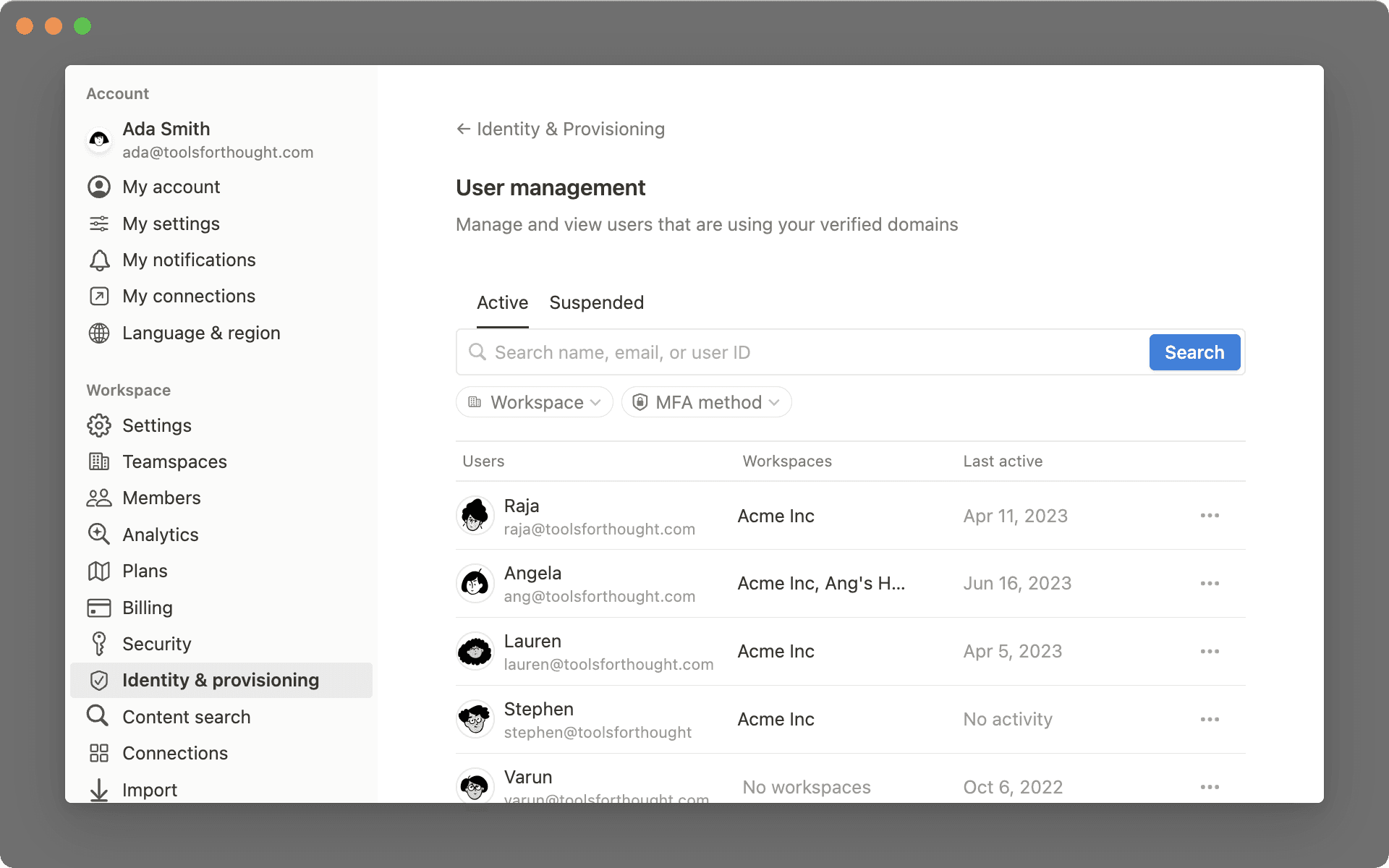
Automate user and group provisioning with Notion's SCIM API 🔁

SCIM (System for Cross-domain Identity Management) enables organizations to create, manage and remove members and groups in Notion through an identity provider (like Okta or Rippling) or your own app.

Create new pages by typing notion.new into your URL bar ☀️

Click the link above to give it a try! If you're logged into your Notion account in your web browser (Chrome, Firefox, Safari), type notion.new in your URL bar to quickly create a new page.

We made inline links easier to use, and less finicky overall! Here's a quick summary of the new link features:

  • Hover your cursor over any inline link to see the linked URL or Notion page in a tooltip

  • When you paste the URL of a Notion page, there's a new Mention page option in the dropdown that appears — this creates an inline link, whereas the Link to page option creates a full-width block

  • The link menu is more keyboard friendly — arrow your cursor over a hyperlink to open the link menu, then open the link with enter/return, or focus the link menu with Ctrl/⌘ + /

Show unique values of a rollup ❄️

When you use rollup properties to display values from a related database, there's a new rollup formatting option: Show unique values. Use it to omit duplicate values from the related database — for example, when you're displaying the lead engineers of each bug that's related to a software release, as seen below.

Add captions to code blocks 💾

Now you can add a caption to any code block — perfect for blog posts, detailed documentation, or just keeping your code snippets labeled and organized.

Bug Fixes & improvements

  • Ctrl/⌘ + K will now open the Quick Find window when no text is selected! Ctrl/⌘ + P still works too.

  • Fixed a bug that caused scrollbars in the Windows App to be very ugly

  • Number properties in databases can now be formatted as Brazilian Real, Turkish Lira, and Indonesian Rupiah

  • Added a Duplicate button to the ••• menu for pages within databases — it's now possible to duplicate these on mobile!

  • Notion pages now include the page icon in Safari browser tabs

  • Fixed a bug that caused interface elements to overlap each other on Android devices when databases had long titles

  • Fixed a bug that caused the Settings & Members menu to display in Korean for some users, even if English was the selected language

  • Fixed a bug that caused inline hyperlinks to be uneditable with the keyboard shortcut

  • Fixed a bug that prevented members from re-ordering favorited pages in the sidebar if the Prevent members from changing the workspace section setting was enabled

  • Fixed a bug that caused the app to lag after using the new Customize page feature

  • Fixed a bug that prevented the start and end of Timeline cards from being draggable when Page lock was enabled