Notion for nonprofits

We support civil society organisations worldwide in solving global challenges with 50% off our Plus Plan. See our Questions & answers below for more details on how to apply.

A minimalist black and white line drawing of a dove carrying a sprig with leaves in its beak.

Notion in motion: Pro bono consulting

Empower your nonprofit's mission with personalised Notion expertise through our Pro Bono Consulting Programme, where dedicated Notion employees help you streamline operations, enhance fundraising and amplify your impact. Apply now to receive up to 4 hours of support and to learn more about the programme.

Apply now →
A minimalist black and white illustration shows an open hand with floating heart shapes above it.

Trusted by 2,000+ nonprofit organisations worldwide

ImmigrationHelp.org logoXQ Institute logoStanford Medicine logoNational Honor Society logoUS Digital Response logo350.org logoProject N95 logoAshoka logoWikimedia Foundation logoAlfred P. Sloan Foundation logoFast Forward Accelerate Good logoSustainable Development Solutions Network logoSustainable Ocean Alliance logoChange.org logoAIESEC logoMedic Mobile logoNew Story logoThink of Us logo

Here’s what our Plus Plan offers

Invite your team members and start getting organised. There's no time limit or credit card info needed, so you can try before you buy.

FeaturesNotion Plus Plan
Wiki
Project management
Drag & drop editing
Automatic page hierarchy
Real-time collaboration
Full functionality on mobile apps
Databases
Gantt, Kanban board, timeline views
New Story logo

The flexibility of Notion has allowed it to become the brain of our organisation, holding information from onboarding materials and knowledge hubs, to project planning and tracking.

Joanne Ng

Director of Global Ops

Flockjay logo

We have many important stakeholders. Notion allows us to have one source of truth that we can design, share and update, making it the most flexible joint workspace.

Shaan Hathiramani

CEO

Mobile Medic logo

Our team uses Notion as the go-to resource to find key organisational info – from policies and benefits to conference planning, calendars and more.

Alix Emden

Operations Lead

How to apply

A minimalist black and white line drawing of two people working on laptops.

Apply

We work with TechSoup to validate proof of charitable status. This usually takes 3-5 business days and a one-time admin fee. You’ll be directed to TechSoup's website.

A minimalist black and white line drawing of a paper aeroplane flying through the air.

Decision

Once your organisation has been approved by TechSoup, you’ll receive an email with a unique, single-use discount code. Follow the instructions given by Techsoup to claim your discount. The Notion team will then directly apply your discount to your chosen workspace, so please allow additional processing time.

A minimalist black and white line drawing of a pen writing.

Upgrade

Once the Notion team’s confirmed the discount has been added, go to Settings and Members in Notion, and click Upgrade or Plans in the sidebar. Under Plus, click Upgrade, and this will immediately take half off the cost.

A minimalist black and white line drawing of two closed boxes and one open box.
It’s really powerful when Notion AI surfaces organisational knowledge that I didn’t know to look for, because I didn’t even know it existed.
Fernando UrbinaDirector of Outreach, ImmigrationHelp.org

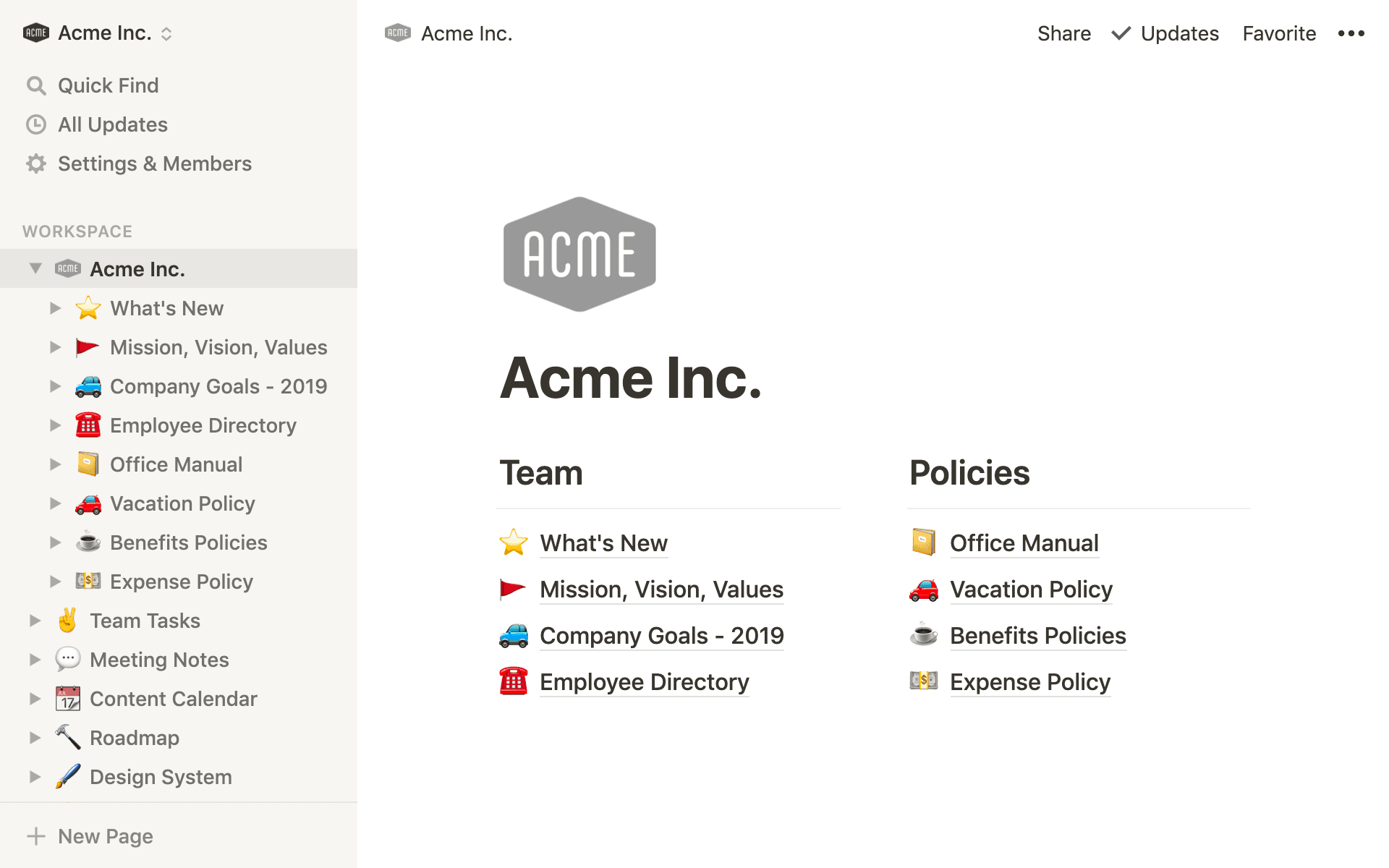
Notion templates for nonprofits

Get started running your team in Notion with these pre-made setups. Click Duplicate at the top right to add to your workspace.

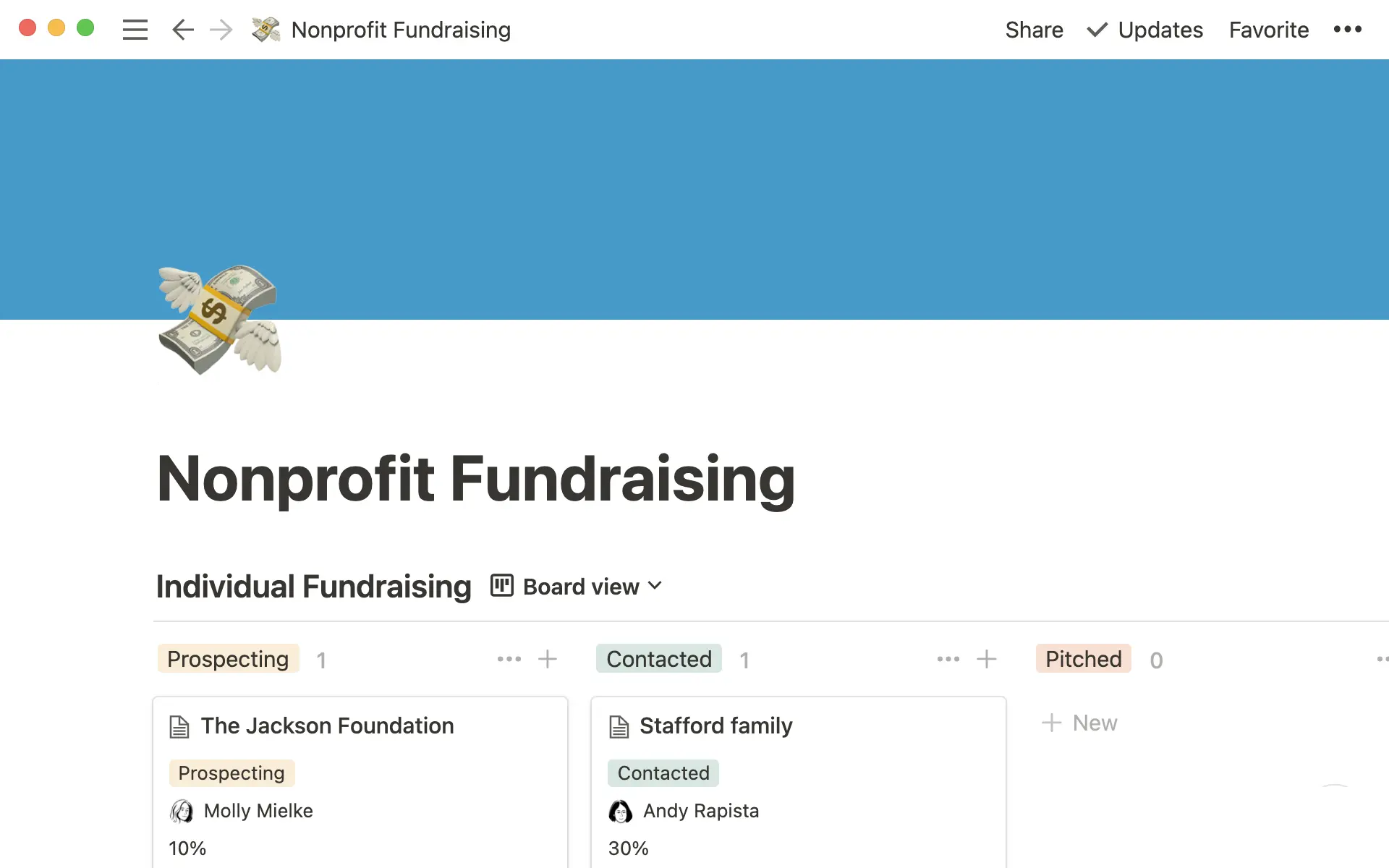
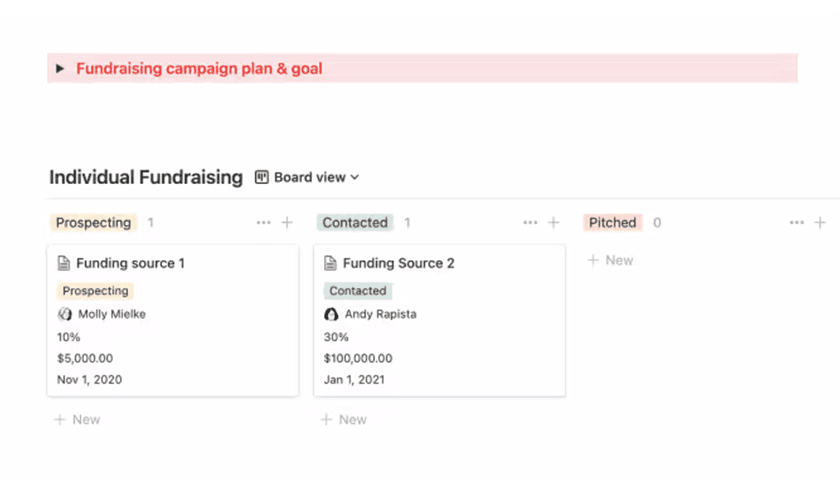
Nonprofit fundraising

Use this template to keep track of individual donations and foundation/corporate fundraising with your team.

Duplicate template →
Nonprofit fundraising template product image

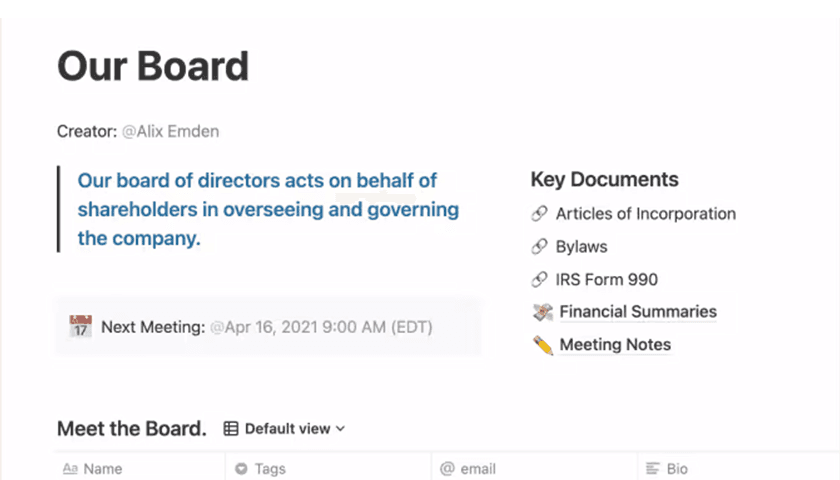
Board management

Consider this a home for everything about your board – from contact info to meeting notes.

Duplicate template →
Board management template product image

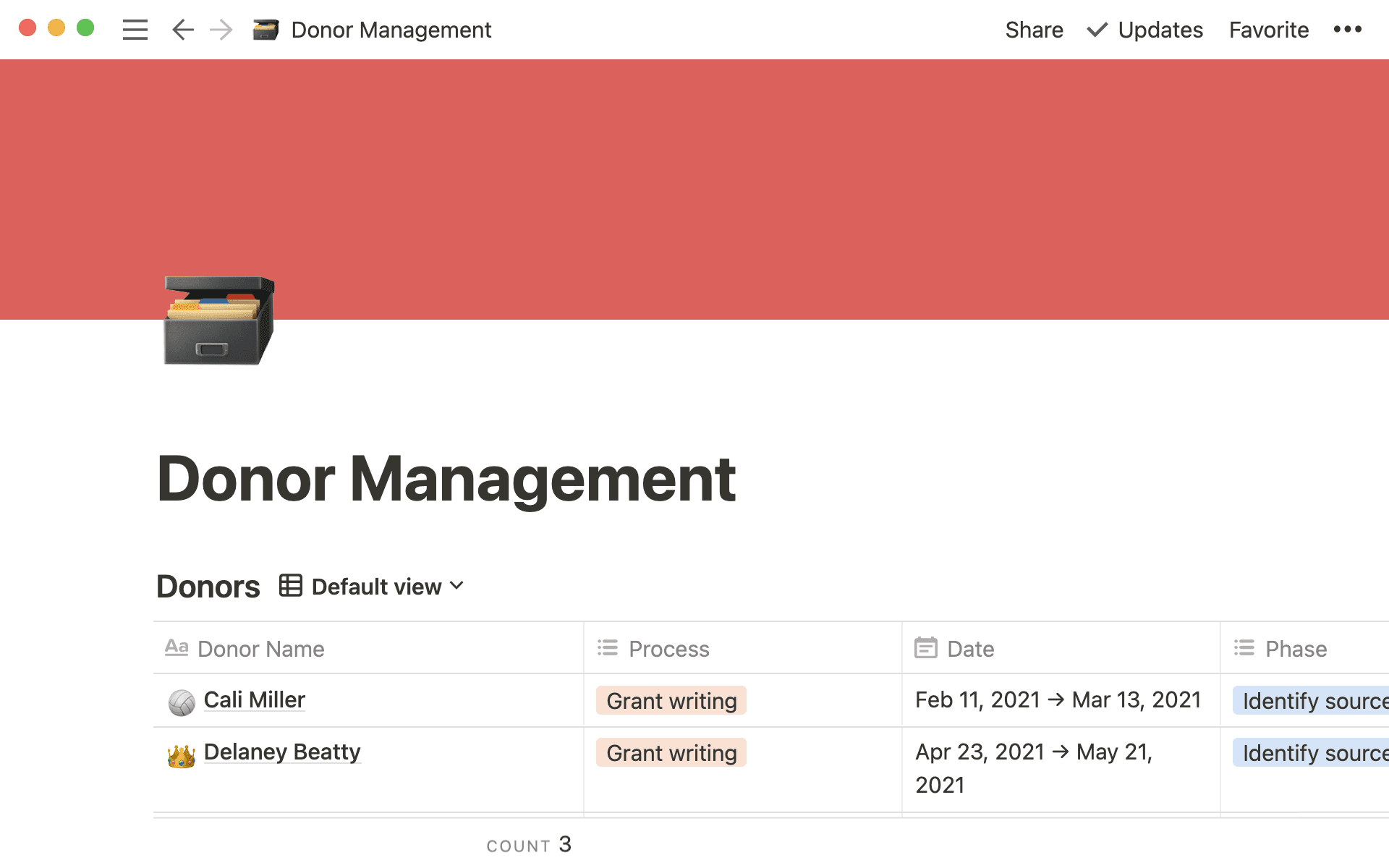
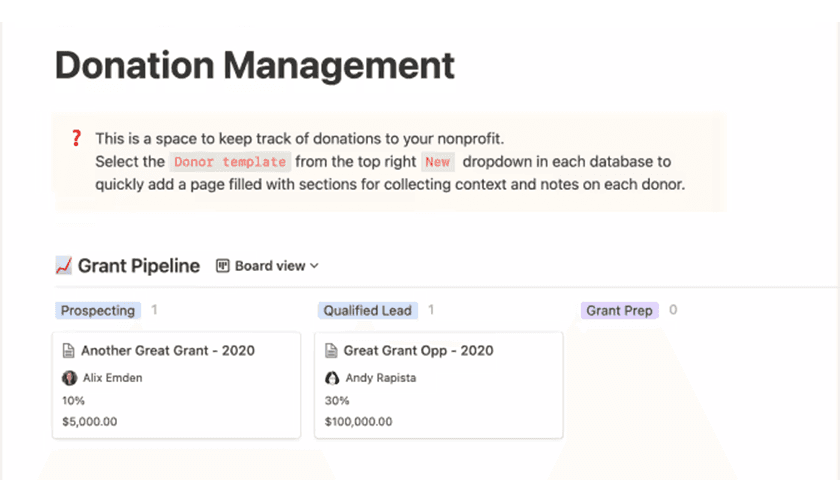
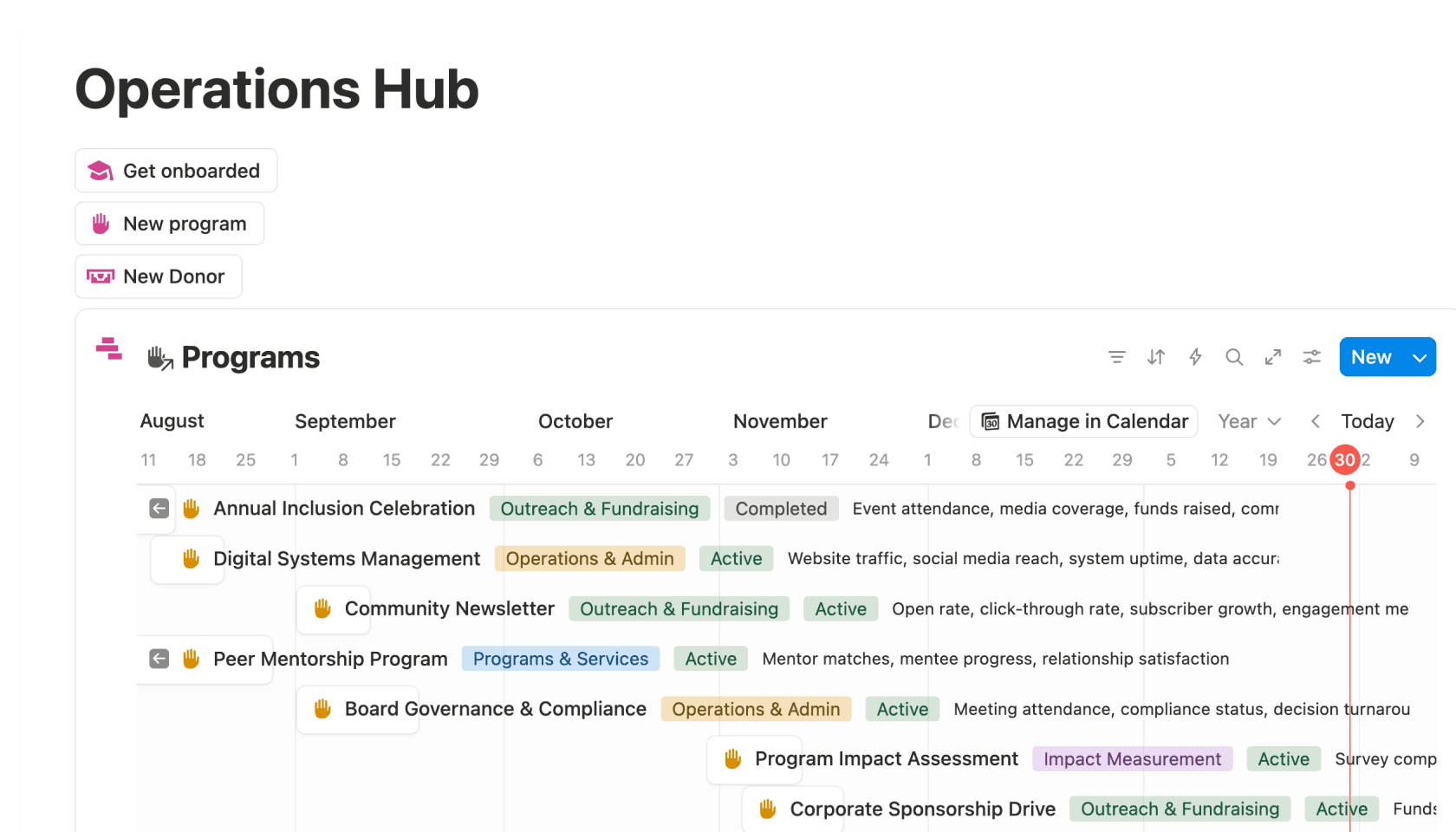
Nonprofits operation hub

Manage programmes, volunteers, donors and beneficiaries with timelines, budgets, automated onboarding and connected databases.

Duplicate template →
Donor management template product image

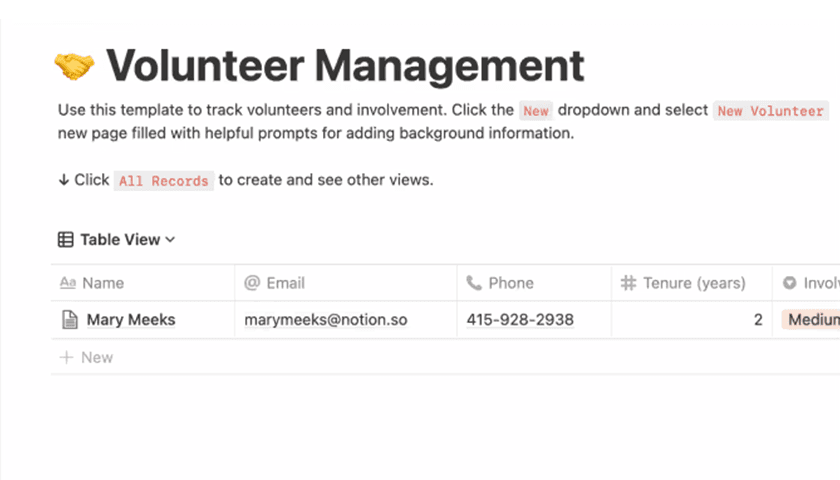
Volunteer management

Keep tabs on your wonderful volunteers in this handy shared database.

Duplicate template →
Volunteer management template product image

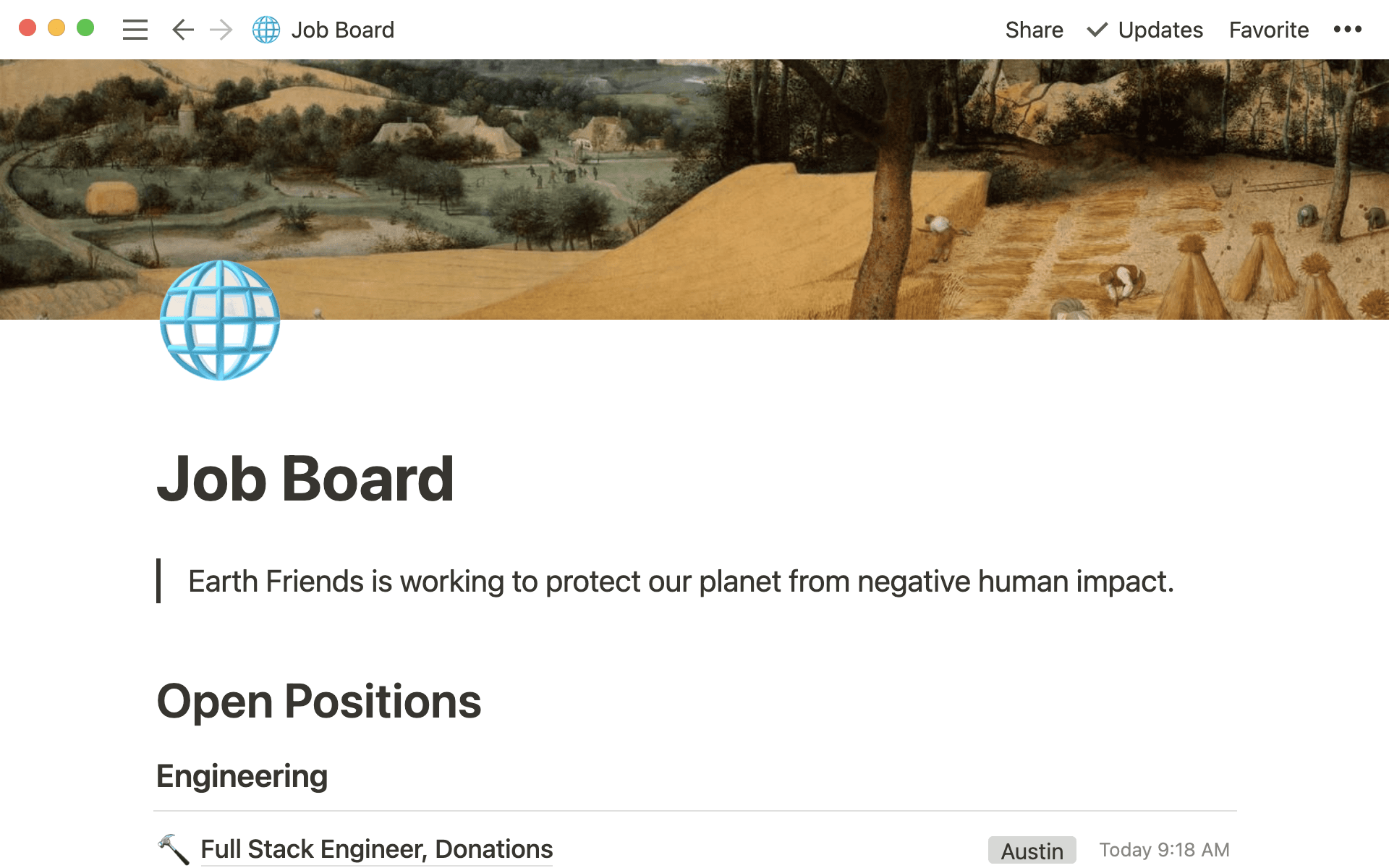
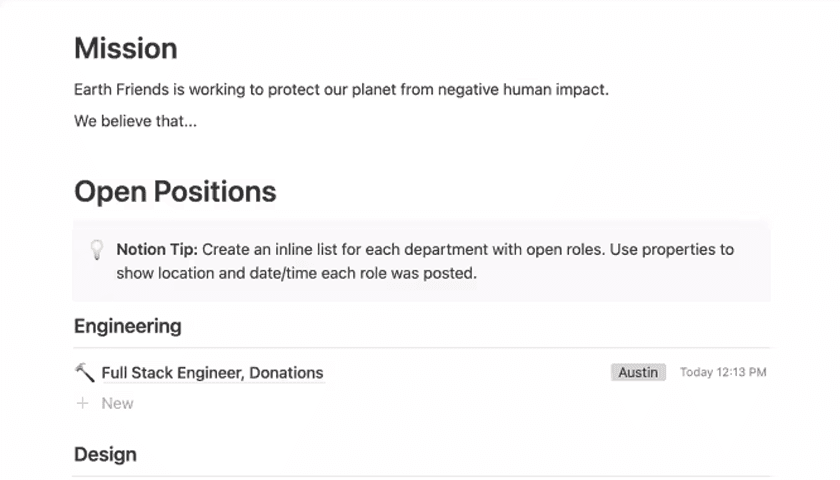
Job board

Use this page as a public careers page for your non-profit – simple, streamlined and easy to update.

Duplicate template →
Job board template product image
From our mission to customer insights, marketing messages and key metrics – all of our team's information lives in Notion.
Amelia CrookHead of Product, Australian Red Cross

Questions & answers

How do I apply for the Notion for Nonprofits discount?

To apply, please visit www.techsoup.global and select the country where your civil organisation’s based. You'll be redirected to that country's TechSoup website, where you can search for “Notion” and apply for the discount.

Once your organisation’s been approved by TechSoup, you'll receive an email with a unique, single-use discount code and a form link to select the Notion workspace you’d like the upgrade applied to. The Notion team will then apply the discount to your workspace, so please allow additional processing time.

For UK nonprofits, we partner with TechSoup to validate charitable status. This process typically takes 3–5 business days and includes an administrative fee.

Each organisation can request discounts for up to three workspaces.

What happens after I submit my application?

After you submit your application through www.techsoup.global, the TechSoup team will verify your application in 3–5 business days.

Once your organisation has been approved by TechSoup, you’ll receive an email with a unique, single-use discount code and a form link to select the Notion workspace you’d like the upgrade to be applied to. The Notion team will apply the discount to your workspace, so please allow additional processing time.

Once the Notion team’s confirmed the discount has been applied, go to Settings and Members in Notion, and click Upgrade or Plans in the sidebar. Under Plus, click Upgrade and enter your discount code during the checkout process. This will immediately take half off the cost.

I submitted an application for the Notion for Nonprofits discount programme. When should I hear back?

Thanks for applying! You'll hear back from us in 3–5 business days.

I’m an educator/staff member at a primary/secondary educational institution. Can I apply?

We offer 50% off our Team plans for administrators, staff and educators at primary and secondary educational institutions. We require documentation supporting your institution's accreditation and/or nonprofit status in the application form. Reach out to your institution's central administrator for the documentation.

I am an educator/staff member at a higher education institution. Can I apply?

Yes. We offer 50% off our Team plans for administrators, staff, and educators. We require documentation supporting your institution's accreditation status in the application form. Reach out to your institution's central administrator for the documentation.

I’m part of a nonprofit student club/organisation. Can I apply?

Yes! We require documentation supporting your organisation's nonprofit accreditation status in the application form.

What countries does the nonprofit discount apply to?

AustraliaFinlandMexicoSpain
AustriaFranceNetherlandsSweden
BelgiumGermanyNew ZealandSwitzerland
BrazilIrelandNorwayUnited Arab Emirates
CanadaItalyPolandUnited Kingdom
ColombiaJapanPortugalUnited States
DenmarkKoreaSouth AfricaVenezuela

What if my nonprofit’s based in a country that’s not supported by the programme?

Please reach out to [email protected] with details of your nonprofit and the country you’re based in, so our team can look into expanding our programme.

Any more questions? Message support

We’re in this together

We have all the resources you need to get going!

Find a Notion consultant

Through bespoke implementation and personalised training, these certified consultants help teams and individuals use Notion the way they want.

Find a consultant here →
Illustration of consultant working with nonprofit team member.

Talk to an Ambassador

Members of our global Notion Ambassadors community are offering free 30-minute tutorials to help nonprofits get set up.

Sign up here for your session →
Illustration of sign up form being filled out.

Try Notion today

Run your entire org with our discounted Team plan.

Illustration of a person getting started with Notion blocks.