
关于
Ziztu makes short videos from a topic. Connect Notion and your Reel Factory scripts become a content plan you can run from a Notion board or calendar.
Send plan to Notion: every episode of a script becomes a row in a Ziztu reels database, with its title, series, format, hook, spoken script and a Scripted status. Add a planned date and a platform (Instagram, TikTok or YouTube Shorts) and plan the month in Notion's board or calendar view.
When a reel finishes, its own row turns Rendered and gets the reel link, mode and length, and a reel is never added twice. Turn on auto-send and every finished reel updates Notion without a click.
Your Notion stays yours: after the first send, Ziztu only updates Status, Reel link, Mode and Seconds, and never touches your planned dates, platforms, notes or your own columns. Ziztu can see only the pages you pick when you connect, and you can disconnect any time from your Ziztu account page or from Connections in Notion.
Sending to Notion is free; making the reels uses your Ziztu credits, shown on the button before you start.
功能
- 读取、插入和更新内容可以读取、插入和更新与此连接共享的页面、数据库和区块。
如何使用
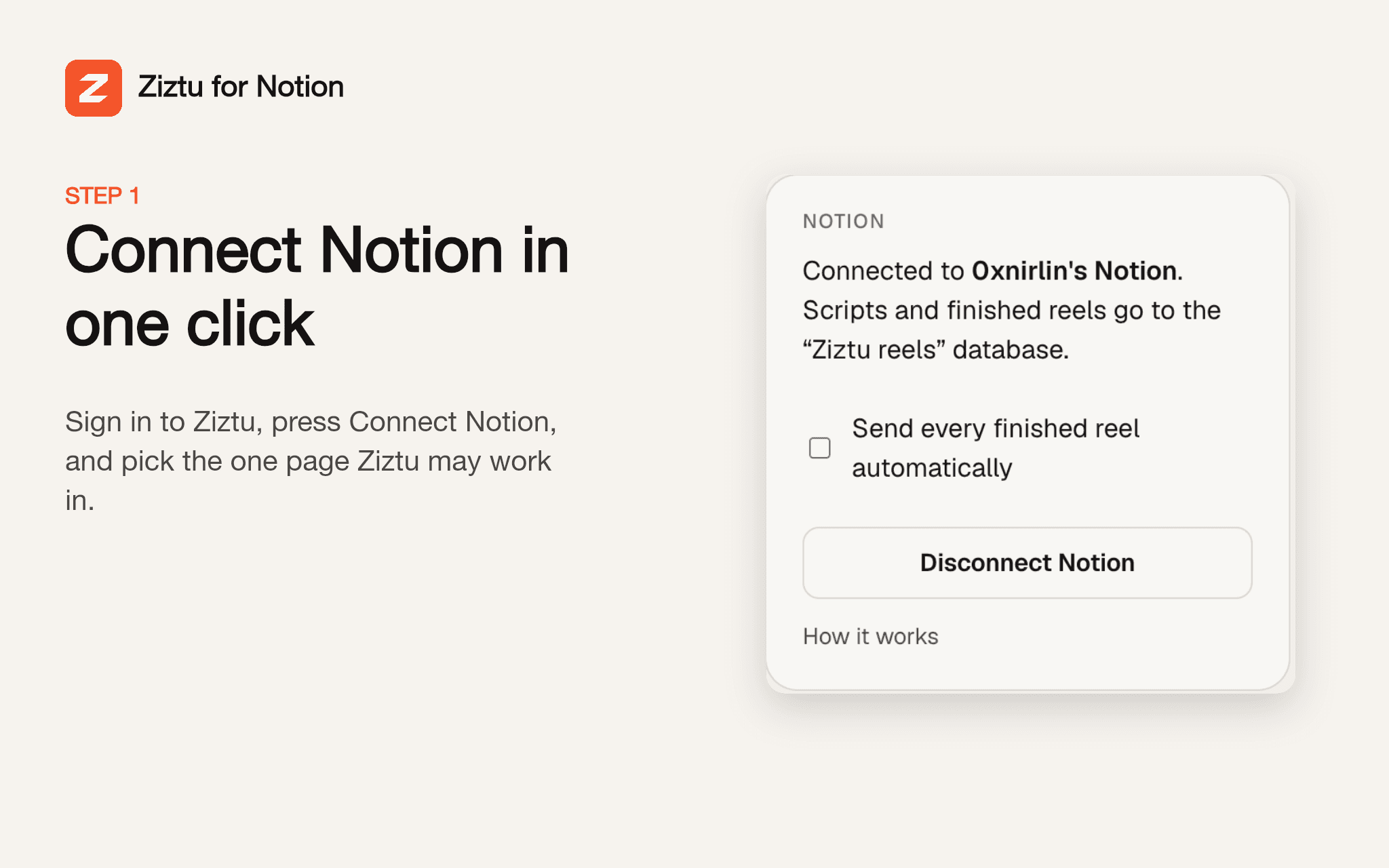
Sign in to Ziztu at getziztu.com and open your Account page. In the Notion card, click Connect Notion, approve, and pick the page Ziztu may work in (an empty page called Ziztu is a good choice). Then open Reel Factory at getziztu.com/reel-factory, write a topic, use Preview the script, and click Send plan to Notion. A Ziztu reels board appears in the page you picked, with one row per episode marked Scripted. Add a planned date and a platform in Notion, then make the reels. When an episode finishes, click Send to Notion on it, or turn on auto-send on your Account page, and its row turns Rendered with the reel link. Help: [email protected]. More: https://getziztu.com/integrations/notion