
关于
Ziga Data helps freelancers and small teams turn messy lead information into organized records in Notion.
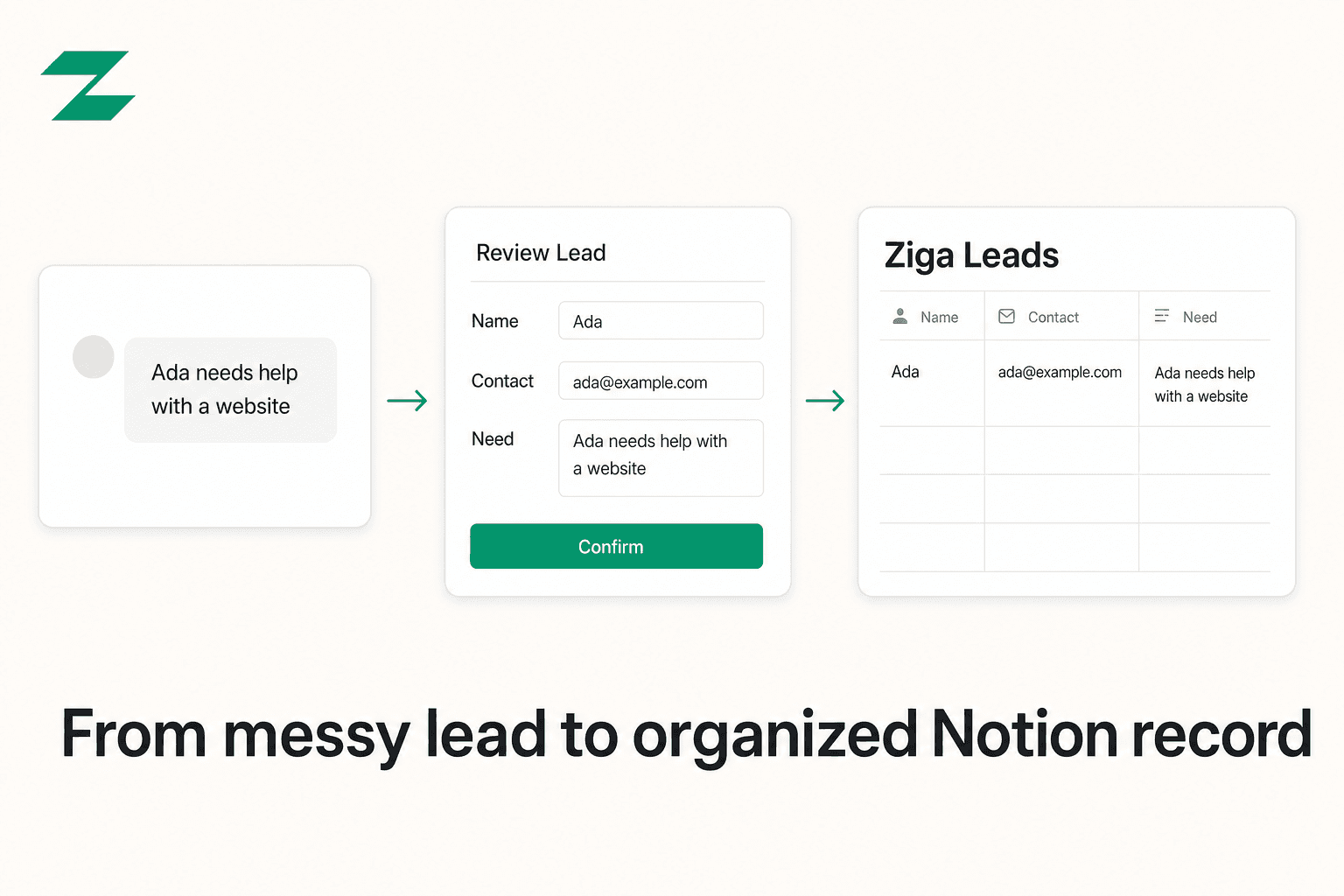
Paste a client inquiry, forwarded email, DM, or screenshot into Ziga Data. It extracts key details such as name, contact information, source, need, date, and notes, then shows every field for review and editing before anything is saved.
Connect your Notion workspace through Notion’s secure OAuth flow and select the pages or databases Ziga Data may access. You can choose an existing database and review the field mapping, or create a dedicated “Ziga Leads” database inside a page you select.
Ziga Data writes a new lead page only after you confirm it. It accesses only the Notion resources you explicitly choose during connection, does not access comments or user-profile data, and lets you disconnect the connection at any time.
功能
- 读取、插入和更新内容可以读取、插入和更新与此连接共享的页面、数据库和区块。
- 查看工作空间用户读取有关工作空间成员和访客的基本档案详细信息,包括其电子邮件地址。
如何使用
1. Visit https://app.zigadata.com/onboarding-notion.
2. Create an account or sign in to Ziga Data.
3. Select Connect Notion.
4. In Notion, choose the page or database you want Ziga Data to access, then approve access.
5. Back in Ziga Data, create a new “Ziga Leads” database in the selected page, or choose an existing database and review the field mapping.
6. Paste a lead, review the extracted details, and select Confirm.
7. Ziga Data creates one new lead record in the selected Notion database.