XIOT, Co.

XIOT
关于
XIOT connects your Notion workspace to xAgent, the AI voice assistant for your home and office.
Ask out loud and your agent:
• Finds pages: "What's in my Notion about the trip?"
• Reads them back or answers from them: "What's left on my shopping list?"
• Adds notes and to-dos to the page you choose, after reading them back to you: "Add buy milk to my Notion list."
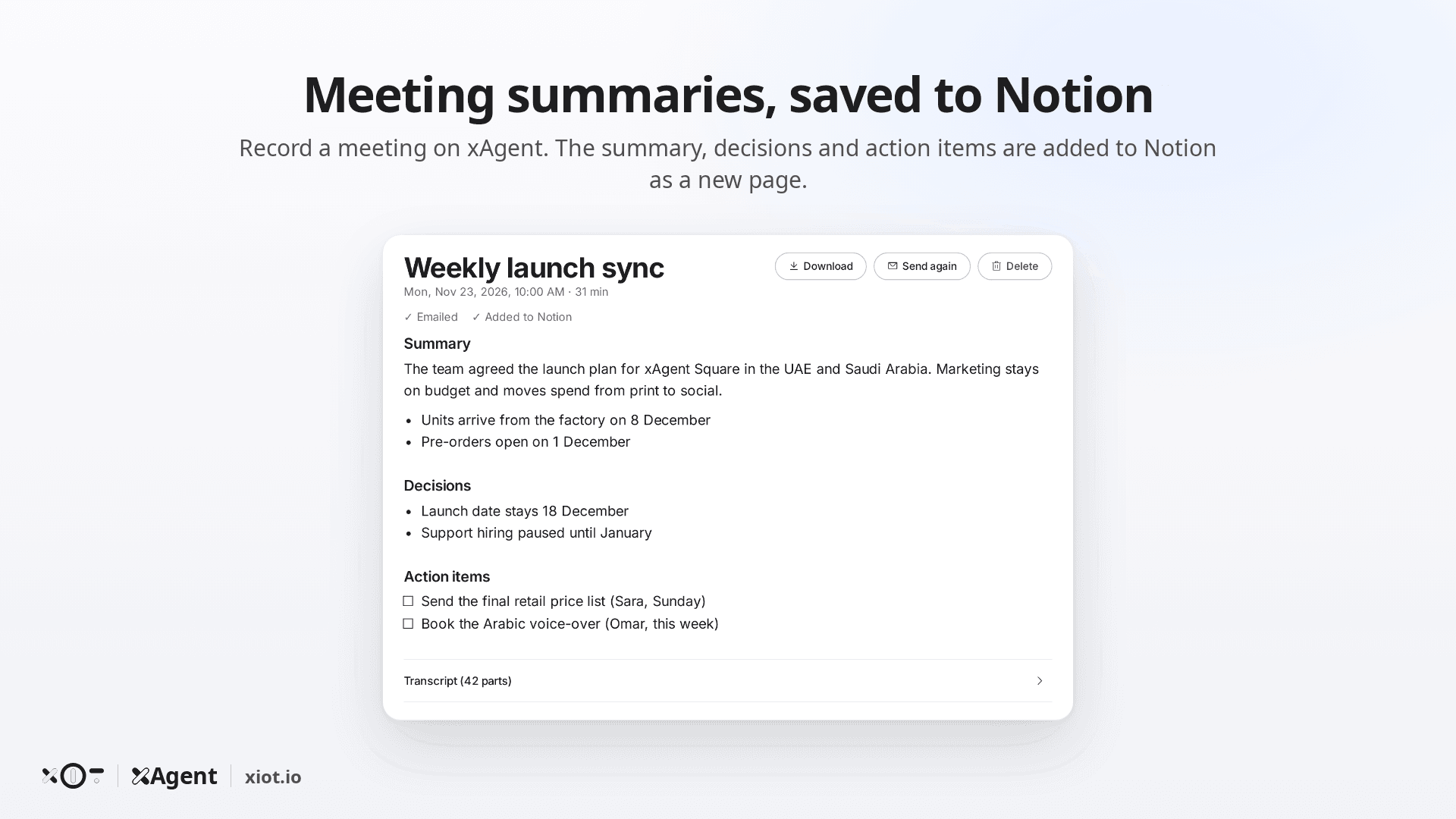
• Saves meeting summaries: record a meeting on xAgent and the summary, decisions and action items are added to Notion as a new page.
Works in English and Arabic.
Your data stays in your control:
• XIOT sees only the pages you share with it in Notion. Nothing else in your workspace.
• Nothing is added to Notion without your confirmation.
• Page content is fetched when you ask, and isn't used to train AI models.
• Disconnect at any time in xConsole → Connections, or in Notion's settings.
功能
- 读取、插入和更新内容可以读取、插入和更新与此连接共享的页面、数据库和区块。
- 读取和添加评论可以在其有权访问的页面和区块上读取和添加评论。
- 查看工作空间用户读取有关工作空间成员和访客的基本档案详细信息,包括其电子邮件地址。
如何使用
1. Sign in to xConsole at console.xiot.io (create a free XIOT account if you don't have one).
2. Open Connections and choose "Connect Notion".
3. In Notion, pick the pages XIOT may use and allow access.
4. Back in xConsole, choose the page where new notes and meeting summaries should go.
5. Open your agent → Tools → Edit functions, turn on Notion, and save.
6. Ask your xAgent: "What's in my Notion about…?" or "Add … to my Notion list."
To share more pages later: open the page in Notion → ••• → Connections → XIOT.