
关于
The Tines integration for Notion allows you to seamlessly automate your security and IT operations, using and updating Notion as the source of truth. Collaborate, track cases, and involve humans-in-the-loop in Notion, while your workflows run automatically in the background in Tines.
功能
- 读取、插入和更新内容可以读取、插入和更新与此连接共享的页面、数据库和区块。
- 读取和添加 条评论可以在其有权访问的页面和区块上读取和添加评论。
- 查看工作空间用户读取有关工作空间成员和访客的基本档案详细信息,包括其电子邮件地址。
如何使用
Set up a Tines connect flow for Notion:
Credentials home: select
+ New credentialand choose the product you'd like to connect to Tines.Storyboard:
Story overview pane:
Select
+in the credentials section and chooseNotionSelect
Connectby the product name and chooseCreate credentialorNew connection.Select
Replaceafter hovering over the product name and chooseCreate credential.
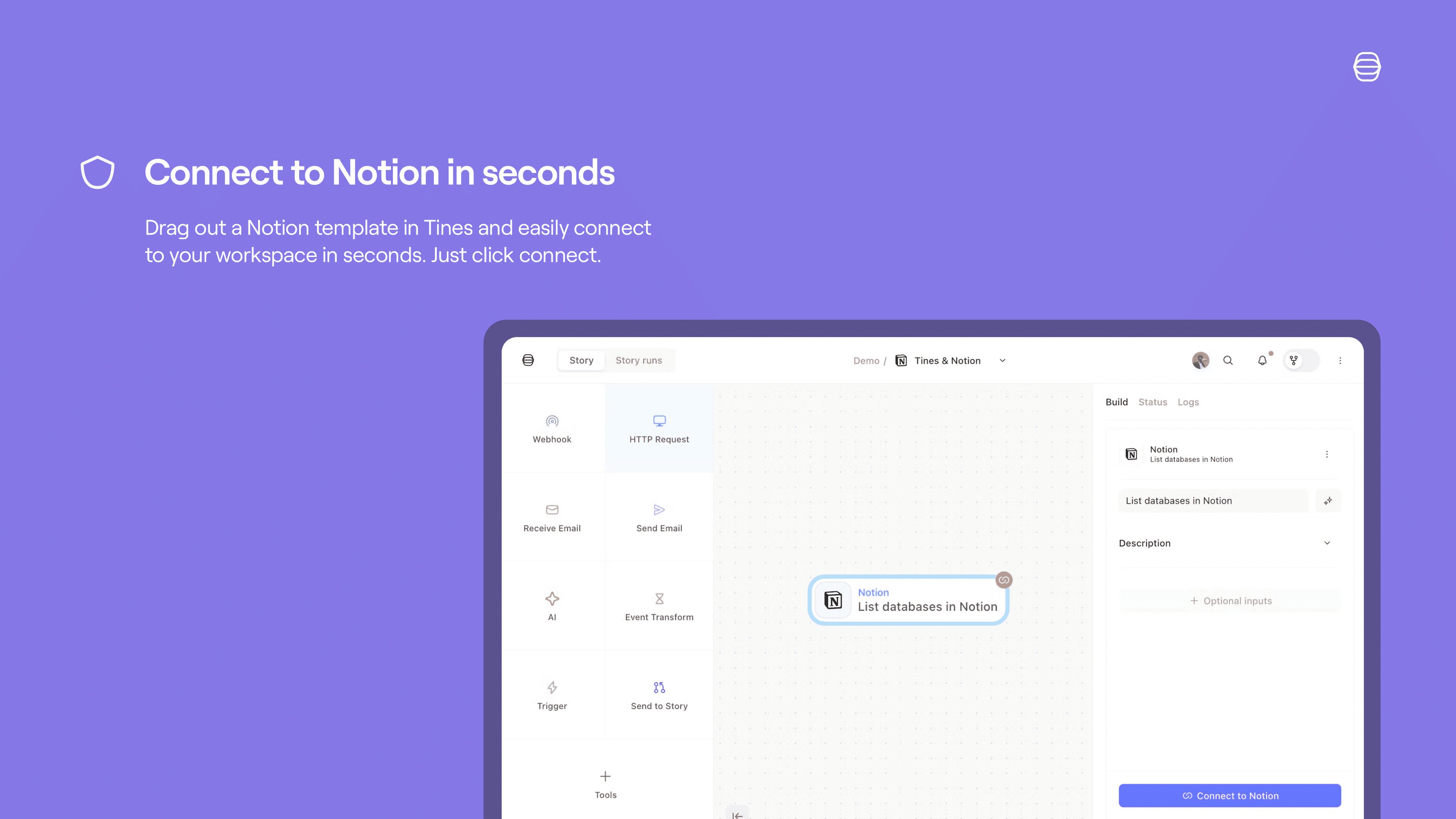
Product template: if you select a template for a product that has a connect flow, a connect button will appear. Select
Connectand thenNew connectionto start the connect flow for that product.
See more info here.