
关于
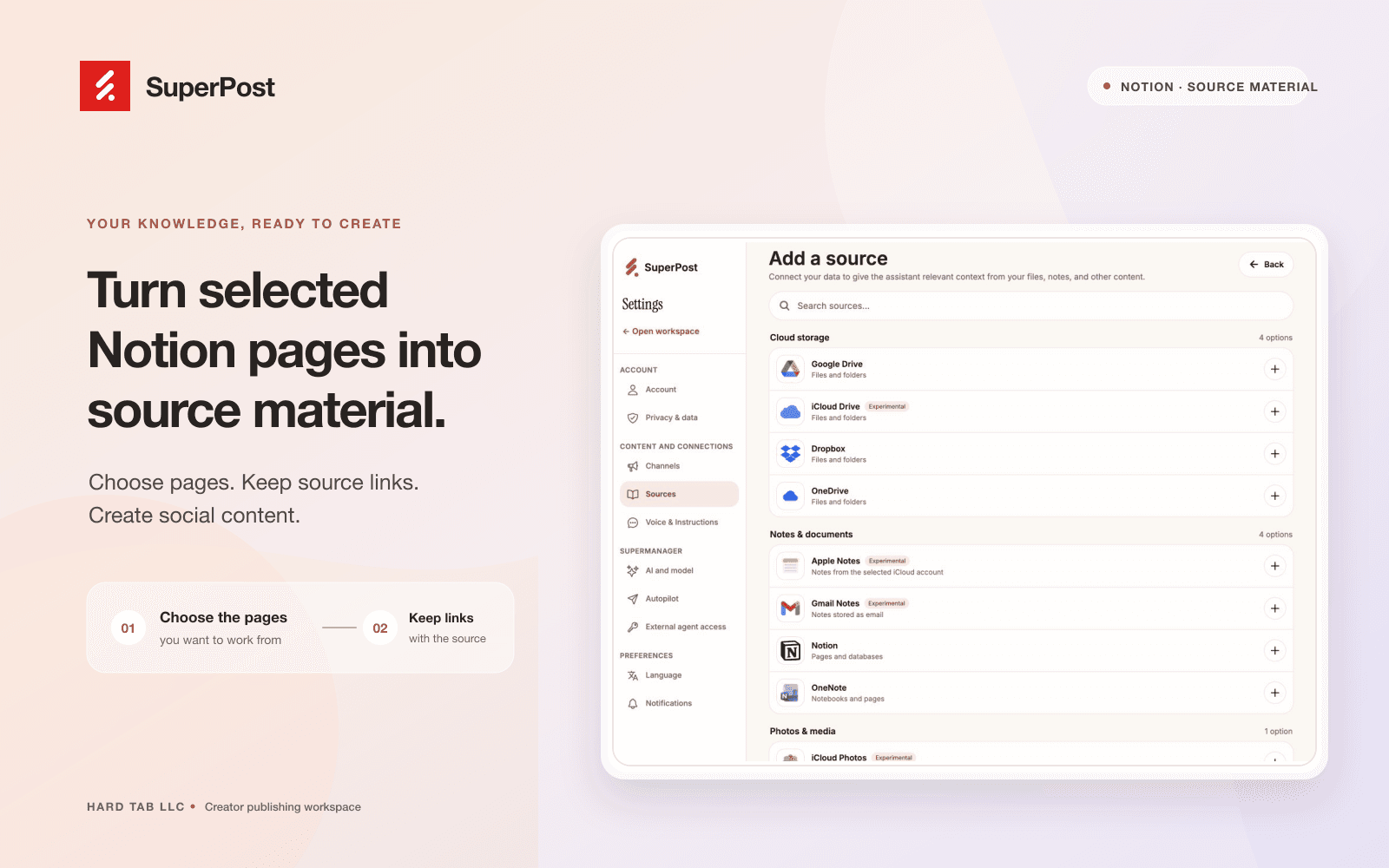
Connect Notion to SuperPost to use pages you select as source material for social content. SuperPost reads the connected pages and preserves their source links so you can review the original material while planning and writing posts.
You choose which pages to share during Notion authorization. The connection reads content; it does not create, edit, or delete your Notion pages. Manage your sources and disconnect the connection from SuperPost settings.
功能
- 读取内容可以读取与此连接共享的页面、数据库和区块。
- 查看工作空间用户读取有关工作空间成员和访客的基本档案详细信息,包括其电子邮件地址。
如何使用
1. Sign in at https://superpost.social
2. Open Settings → Sources and choose Notion.
3. Authorize the connection and select the pages you want SuperPost to read.
4. Return to SuperPost, choose source pages, and review the imported material before using it to create social content.
5. You can disconnect Notion from Settings → Sources.