
关于
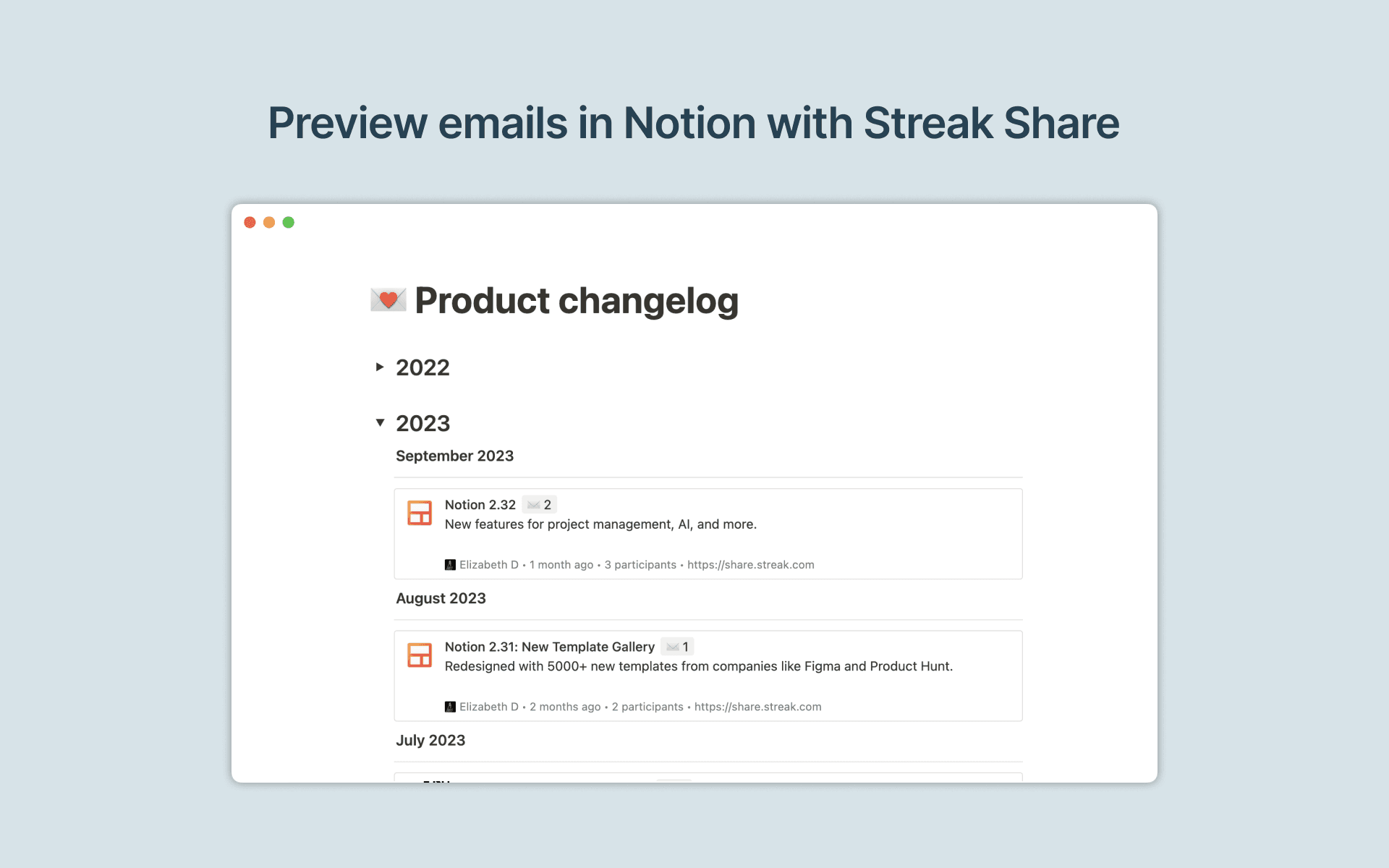
Streak helps you manage your sales workflows and customer relationships directly from your Gmail inbox. With this Streak link preview integration for Notion, you can get a link to any email thread from Gmail and paste it into Notion to preview email conversations and keep all your context in one place.
功能
- 预览链接将来自此产品的链接粘贴到 Notion 时,将其展开为丰富的实时预览。
如何使用
First, go through the installation flow for Streak Share
Go to any email thread in Gmail and click on the
Get linkbutton to copy the link to your clipboardPaste the Streak Share link into Notion, then select
Paste as preview. If it’s your first time using Streak Share with Notion, you will be prompted to authorize the integration. Follow the prompts to complete the authorization process. Once authorized, you will see a detailed preview of the linked content in Notion