

关于
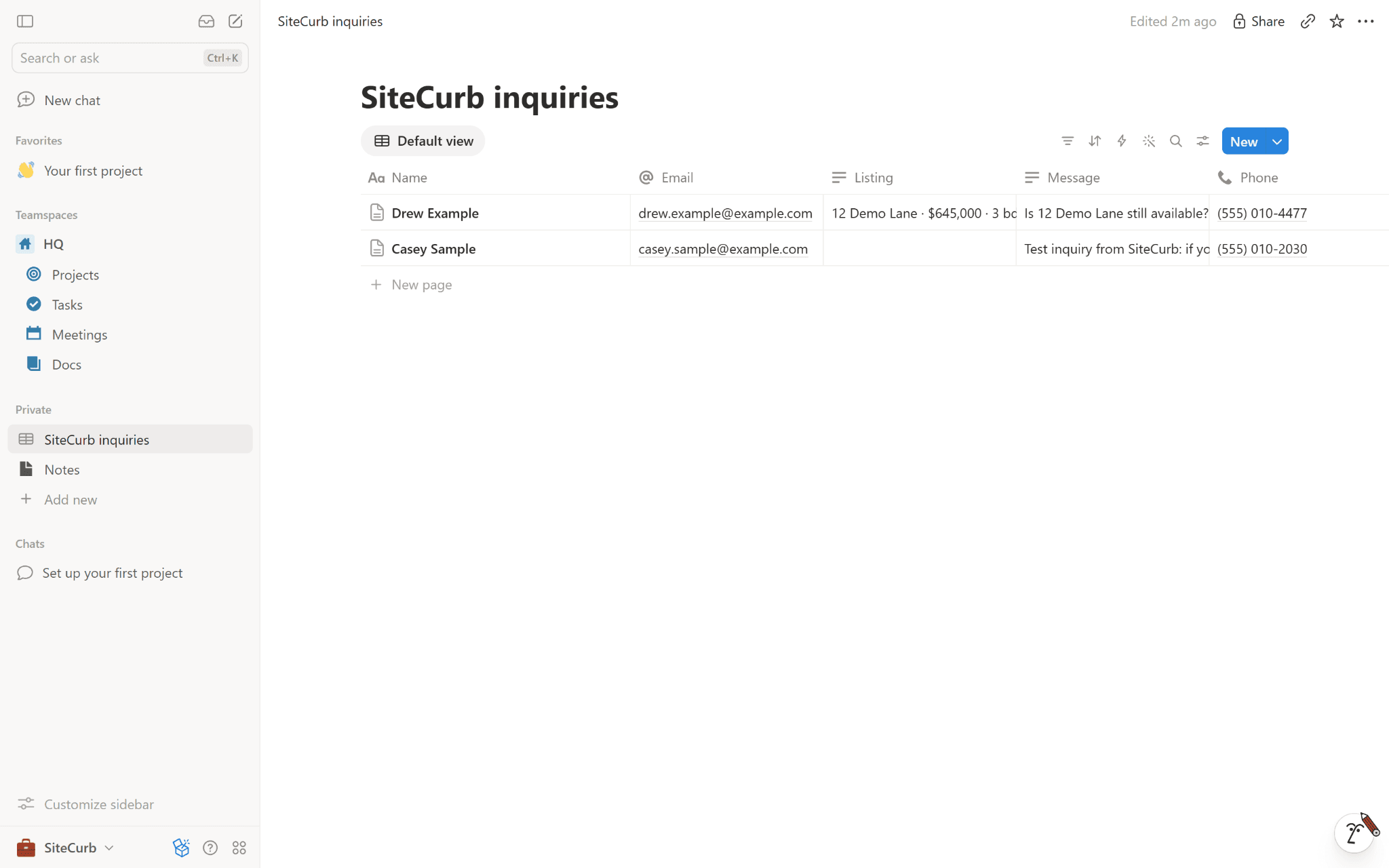
SiteCurb Leads sends every inquiry from your SiteCurb real estate website into a Notion database. Each inquiry becomes a page with the person's name, email, phone and message, the listing they asked about and which of your websites it came from, so you can track follow-ups with your own Notion views, filters and automations.
What it can access: only the pages and databases you choose when you connect, and the database it makes for you. It reads their names (so you can pick one) and the chosen database's columns, and it only adds pages. Disconnect any time in SiteCurb, or remove SiteCurb under Settings → Connections in Notion.
功能
- 读取和插入内容可以读取和插入与此连接共享的页面、数据库和区块。
如何使用
1. In SiteCurb, open Dashboard → Integrations and press Connect Notion.
2. Choose a database of yours, or a page for a new "SiteCurb inquiries" database.
3. Press Send a test inquiry: a made-up inquiry from Casey Sample appears in the database.
