

关于
Publora turns a Notion database into a publishing queue for your social accounts.
Keep planning where you already plan. Each row is a post: the text, the accounts it goes to, the date it should appear. Mark a row Ready and Publora schedules it on LinkedIn, X, Instagram, Threads, Bluesky, Mastodon, Telegram, TikTok, YouTube or Facebook. Once it is queued, the row gets back the status Scheduled and a link to the post, so the calendar shows what actually happened rather than what someone meant to do.
Any database works. Publora matches your columns by name and type and says on screen if something is missing, so you keep the calendar your team already uses. If you would rather start from a ready one, duplicate our Social Media Content Calendar template.
A row that names an account you have not connected does not hold up the rest. It explains itself in its own Notes cell, and everything else goes out.
New rows are picked up every five minutes. The connection reads the database you share with it and writes back two cells, the status and the link. It creates no pages and asks for no information about you or your workspace members.
功能
- 读取和更新内容可以读取和更新与此连接共享的页面、数据库和区块。
如何使用
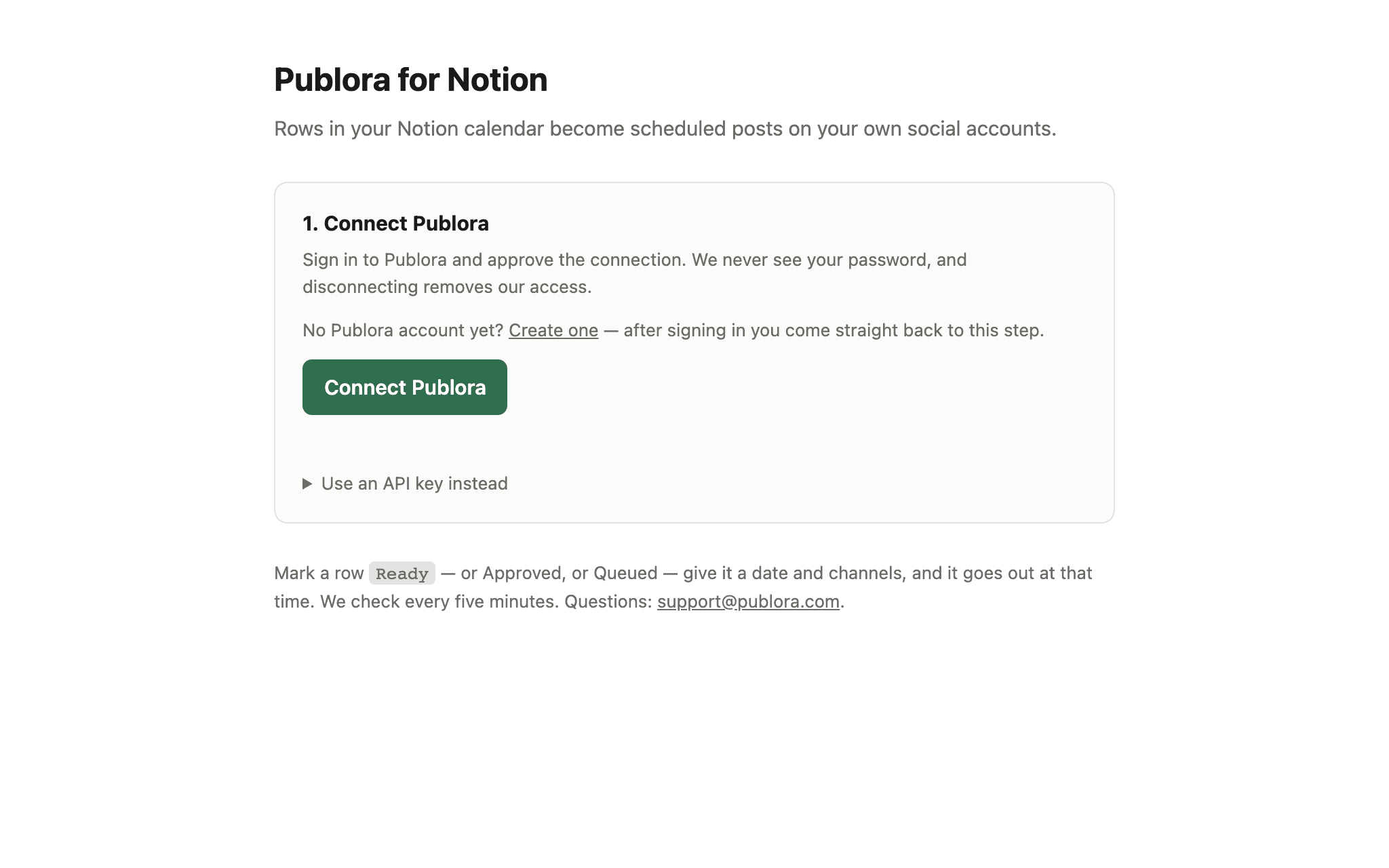
1. Open https://publora-notion.publora.workers.dev and click Connect Publora.
No account yet? You can create one from that screen and come straight back.
2. Click Connect Notion and share the database you plan posts in. Duplicating
our Social Media Content Calendar template gives you the columns already
set up.
3. Choose that database. Publora shows which of your columns it will read and
which it will write back to.
4. Set a row's Status to Ready, pick the channels and a date. The post goes
out at that time and the row gets its link back.
