

关于
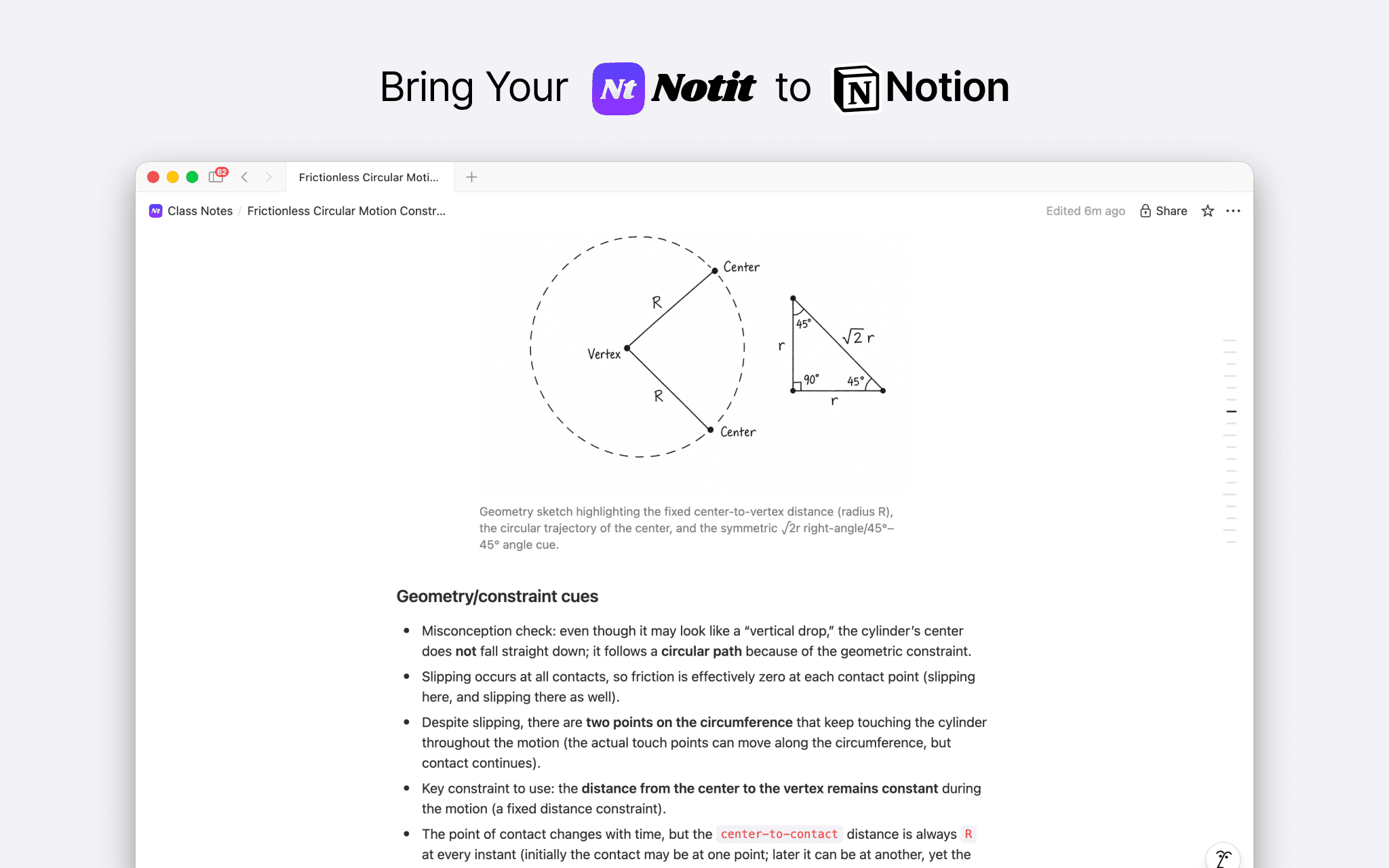
This Connection links Notit, an AI-powered class note-taking app, with Notion. Try exporting the class notes you’ve created in Notit to Notion. Edit and expand the beautiful notes you’ve created in Notit to suit your preferences, then save them, publish them, or share them with others. The content and images from your Notit notes will be exported to Notion pages exactly as they are.
功能
- 读取、插入和更新内容可以读取、插入和更新与此连接共享的页面、数据库和区块。
如何使用
1. Sign up for Notit for free.
2. Create new subjects and classes, and generate class notes for free.
3. On your profile page, go to [Connectivity > Connected apps > Notion].
4. Click the [Configure] button, then click the [Connect Notion] button.
5. The Notion settings page will appear on the screen. Select the pages you want to share with Notit to complete the connection.
6. That's it!
