关于
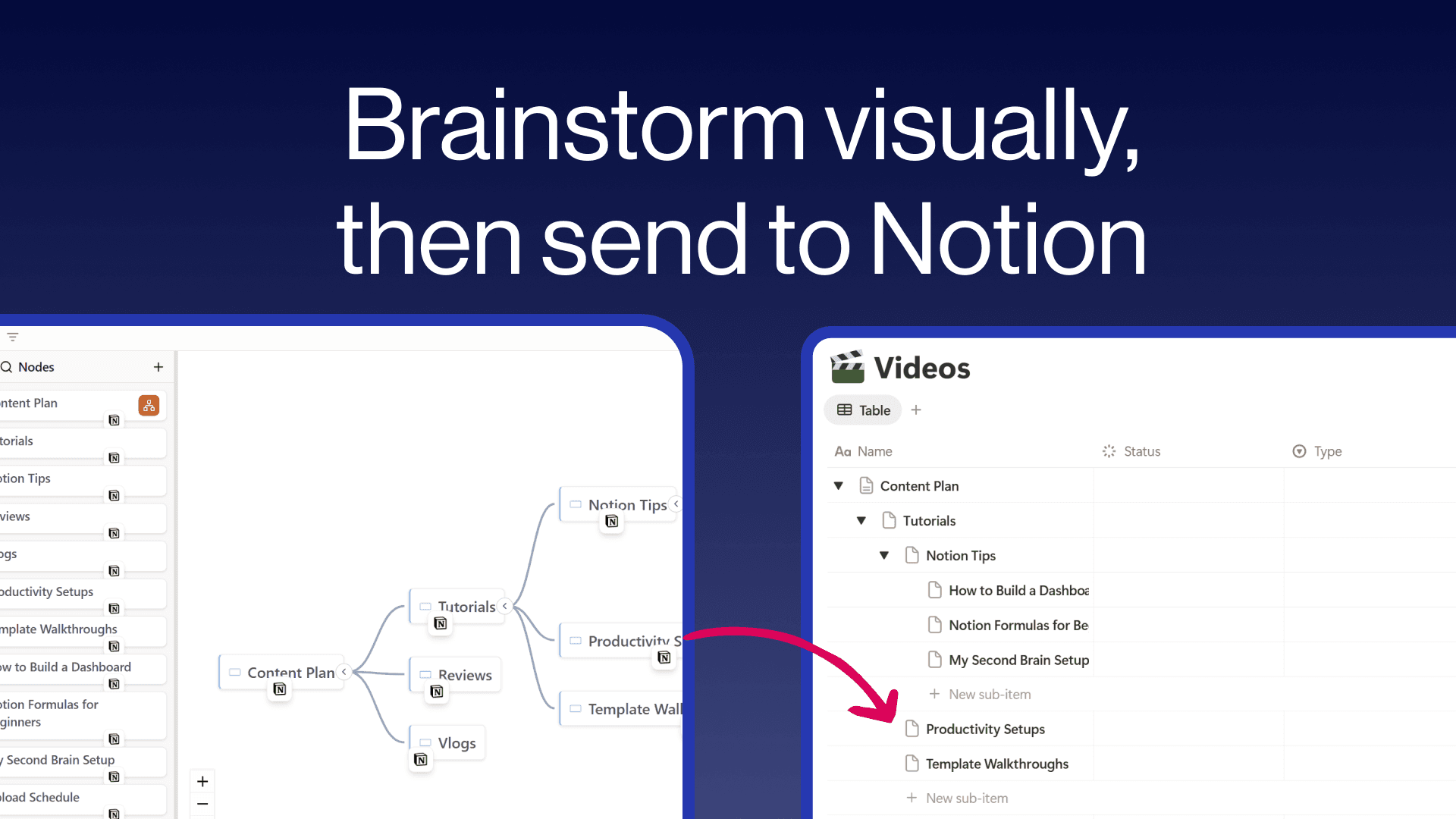
Create freeform mind maps and send them directly to your Notion databases. Build your ideas visually with an intuitive tree editor, then push individual nodes or your entire map to Notion with hierarchy preserved as sub-items. Embed interactive mind maps inside any Notion page so your team can explore them without leaving their workspace. Free to use with unlimited maps and nodes.
功能
- 读取、插入和更新内容可以读取、插入和更新与此连接共享的页面、数据库和区块。
- 查看工作空间用户读取有关工作空间成员和访客的基本档案详细信息,包括其电子邮件地址。
如何使用
- Visit notionmindmap.com and click "Login with Notion"
- Select your workspace and the databases you want to connect
- Click "Create new Mindmap" to start brainstorming
- Add nodes using the + buttons that appear on hover
- Click the "..." menu on any node and choose "Send to" to push it to a Notion database
- Click "Share" to get an embed URL you can paste into any Notion page using /embed