Kipwise

Kipwise Agent
关于
Kipwise builds Kipwise Agent, the AI teammate for your Slack threads.
Most teams don't need another place to ask questions. They need the repetitive part done: the follow-up nobody chased, the weekly status update, the record nobody updated, the thread nobody wrote up. Mention Kipwise Agent once in a thread and it does that work, and plain replies in the same thread keep it going.
- Follows up on the day you asked, and runs a request every week or whenever something happens.
- Posts the status update or the report in the channel, with the date range next to every figure.
- Updates the deal, the ticket or the record, and logs the note, as you.
- Drafts the email or the customer reply, and sends only when you explicitly say so.
- Writes the thread up as a page in your team's Kipwise knowledge base, with your name on it.
It works from inside the tools your team already uses. Each person connects their own accounts, so it acts as them, with their permissions, and links the sources it actually opened. Before you hire for the repetitive part, put it in Slack. Try it free at kipwise.com.
功能
- 读取、插入和更新内容可以读取、插入和更新与此连接共享的页面、数据库和区块。
- 读取和添加评论可以在其有权访问的页面和区块上读取和添加评论。
- 查看工作空间用户读取有关工作空间成员和访客的基本档案详细信息,包括其电子邮件地址。
如何使用
Kipwise Agent answers in Slack, so start there. Add the Kipwise app to your Slack workspace from https://kipwise.com/integrations/notion-agent and invite it to a channel.
Connect your Notion account. Mention the Kipwise agent in Slack and ask it a Notion question, and it will reply with a Connect Notion link.
On Notion's consent screen, tick the pages and databases you want to share. The agent only ever reaches what you tick, under your workspace's own sharing rules.
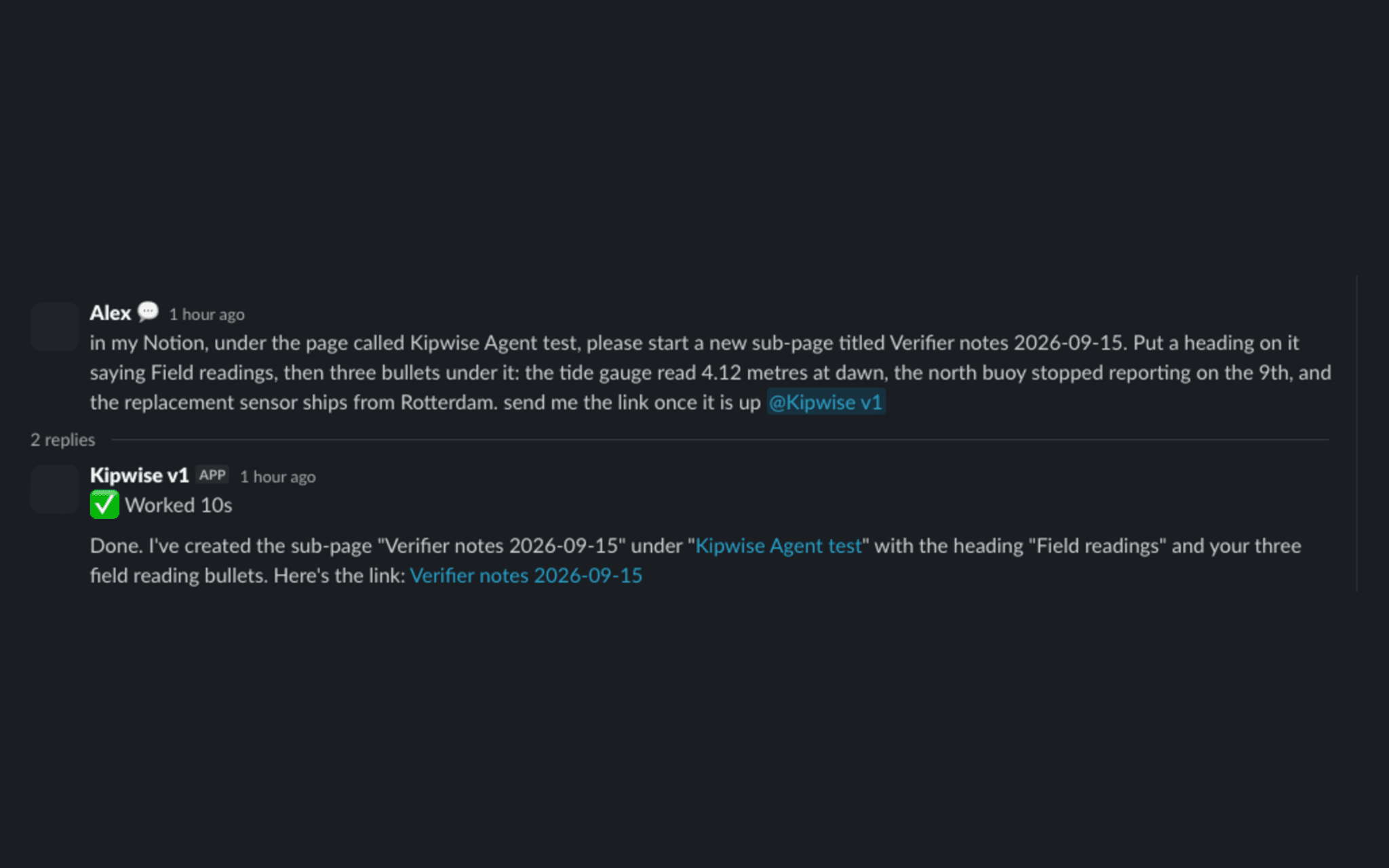
Then ask. Read a shared page and have it quote the exact line with a link back. Create a sub-page or a database row. Append content, add a comment, or rename a page. Ask it to delete a page and it will ask you to confirm the page's current name first, move it to Notion's trash, and restore it later if you ask. Nothing is created, changed, or deleted unless you asked for it in that message.
Writes are made by the connection's own bot user, Kipwise Agent, on the pages you shared, and they run under the permissions of the Notion account that granted access. Questions go to [email protected].