关于
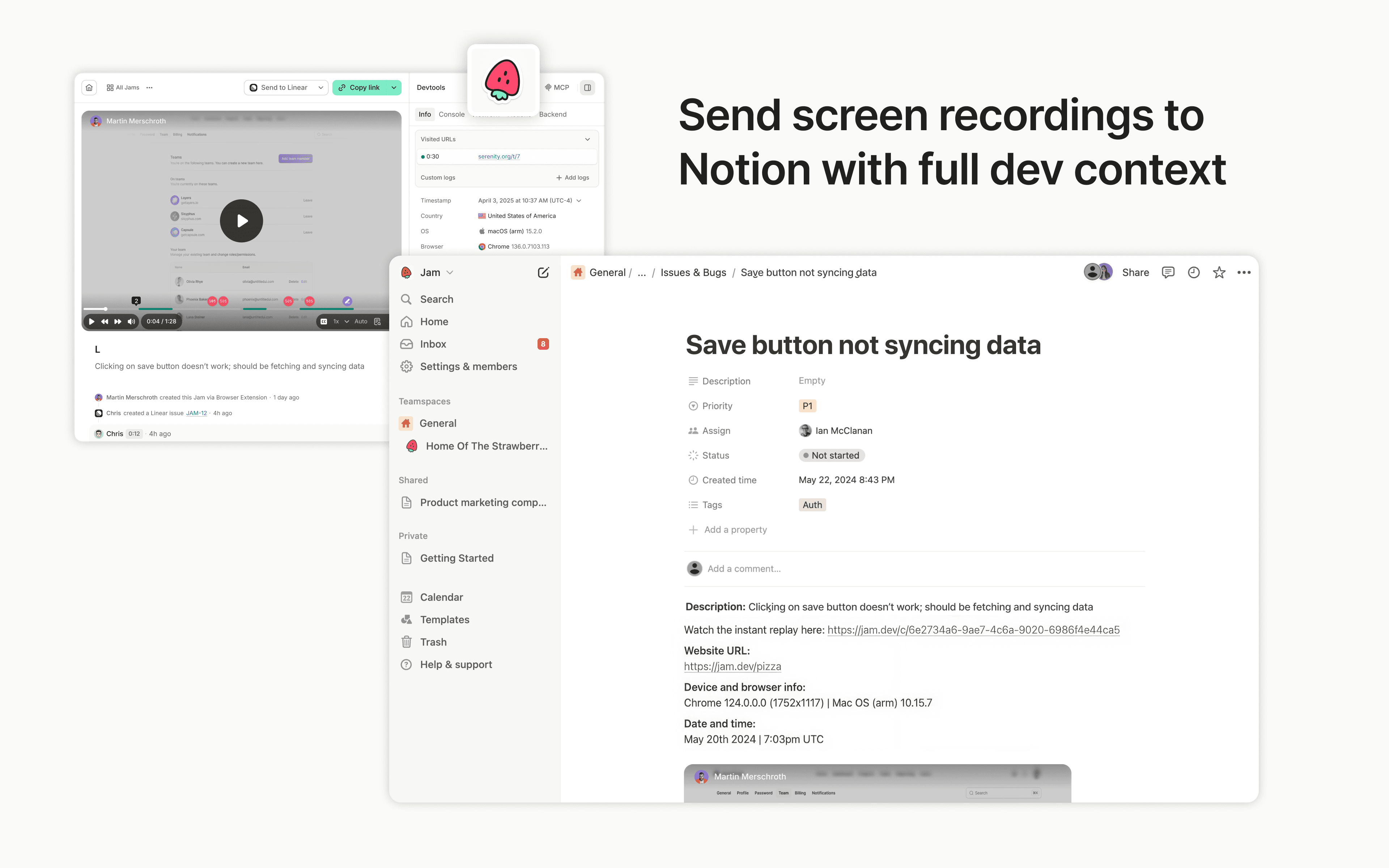
Jam is the smart screen recorder for software teams. Capture bugs, feedback, feature ideas, QA notes, or customer issues in one click from your browser or iOS app, then send them to Notion as tasks, docs, or product notes.
Every recording is automatically enriched with the technical context teammates, engineers, and AI agents need to understand what happened and move work forward, including repro steps, console and network logs, user actions, device info, and more.
功能
- 读取和插入内容可以读取和插入与此连接共享的页面、数据库和区块。
- 查看工作空间用户读取有关工作空间成员和访客的基本档案详细信息,包括其电子邮件地址。
如何使用
Sending Jams to Notion is simple:
- Capture a bug, feedback, or QA note with the Jam browser extension or iOS app
- Click the Notion button in your Jam
- Choose the Notion page or database where the Jam should go
- Create a Notion page with the Jam and full technical context attached