

关于
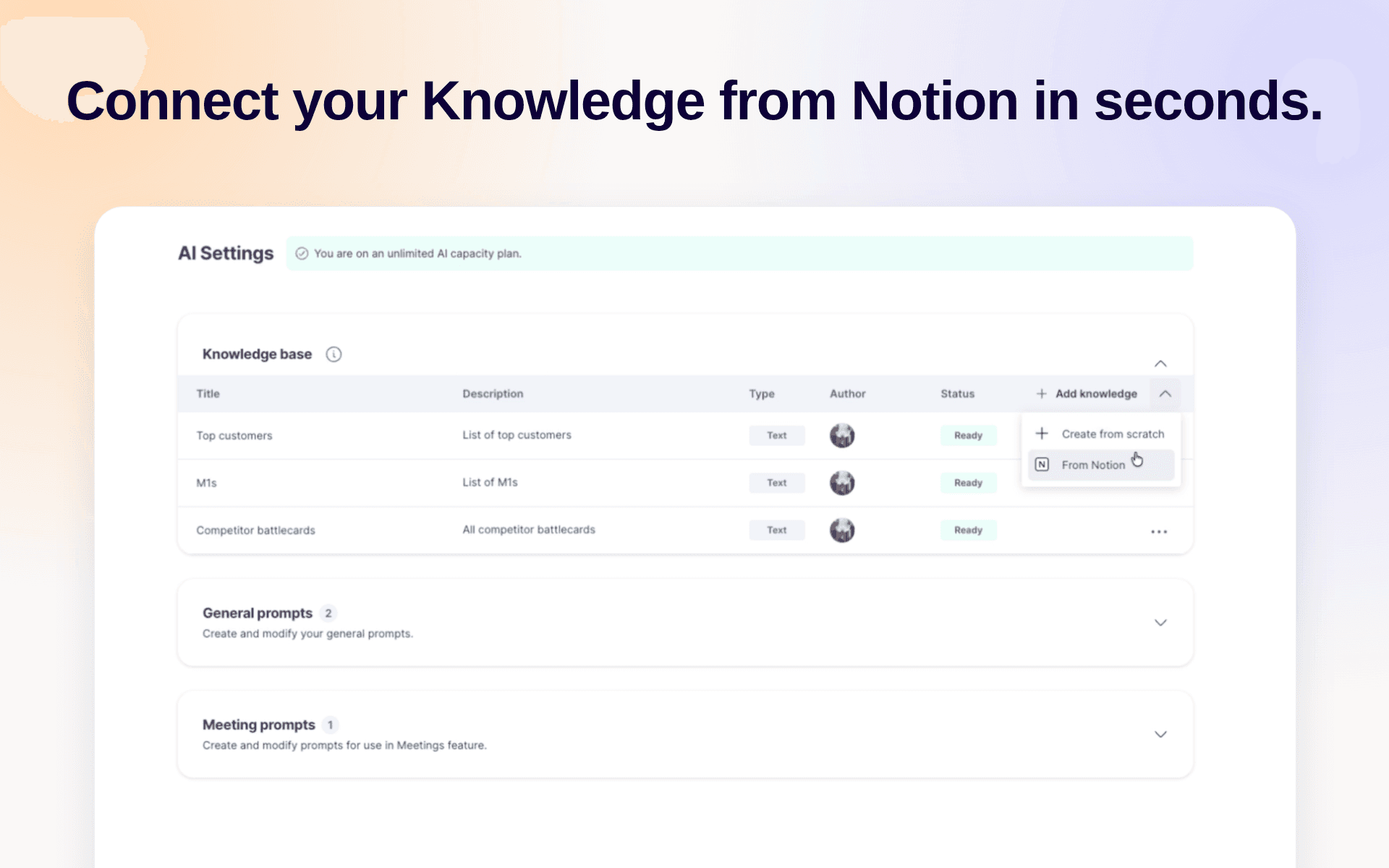
Use Notion as the source of your company knowledge in GetAccept, so you never have to keep the same information in more than one place. With your knowledge base inside GetAccept, our AI agent learns from it to give you and your buyers relevant insights.
功能
- 读取内容可以读取与此连接共享的页面、数据库和区块。
- 读取评论可以在其有权访问的页面和区块上读取评论。
- 查看工作空间用户读取有关工作空间成员和访客的基本档案详细信息,包括其电子邮件地址。
如何使用
-
Create a GetAccept account at
https://app.getaccept.com -
Navigate to
https://app.getaccept.com/settings/ai-settings -
Knowledge Base → Click on the caret next to "Add knowledge" → "From Notion"
-
Sign in to Notion and pick the pages you want to include
-
Wait for GetAccept to import and sync the pages. Each page is marked
Readywhen it's done.
