DadaPlanners

DadaPlanners
关于
Turn your Notion databases into live dashboards — charts, timers, and trackers that stay in sync.
DadaPlanners adds a set of embeddable widgets that read directly from your Notion databases and render as clean, auto-updating panels inside any Notion page.
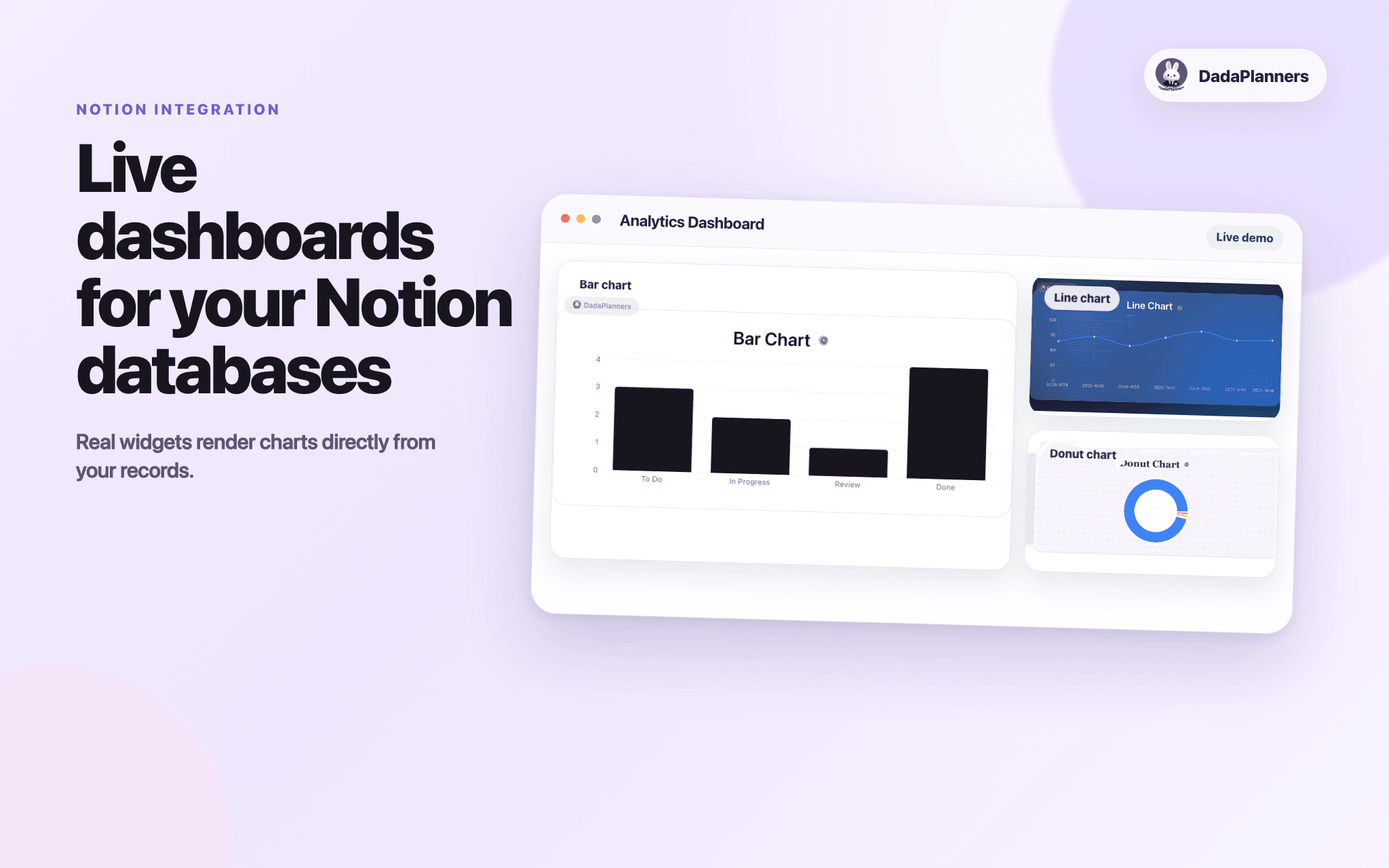
Data charts without the paywall math. Five chart widgets cover the essentials: vertical bars, horizontal bars, line charts, donut charts, and big-number cards. Point a chart at any database, pick your X and Y fields, group by a property to compare segments as stacked bars, and click any group to drill into the underlying records. If you know Notion's native charts, you'll feel at home — these are built to match that workflow.
Connect in one click. Sign in with Notion (OAuth) and check the databases you want to use — that's the whole setup. No integration tokens to create, copy, or paste. Re-authorize anytime from your dashboard when you add new databases.
Made to fit your pages. Six visual themes (glass, paper, minimal, neon, neumorphism, Chinese-style) let widgets blend into any workspace aesthetic, and compact/expanded modes adapt to narrow columns or full-width sections.
Beyond charts. A focus timer that persists your state across reloads, plus a family of habit, reading, and review trackers that write check-ins back to your databases — so your Notion tables stay the single source of truth.
Free widgets are available to try before you subscribe. Your Notion content stays in your workspace — we access only the databases you explicitly authorize: reading them to render your widgets, and writing back only the check-ins you record yourself. Optional AI features send the minimum necessary data to our AI provider for processing, as described in our Privacy Policy.
功能
- 读取、插入和更新内容可以读取、插入和更新与此连接共享的页面、数据库和区块。
- 查看工作空间用户读取有关工作空间成员和访客的基本档案详细信息,包括其电子邮件地址。
如何使用
Getting started takes about two minutes:
1. Click Connect and authorize with Notion. Check the databases you want to use — you can re-authorize anytime to add more.
2. On dadaplanners.com, pick a widget (charts, focus timer, mood / habit / finance / workout trackers...), choose your database, and match the fields. A live preview renders instantly.
3. Copy the embed link and paste it into any Notion page as an Embed block. Done — the widget now reads and writes your database in real time.
Prefer a head start? Duplicate one of our free templates (Mood Calendar, Focus Today, Finance Calendar, Workout Dashboard, Health Dashboard) — the matching database structure comes with it.
Need help? Email [email protected] and we'll get you set up.