关于
Pasting into Notion breaks things: tables turn into plain text, code loses its block, nested lists flatten. Clipper Pro turns what you read into real Notion blocks before it lands.
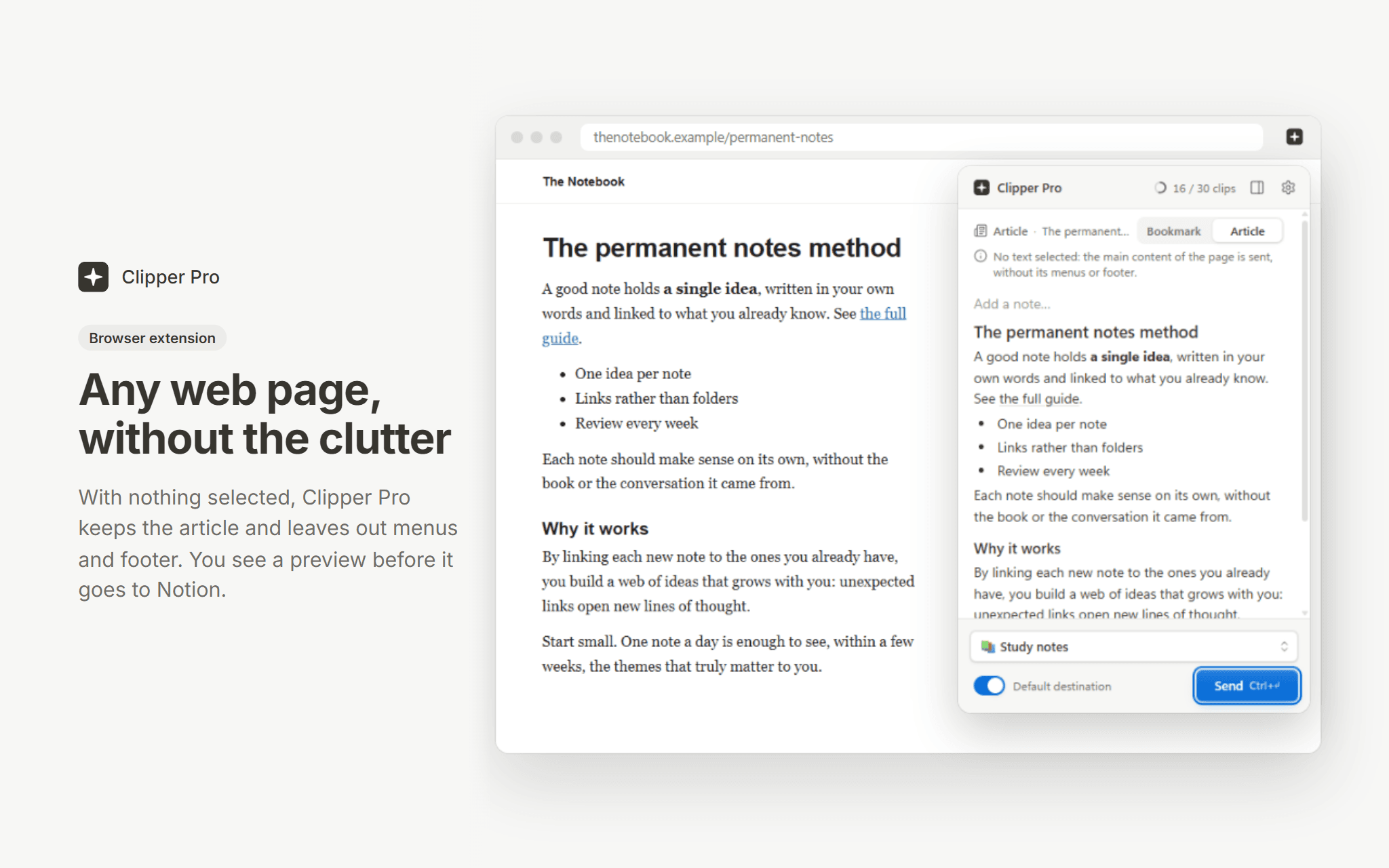
The Chrome and Edge extension sends a whole article without its menus, a selection, an image or a link, with a preview first and a side panel to collect passages from several tabs. The desktop app (Windows, macOS, Linux) does the same for anything you copy, from a Word file, a PDF or an email, with an offline queue.
Answers from ChatGPT, Claude and Gemini arrive whole, and ChatGPT formulas become equation blocks. Pick any page or database of your workspace as the destination, or set a default one.
Free plan: 30 clips a month, no time limit. Premium is unlimited. Clipper Pro is built by an independent developer and is not affiliated with Notion.
功能
- 读取、插入和更新内容可以读取、插入和更新与此连接共享的页面、数据库和区块。
- 读取和添加评论可以在其有权访问的页面和区块上读取和添加评论。
- 查看工作空间用户读取有关工作空间成员和访客的基本档案详细信息,包括其电子邮件地址。
如何使用
1. Install the Chrome or Edge extension, or the desktop app, from clipperpro.app/download.
2. Sign in and connect your Notion workspace, then choose the pages Clipper Pro may write to.
3. Select something on a web page (or copy it in any app), pick a destination page or database, and send. In the browser, Alt+Shift+K clips the current selection.