

关于
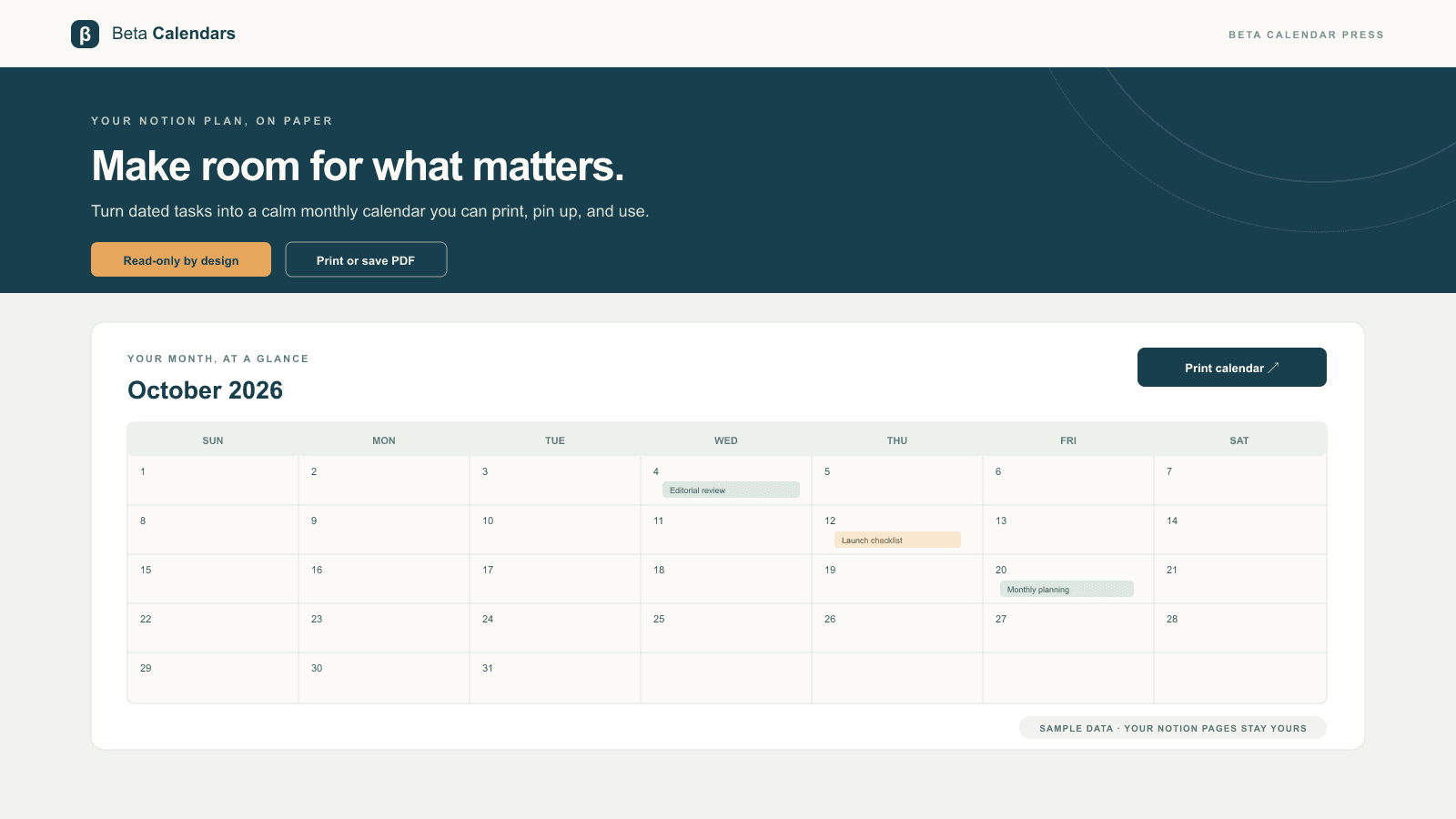
Beta Calendar Press turns dated tasks and events from the Notion databases you choose into a calm, print-ready monthly calendar. Connect Notion, select the pages or databases you want to share, and browse their dated entries by month. The connection uses read-only access: it retrieves the selected databases’ title, date, and optional status properties for the requested month and does not edit your workspace. Print the calendar or save it as a PDF. Prefer not to connect? Import a CSV export; CSV processing happens in your browser, and the file is not uploaded.
功能
- 读取内容可以读取与此连接共享的页面、数据库和区块。
如何使用
1. Select “Connect Notion” and review the read-only access request. In Notion’s page picker, choose the database you want to use and allow access.
2. Beta Calendar Press finds databases with a title and date property. Choose your database from “Calendar source”; the selected month appears automatically.
3. Browse to another month and select “Print calendar” to print or save a PDF.
You can disconnect from the calendar page or revoke the connection in Notion at any time. For CSV files, use “Import a Notion CSV,” then match the title and date columns. The CSV remains in your browser.
