 APIANT.ai
APIANT.ai
关于
APIANT.ai is an integration platform operated by an AI agent. You describe the outcome in plain language, from the APIANT.ai assistant or from your own AI client, and the agent builds the automation, tests it with sample data before it goes live, and keeps it running. Every automation is a diagram you can open, read and change.
**What it does with Notion**
- Starts an automation when a database item is added or updated, when a page changes, or when a comment is posted.
- Creates, updates, finds and archives database items, creates pages, and adds content, comments and files.
- Connects Notion to the other tools a team uses, such as a CRM, help desk, forms or spreadsheets, so records stop being copied by hand.
**Example**
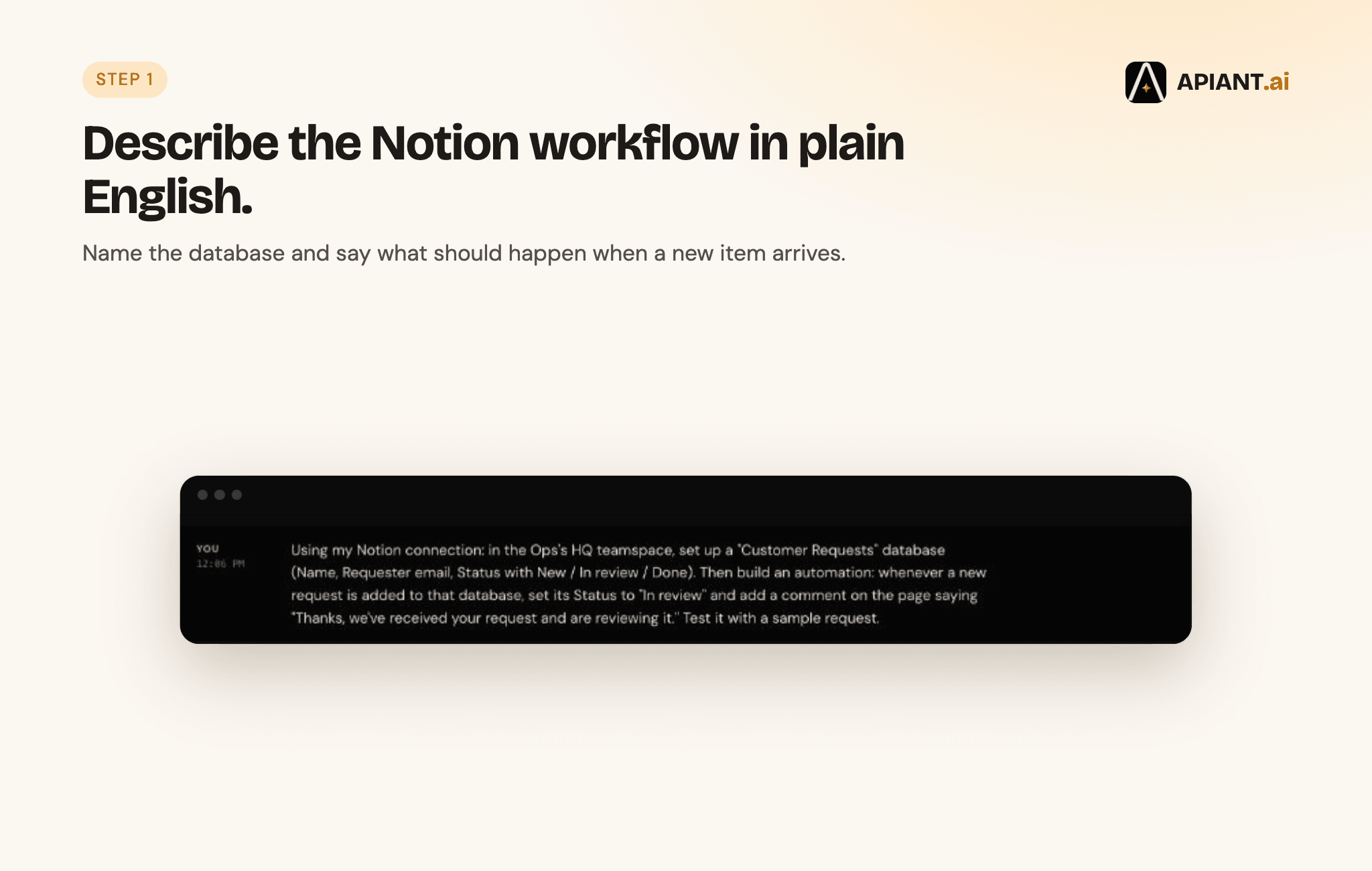
"When a new request is added to my Customer Requests database, set its Status to In review and add a comment saying we've received it." APIANT.ai builds that, runs it against a sample request, and switches it on once the test passes.
**Access**
APIANT.ai only reaches the pages and databases you choose when you connect Notion. You can remove that access at any time from Notion's Connections settings.
**Pricing**
There is a free plan, and every engine feature is on every plan. Current pricing is at https://apiant.ai/pricing.
功能
- 读取、插入和更新内容可以读取、插入和更新与此连接共享的页面、数据库和区块。
- 读取和添加评论可以在其有权访问的页面和区块上读取和添加评论。
- 查看工作空间用户读取有关工作空间成员和访客的基本档案详细信息,包括其电子邮件地址。
如何使用
1. Create a free account at https://app.apiant.ai/register, or start from https://apiant.ai/connections/notion.
2. Connect Notion. Sign in, then choose the pages and databases APIANT.ai may use.
3. Describe what you want in plain language, for example: "When a new request is added to my Customer Requests database, set its Status to In review and add a comment saying we've received it."
4. APIANT.ai builds the automation, tests it with a sample record, and switches it on once the test passes.
5. Open the automation at any time to read the diagram, check each run, or ask for a change.
