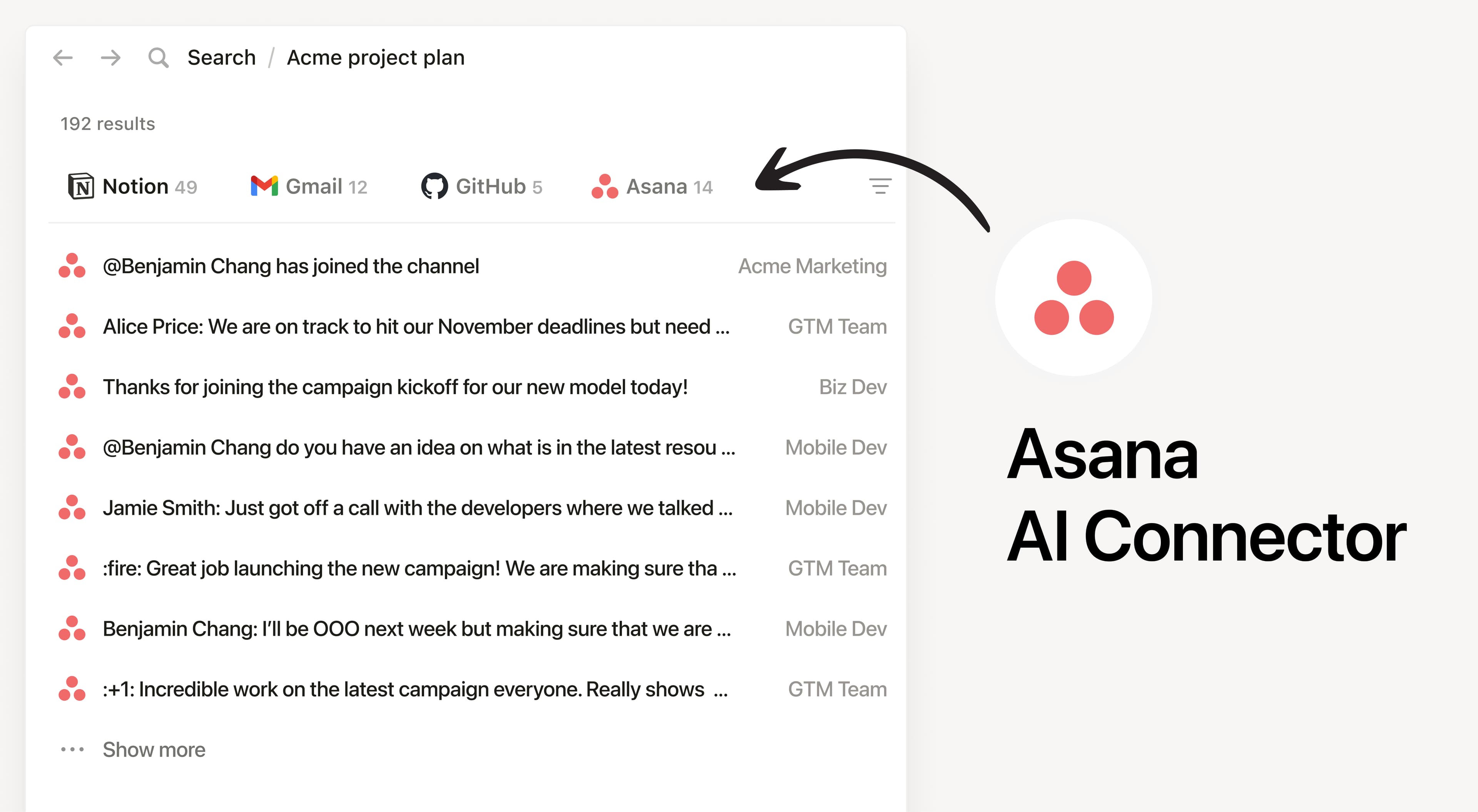
Install Notion’s AI Connector to your Asana workspace. Search by teams, projects, and tasks to answer questions about ongoing work and summarize what is happing in Asana without having to leave Notion.
How to use
Must be a Notion workspace owner on the Business or Enterprise plan and for Asana Enterprise customers, you must be an Admin.
In Notion, navigate to the Asana AI Connector by going to Settings → Notion AI → AI Connectors → Asana and follow the setup steps (don’t close Notion during setup).
During setup, you’ll pick a connection mode:
Enterprise (recommended): An Asana admin connects via a service account token for broader access (including private tasks not in a project).
Other plans: Sign in to Asana and click Allow. Access matches the connecting user’s permissions.
For detailed instructions, check out our Help Center.
After installation is complete, ask Notion AI to summarize the status of a Launch project and list upcoming due dates or list the open tasks for a project and highlight what’s blocked.