Versions /
Archivez les pages obsolètes pour que votre espace de travail reste à jour
L’archivage vous permet d’indiquer que certaines pages ne sont plus d’actualité afin de garder votre espace de travail propre et d’améliorer vos résultats de recherche.
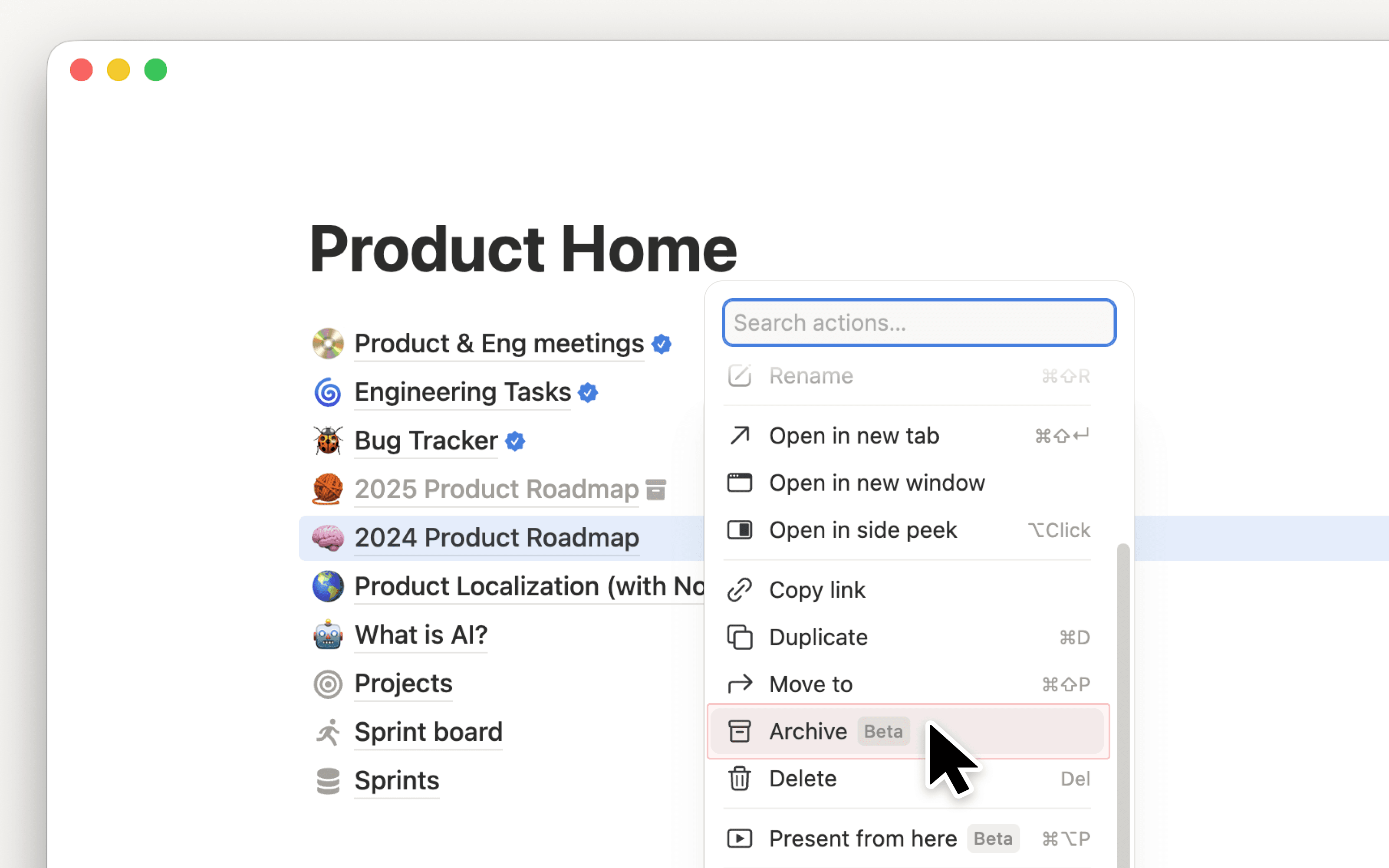
Les pages archivées comportent une bannière indiquant qui les a archivées et à quel moment. Par défaut, elles sont masquées dans les résultats de recherche, la barre latérale et les vues de base de données. Archiver une page parente entraîne l’archivage automatique de ses sous-pages.
Pour archiver, cliquez sur ••• en haut à droite d’une page, puis sélectionnez Archiver.
Pour en savoir plus, consultez notre Centre d’aide →