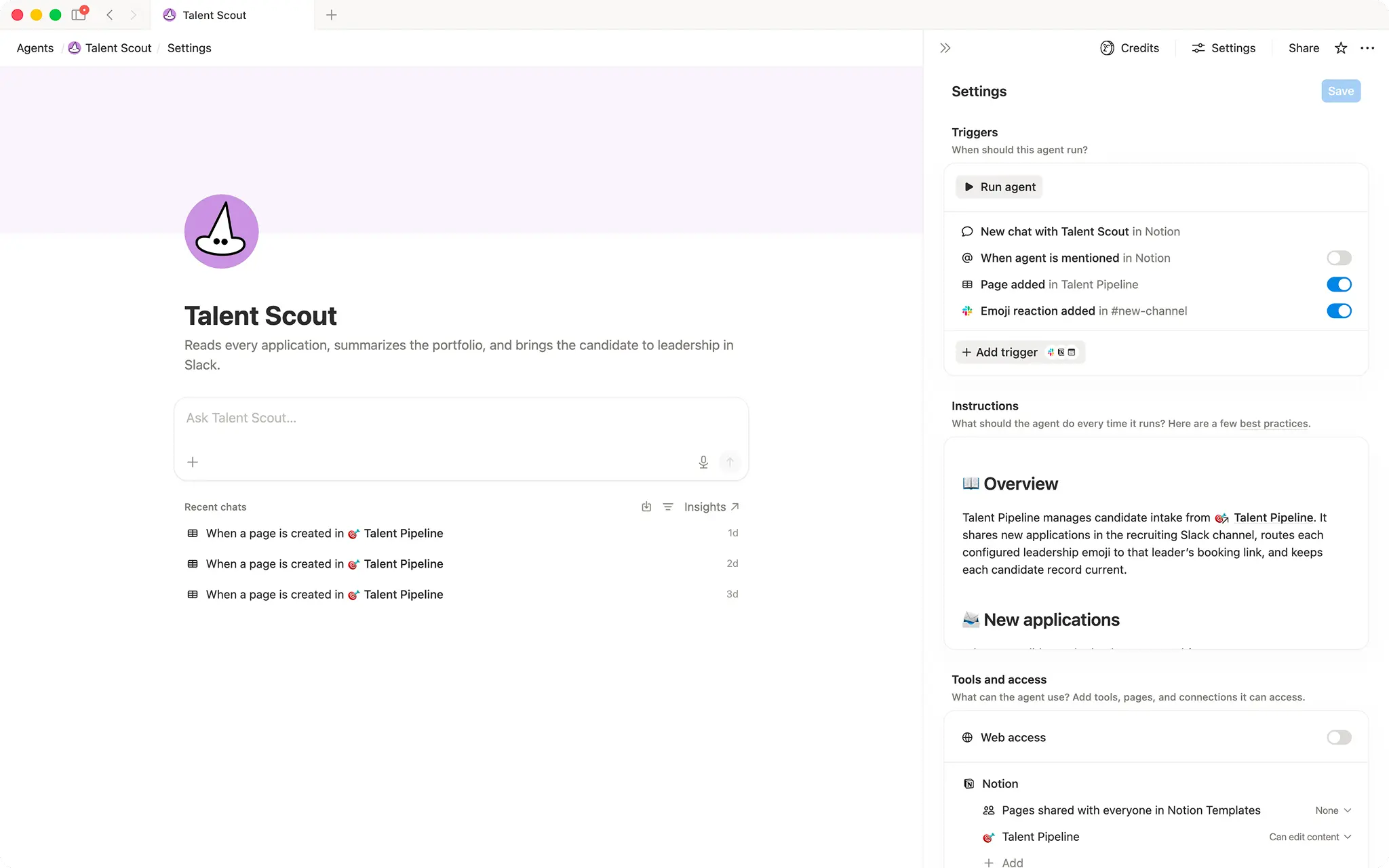

Talent scout
Surfaces new applicants in Slack and routes interview invites to the right leader with one emoji reaction.- Publie sur les canaux Slack
- Envoie des e-mails
- Met à jour les propriétés de base de données
À propos de cet agent
Overview
Talent Scout automates the full top-of-funnel recruiting loop: it captures every new application, posts a clean summary to your recruiting Slack channel, and sends a personalized outreach email the moment a leader reacts with their assigned emoji.
Who it's for
Recruiting teams and hiring managers who want to move candidates from application to first conversation without manual coordination.
What's included
- Application intake: Monitors a candidate database for new entries created via a connected form.
- Slack post on arrival: Posts a structured candidate summary (name, role, portfolio, availability, timezone, and interests) to a Slack channel for leadership review, without exposing sensitive contact details.
- Emoji-based leader routing: Maps a unique Slack emoji per leader to their individual booking link; a single reaction triggers the right outreach automatically.
- Automated outreach email: Sends a warm, personalized email to the candidate with the matched leader's booking link when a configured emoji reaction is added.
- Database updates: Sets candidate status ("New" → "Invited"), checks the outreach flag, saves the Slack message link, and records the reviewer, all without manual edits.
- Idempotency guardrails: Prevents duplicate Slack posts and duplicate outreach emails per candidate.
- Thread-based error reporting: Posts a Slack thread reply explaining any blockers (missing email, unrecognized emoji, already contacted) instead of failing silently.
How to use it
- Connect your candidate database: Link the agent to the Notion database where application form responses are stored.
- Configure leader routing: Edit the leader routing list in the agent instructions to add each leader's unique Slack emoji and their personal booking link.
- Set your Slack channel: Confirm the agent has access to post in the Slack channel your recruiting team monitors.
- Submit a test application: Use the connected form to add a test candidate and verify the Slack summary appears correctly.
- React with a leader emoji: Add a configured emoji reaction to the Slack message and confirm the candidate receives an outreach email and their record updates to "Invited".
Galerie