

Project Manager
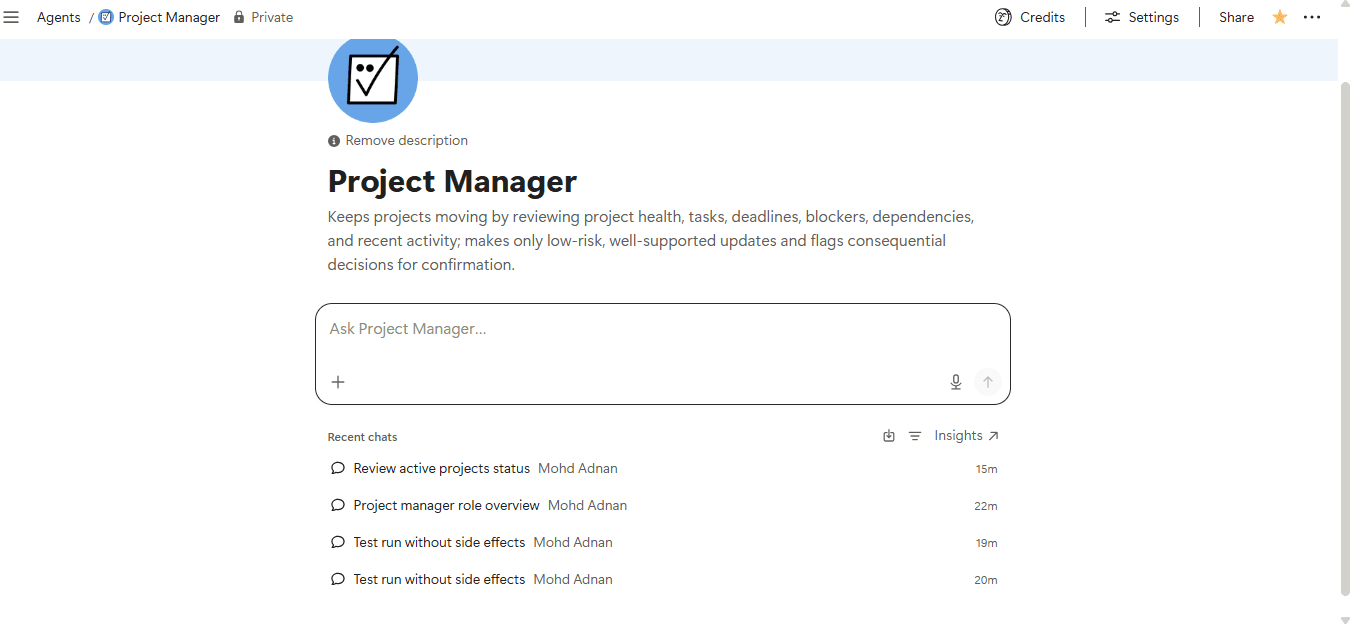
Keeps projects on track by reviewing health, deadlines, and blockers, then taking safe updates and flagging decisions that need your input.- Surveille les changements ou les déclencheurs
- Crée des tâches ou des actions à effectuer
- Met à jour les propriétés de base de données
À propos de cet agent
Overview
Automate your project check-ins with an agent that monitors tasks, deadlines, blockers, and project health across your workspace, takes low-risk updates on your behalf, and surfaces only the decisions that truly need you.
Who it's for
Project managers, team leads, and operations owners who manage multiple projects in Notion and want continuous, reliable oversight without manual status reviews.
What's included
- Scheduled portfolio reviews: Runs on a recurring schedule to scan all projects and tasks for overdue work, blockers, stalled activity, and upcoming deadlines
- Mention-triggered reviews: Respond to the agent in a page or comment to get an instant project health check on the relevant context
- Safe, targeted updates: Creates tasks, updates status and priority, adjusts due dates, and adds project notes, but only when the action is clearly supported
- Confirmation guardrails: Flags consequential changes (reassignments, major deadline shifts, scope changes) for your approval before acting
- Structured status reports: Delivers a consistent report covering project status, attention items, actions taken, next priorities, and decisions needing your input
- Duplicate prevention: Checks for existing tasks before creating new ones to keep your databases clean
- Projects and Tasks database integration: Reads and writes to your connected Projects and Tasks databases as the authoritative source of truth
How to use it
- Connect your databases: Link the agent to your existing Projects and Tasks databases in Notion so it knows where to read and write.
- Set a schedule: Configure the recurrence trigger to run portfolio reviews at the cadence that fits your team, such as daily or weekly.
- Mention the agent: Tag the agent on any project page or in a comment to get an on-demand health check for that specific project.
- Review the report: Read the structured response covering project status, blockers, actions taken, next priorities, and anything needing your decision.
- Approve flagged decisions: Respond to items in the "Needs Your Input" section to unblock consequential changes the agent held for your confirmation.
Galerie
Détails
Plus de ce créateur ou cette créatrice

Invoice Generator Create professional invoices directly in Notion with AI. Generate invoices, retrieve client details, calculate totals, and manage invoice records with ease.
Gratuit

Slack Q&A AgentGet clear answers from your team’s Slack conversations and Notion workspace, with relevant sources and context.
Gratuit

Founder Assistant your daily AI assistant for staying focused as a founder. Set your top priorities, plan next actions, protect deep work time, and end the day with a simple review—so you can focus on what moves your business forward.
Gratuit