

À propos
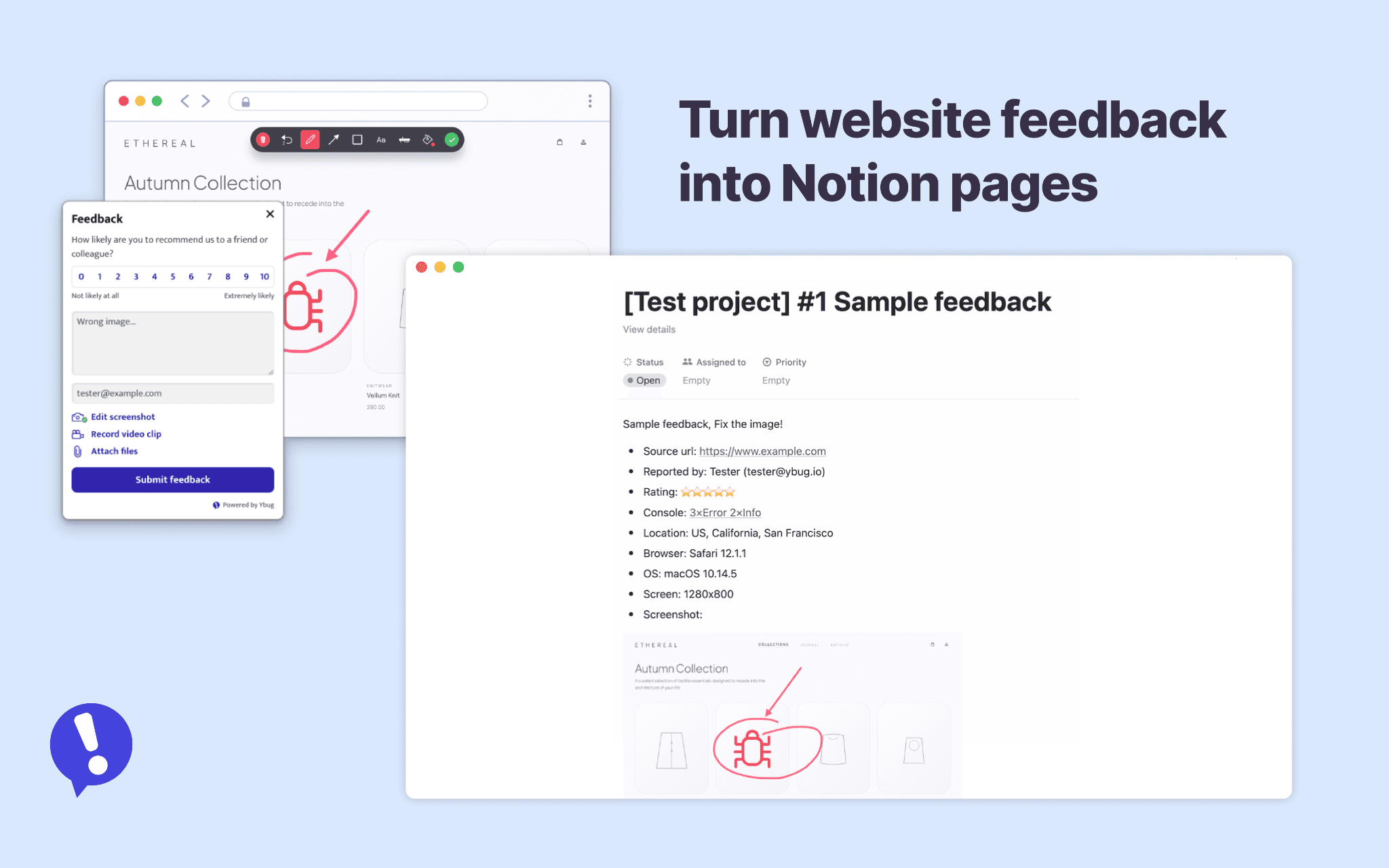
Ybug turns website feedback and bug reports into clear, actionable Notion pages.
Stop chasing bug details across screenshots, emails, and chat threads. With Ybug, users, clients, and testers can report issues directly on your website. Ybug captures the screenshot, source URL, browser details, reporter note, attachments, console logs, and a link back to the original report.
Send every report to Notion automatically, or review feedback in Ybug first and forward only what matters. Reports are created in the Notion database you choose, making it easy to keep bug reports, QA feedback, and client review notes in one workspace.
Cleaner Notion bug tracking. Faster triage. Fewer “which browser?” follow-ups.
Fonctionnalités
- Lire et insérer contenuPeut lire et insérer les pages, les bases de données et les blocs partagés avec cette connexion.
Comment utiliser l’intégration
1. Log in to Ybug and open the project you want to connect.
2. Go to Project settings → Integrations and enable Notion.
3. Authorize Ybug in Notion, then choose the workspace pages Ybug can access.
4. Select the Notion database where new feedback pages should be created.
5. Save the settings and send a test report.
For the best workflow, use an Issue tracking database or another database your team uses for bugs, QA feedback, product issues, or client review notes.
Détails

- Expérience client
- Productivité
- Travail en équipe