
À propos
The Tines integration for Notion allows you to seamlessly automate your security and IT operations, using and updating Notion as the source of truth. Collaborate, track cases, and involve humans-in-the-loop in Notion, while your workflows run automatically in the background in Tines.
Fonctionnalités
- Lire, insérer et mettre à jour contenuPeut lire, insérer et mettre à jour les pages, les bases de données et les blocs partagés avec cette connexion.
- Lire et ajouter commentairesPeut lire et ajouter les commentaires des pages et des blocs auxquels elle peut accéder.
- Afficher les utilisateur·rices de l’espace de travailLit les détails de base du profil des membres et des invité·es de l’espace de travail, y compris leurs adresses e-mail.
Comment utiliser l’intégration
Set up a Tines connect flow for Notion:
Credentials home: select
+ New credentialand choose the product you'd like to connect to Tines.Storyboard:
Story overview pane:
Select
+in the credentials section and chooseNotionSelect
Connectby the product name and chooseCreate credentialorNew connection.Select
Replaceafter hovering over the product name and chooseCreate credential.
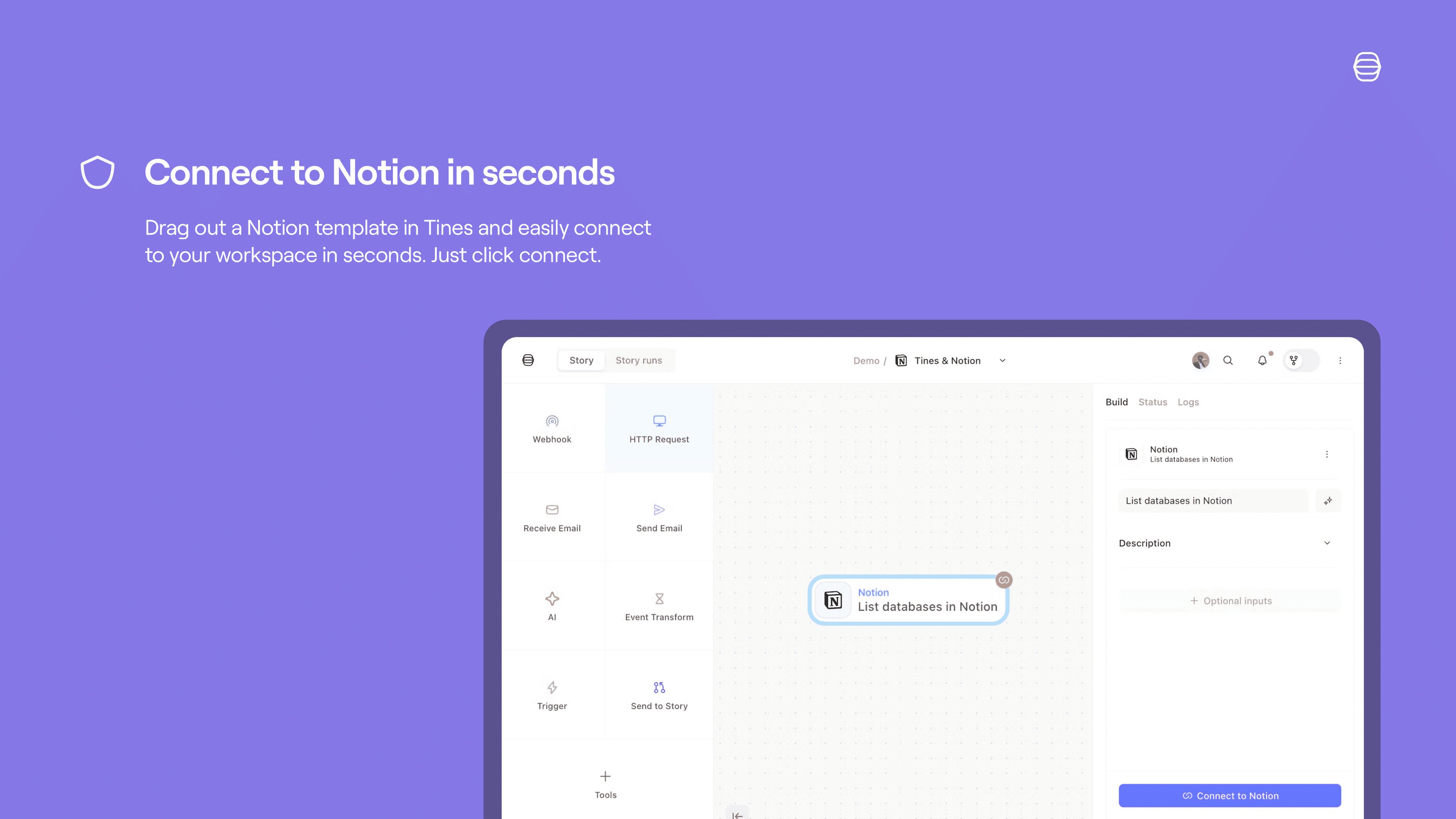
Product template: if you select a template for a product that has a connect flow, a connect button will appear. Select
Connectand thenNew connectionto start the connect flow for that product.
See more info here.
Détails
- Sécurité et conformité