 Timesheet - Time Tracker
Timesheet - Time Tracker
À propos
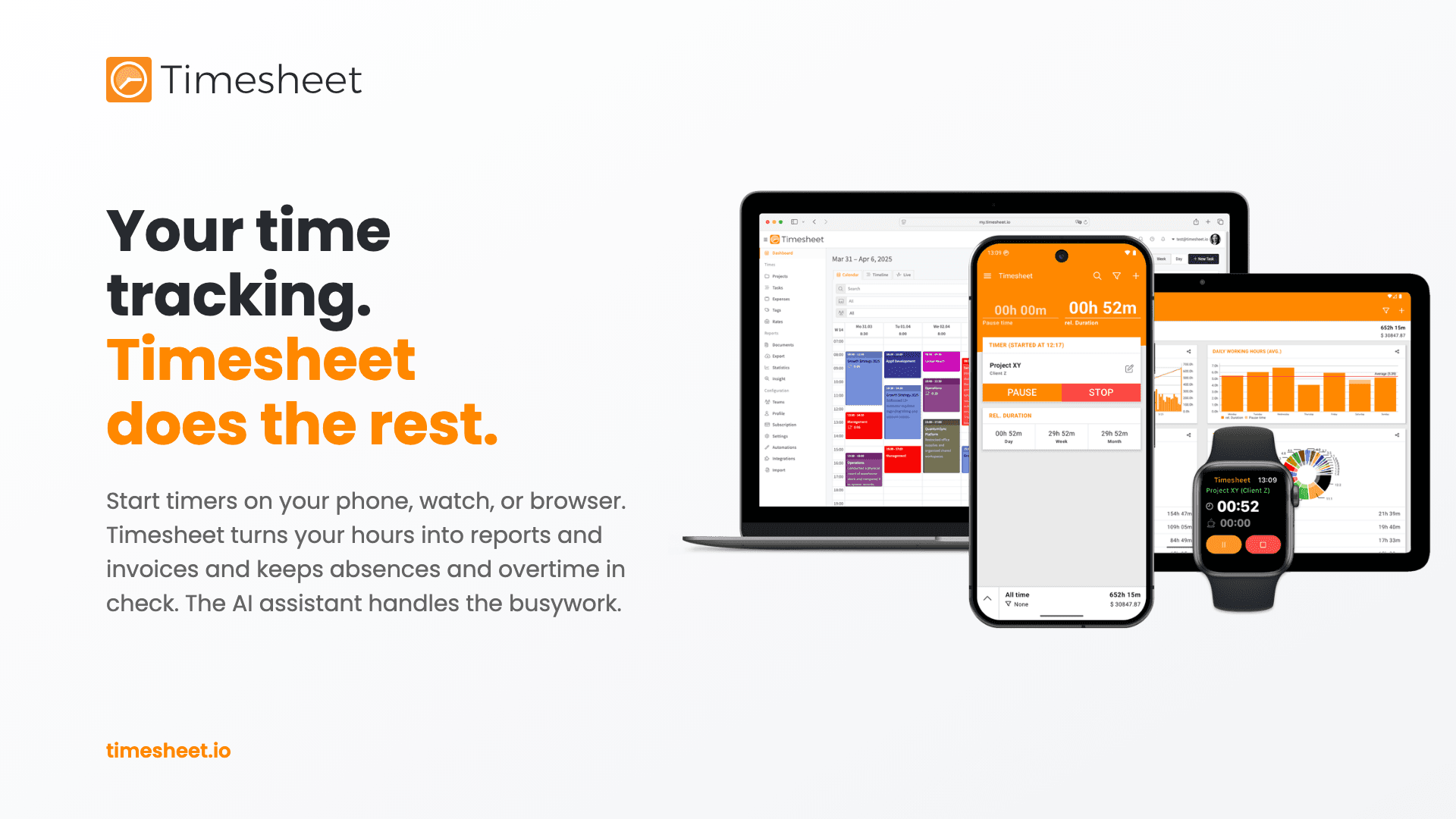
Timesheet is a time tracker for freelancers and teams on the web, iOS and Android. Connect it to Notion and your task database and Timesheet stay in step: start a timer on any Notion task, and the hours you track show up in Notion.
What you get
- Two-way task sync. Pages in a connected Notion database become todos in Timesheet, and todos you add in Timesheet appear as new pages. Name, status and due date stay in step both ways.
- Your hours in Notion. Every time entry you stop becomes a row in a time-log database, with its description, start and end time, net hours with breaks taken out, and a link to the task page. Sum the hours in any view, or group them by task.
- A ready-made time log. Timesheet can create the time-log database for you, next to your task database, with the right properties already in place. You can also use a database you already have.
- Works with your existing databases. Timesheet finds the title, status (or checkbox) and date properties on its own. If you use different ones, name them in the settings.
- Your choice of direction. Sync both ways, only from Timesheet to Notion, or only from Notion to Timesheet.
- Track anywhere. Time you track on your phone or in the web app reaches Notion the same way.
- Ready for teams. Map each Timesheet member to their Notion user, so time logged in Notion is filed under the right person.
- Stays current. Changes in Notion arrive through webhooks, a daily sync catches anything missed, and Sync Now runs one whenever you like.
Access and privacy
When you connect, you choose which pages and databases Timesheet can see, and you can change that in Notion at any time. Timesheet never sees your Notion password. Deleting a todo in Timesheet moves its Notion page to the trash instead of deleting it for good.
Pricing
The Notion connection is part of Timesheet Pro. Try it free for 30 days, no credit card required.
Fonctionnalités
- Lire, insérer et mettre à jour contenuPeut lire, insérer et mettre à jour les pages, les bases de données et les blocs partagés avec cette connexion.
- Afficher les utilisateur·rices de l’espace de travailLit les détails de base du profil des membres et des invité·es de l’espace de travail, y compris leurs adresses e-mail.
Comment utiliser l’intégration
1. Sign in at my.timesheet.io, or create an account. The Notion connection is part of Pro, which you can try free for 30 days.
2. Open Integrations, select Browse Marketplace, and install Notion Sync.
3. Select Connect and sign in to Notion. When Notion asks which pages to share, pick the page that holds your task database. Timesheet can then see the database and create the time log next to it.
4. On the Mappings tab, pair a Timesheet project with your Notion database and select Save. Each page in that database becomes a todo in the project.
5. On the Settings tab, choose the sync direction. To log your hours in Notion, select Create time-log database.
6. Select Sync Now to bring in your existing pages. From then on, changes sync on their own.
Working in a team? On the Mappings tab, pair each member with their Notion user, so time logged in Notion is filed under the right person.
Détails

- Automatisations
- Productivité
- Données analytiques