SendMyVoice

SendMyVoice
À propos
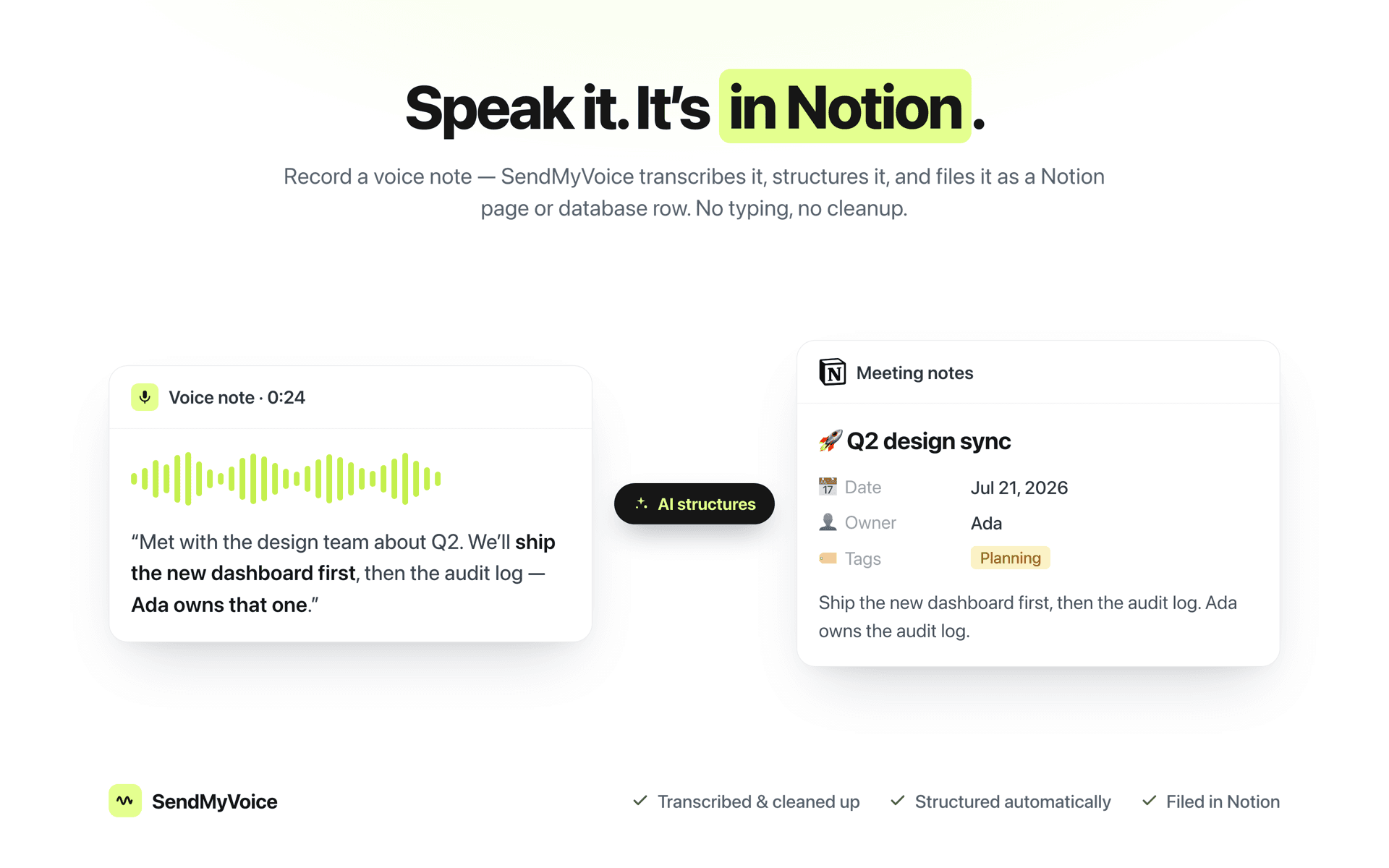
The fastest way to get an idea into Notion is to say it out loud. SendMyVoice records your voice, cleans up the transcript, and turns it into a properly structured Notion page or database row with a clear title, a summary, and the right properties filled in.
Connect your Notion workspace, pick a destination database or page, and every voice note you record lands there already organized. No typing, no copy-paste, no cleaning up rambling transcripts by hand.
What you get:
- 📝 Accurate transcripts, cleaned of filler and false starts
- 🧠 AI structuring into a title and summary - not just raw text dumped onto a page
- 🗂️ Schema-aware database rows: SendMyVoice reads your database's properties and fills the right columns
- ✂️ One note can become several rows: say, three tasks out loud and get three entries
- 📄 Or a full Notion page when you'd rather keep the long-form version
- 🎙️ Record from the web app, your phone, or the browser extension
Great for:
- Meeting notes and action items
- Turning spoken ideas into task-database entries
- Journaling and voice memos that actually get organized
- Anyone who thinks faster than they type
Built for people who run their work in Notion and would rather talk than type.
Fonctionnalités
- Lire, insérer et mettre à jour contenuPeut lire, insérer et mettre à jour les pages, les bases de données et les blocs partagés avec cette connexion.
- Afficher les utilisateur·rices de l’espace de travailLit les détails de base du profil des membres et des invité·es de l’espace de travail, y compris leurs adresses e-mail.
Comment utiliser l’intégration
- Connect Notion.
Authorize your Notion workspace and pick the pages or databases you want SendMyVoice to use. - Create a workflow.
Choose a destination: a Notion database for structured rows, or a page and SendMyVoice reads its schema so notes land in the right shape. - Record a voice note.
Speak from the web, your phone, or the browser extension. It's transcribed, structured, and filed in Notion automatically.
Détails
Créée par
Catégorie
- Productivité
- Automatisations
Liens pour les développeur·euses