 Operater
Operater
À propos
Operater is an agentic operating system that lets startups deploy AI agents as autonomous team members, handling execution across sales, marketing, operations, and customer success without prompting or babysitting.
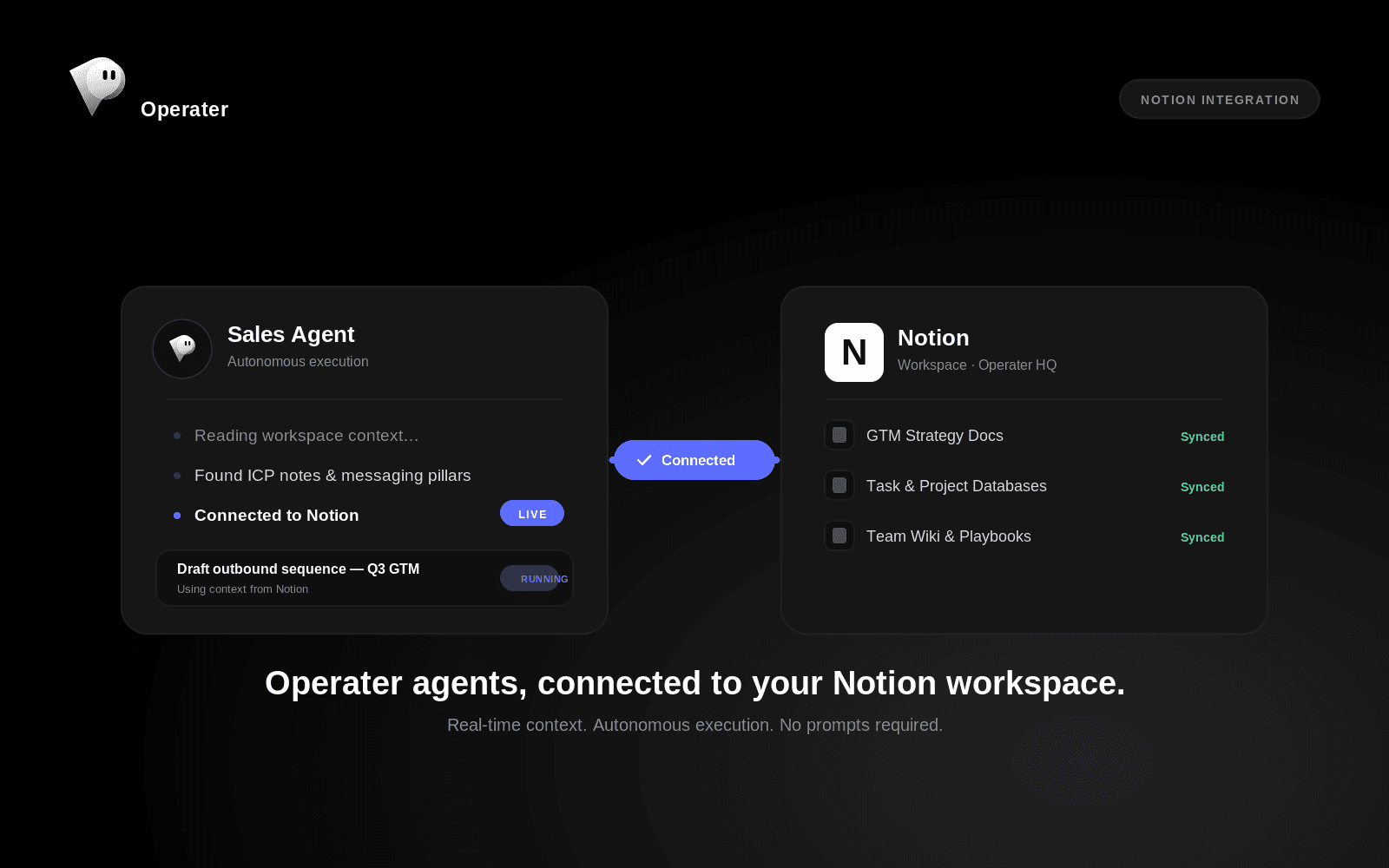
Connecting Notion gives Operater's agents real-time access to your team's docs, wikis, and task databases, so they can read context, update pages, create and manage tasks, and keep information in sync as they execute work. Instead of treating Notion as just a place humans write things down, Operater's agents use it as part of their live operating environment: pulling context before acting, writing outcomes back, and keeping your workspace current without manual upkeep.
What this integration enables:
Agents can read existing pages and databases in Notion to pull context before executing a task, so they act with full awareness of your team's current plans, notes, and decisions.
Agents can create and update pages, keeping documentation, project trackers, and knowledge bases current as work gets done, instead of leaving Notion to go stale.
Agents can manage tasks directly in your Notion databases, moving items across statuses, assigning owners, and logging progress as they complete work end to end.
Cross-functional agents (sales, marketing, ops) can write their outputs into shared Notion spaces, giving your team one place to see what autonomous work has happened and why.
Why this matters: most AI tools stop at generating text in a chat window, leaving someone to copy it into the tools your team actually works in. Operater's agents are built to act directly inside the systems you already use. Notion is often where startups keep their single source of truth for plans, specs, and operations, so giving agents native access closes the loop between "AI suggests" and "work gets done."
This connection is built for startups and scaleups that already run their operations in Notion and want AI agents to participate directly in that workspace rather than working around it. Data access is scoped to the pages and databases you explicitly share with the integration, and agents only take actions within that granted scope.
Fonctionnalités
- Lire, insérer et mettre à jour contenuPeut lire, insérer et mettre à jour les pages, les bases de données et les blocs partagés avec cette connexion.
- Afficher les utilisateur·rices de l’espace de travailLit les détails de base du profil des membres et des invité·es de l’espace de travail, y compris leurs adresses e-mail.
Comment utiliser l’intégration
- Connect your workspace. From your Operater dashboard, go to Integrations and click Connect on Notion. Authorize access via OAuth and select which pages or databases to share.
- Choose what agents can see. Grant access to specific pages, databases, or your whole workspace. Agents only read and write within what you explicitly share.
- Let your agents get to work. Once connected, Operater's agents pull live context from those Notion pages before executing tasks, and write outcomes (task updates, docs, status changes) straight back in — no manual copy-paste required.
- Adjust access anytime. Add or remove shared pages and databases whenever your workspace changes, directly from Notion's connection settings.
Détails

- Automatisations
- Productivité
- Gestion de fichiers