 Alexander Plam
Nurii
À propos
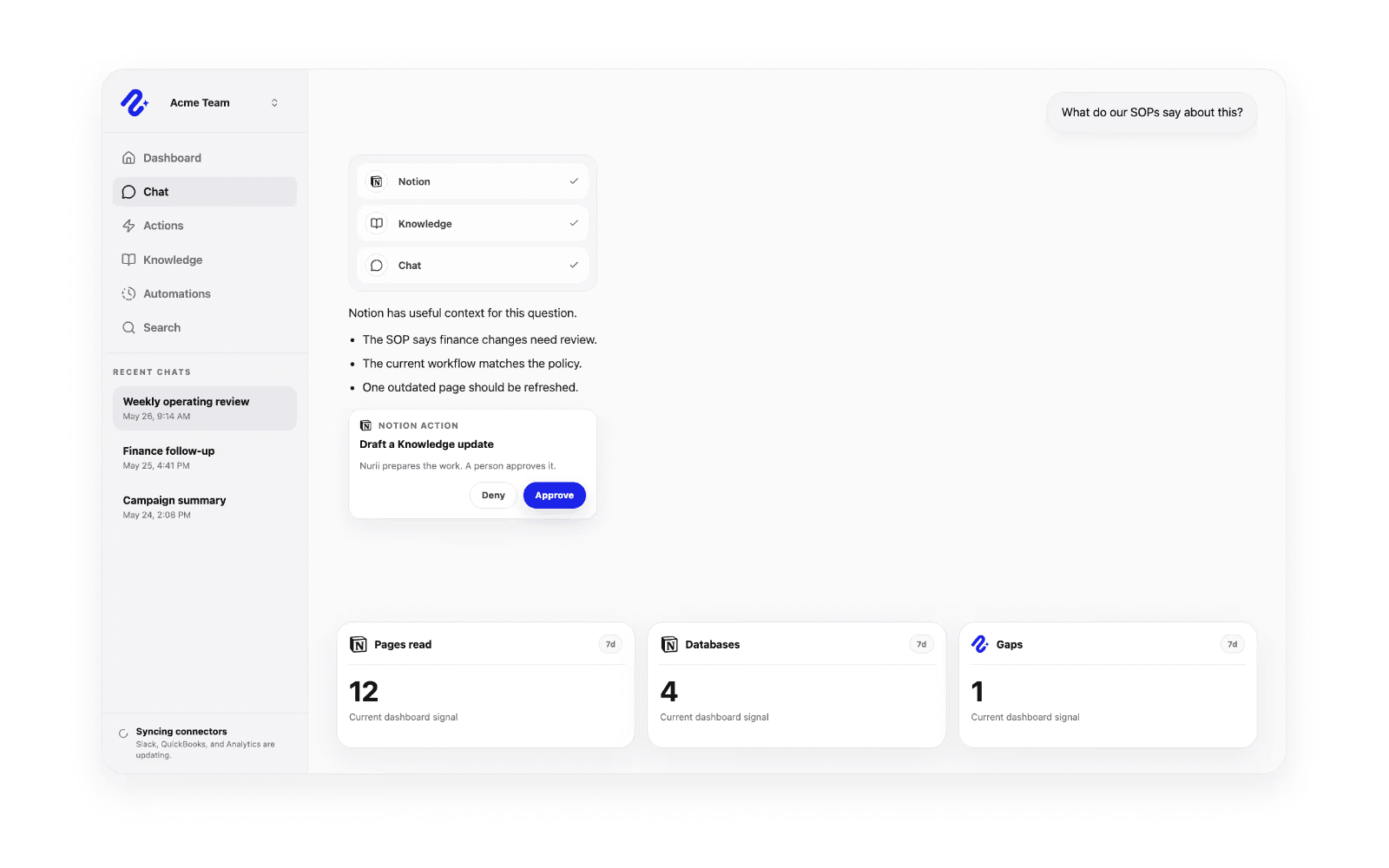
Nurii connects Notion with AI chat, Knowledge, automations, dashboards, and approved action flows so teams can use workspace context alongside the rest of their operations. With Notion connected, Nurii can work from authorized pages, blocks, data sources, entries, comments, and workspace context to answer questions, summarize plans, surface follow-up, and support recurring reports. Teams can combine Notion with tools like HubSpot, Slack, Calendar, Asana, finance systems, analytics, and shared Knowledge to understand what changed and what needs attention. When updates are needed, Nurii can prepare supported Notion actions such as creating or renaming pages, adding blocks, updating entries, changing to-do state, restoring or trashing content, and creating comments through a human review path before changes run.
Fonctionnalités
- Lire, insérer et mettre à jour contenuPeut lire, insérer et mettre à jour les pages, les bases de données et les blocs partagés avec cette connexion.
- Lire et ajouter commentairesPeut lire et ajouter les commentaires des pages et des blocs auxquels elle peut accéder.
- Afficher les utilisateur·rices de l’espace de travailLit les détails de base du profil des membres et des invité·es de l’espace de travail, y compris leurs adresses e-mail.
Comment utiliser l’intégration
- Connect your Notion workspace to Nurii and choose the pages, data sources, and workspace context your team wants available.
- Ask Nurii questions, build recurring workflows, or use Notion context alongside your other connected tools.
- Review any proposed Notion updates before they run, including page, block, entry, to-do, and comment changes.
Détails

- Données analytiques
- Automatisations
- Productivité