
À propos
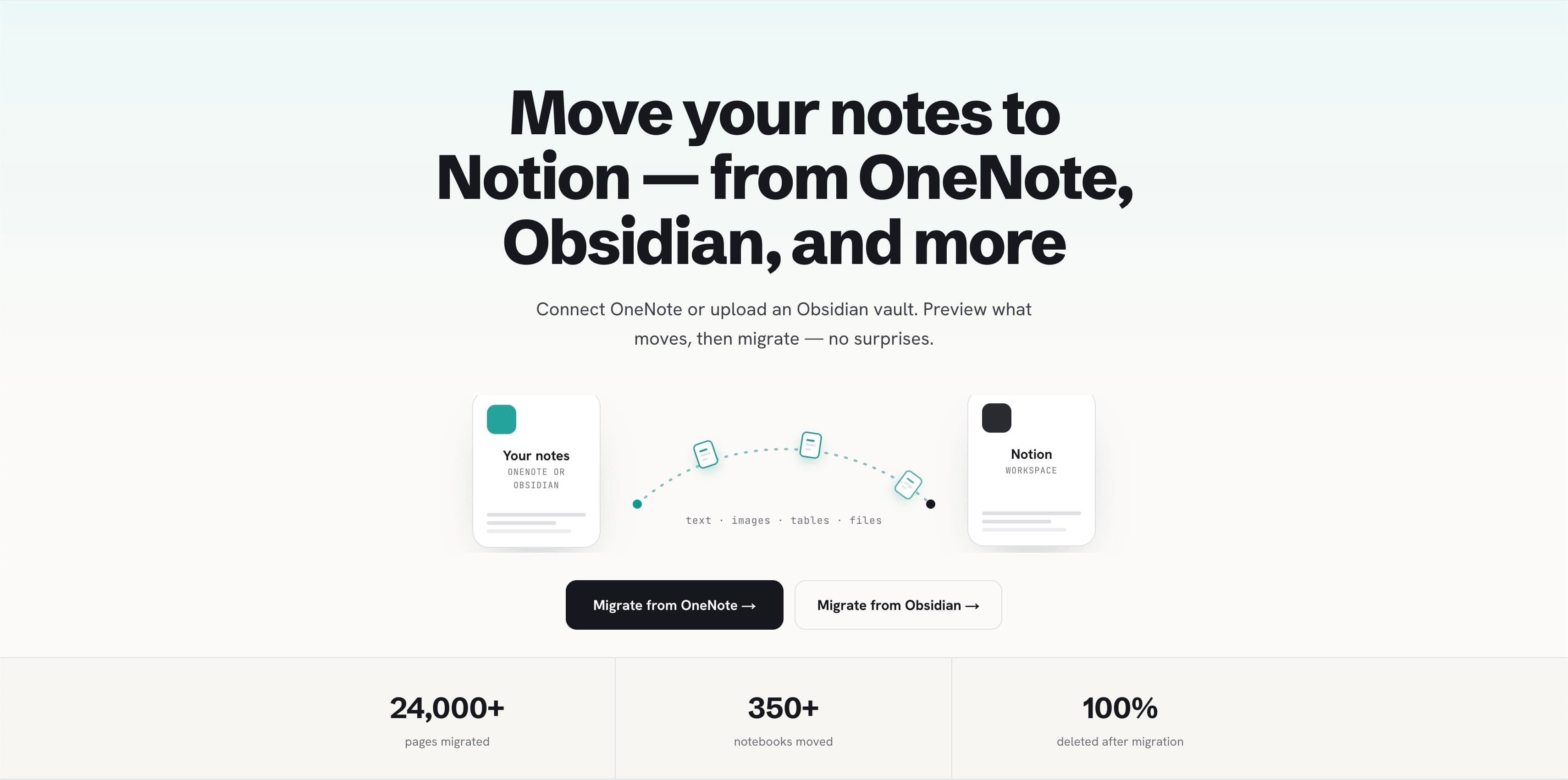
Note Bridge helps you move notes from Microsoft OneNote or Obsidian into Notion.
For OneNote, it connects through Microsoft Graph to read your notebooks, sections, and pages. For Obsidian, it lets you select a vault folder from your browser. You can preview your structure, choose what to migrate, and send the selected pages or notes into the Notion workspace you choose.
Note Bridge converts rich text, images, tables, code blocks, to-do lists, links, and file attachments into Notion pages and blocks where possible. It also preserves Obsidian-specific content such as wikilinks, callouts, frontmatter, tags, and embedded files where Notion supports a clean mapping.
Migration progress is shown as it runs, and each migration ends with a report. Your notes pass through temporary storage only during migration and are deleted immediately after delivery.
Fonctionnalités
- Lire, insérer et mettre à jour contenuPeut lire, insérer et mettre à jour les pages, les bases de données et les blocs partagés avec cette connexion.
Comment utiliser l’intégration
- Go to note-bridge.co and sign in.
- Choose your source: OneNote or Obsidian.
- For OneNote, connect your Microsoft account to grant read access to your notebooks. For Obsidian, select your vault folder from your browser.
- Connect your Notion workspace and choose where the migrated pages should be created.
- Preview your notebooks, sections, pages, or vault structure, then select what you want to migrate.
- Start the migration and watch the live progress.
- Review the migration report and open the migrated pages in your Notion workspace.
Détails
- Productivité